 Build Worlds That Feel Alive.
Maps, lore, locations and family trees
NovelOS Studio is world building software for novelists. Every place, item, magic system and faction gets its own entry with a picture, its rules and its history, linked to the characters and scenes that use it.
- $45 once, no subscription
- Windows and macOS
- Phone app included
- Works offline
 Windows
 macOS
macOS
 Mobile
Part of the 25 minute walkthrough. Watch the full tour from the start Watch on YouTube
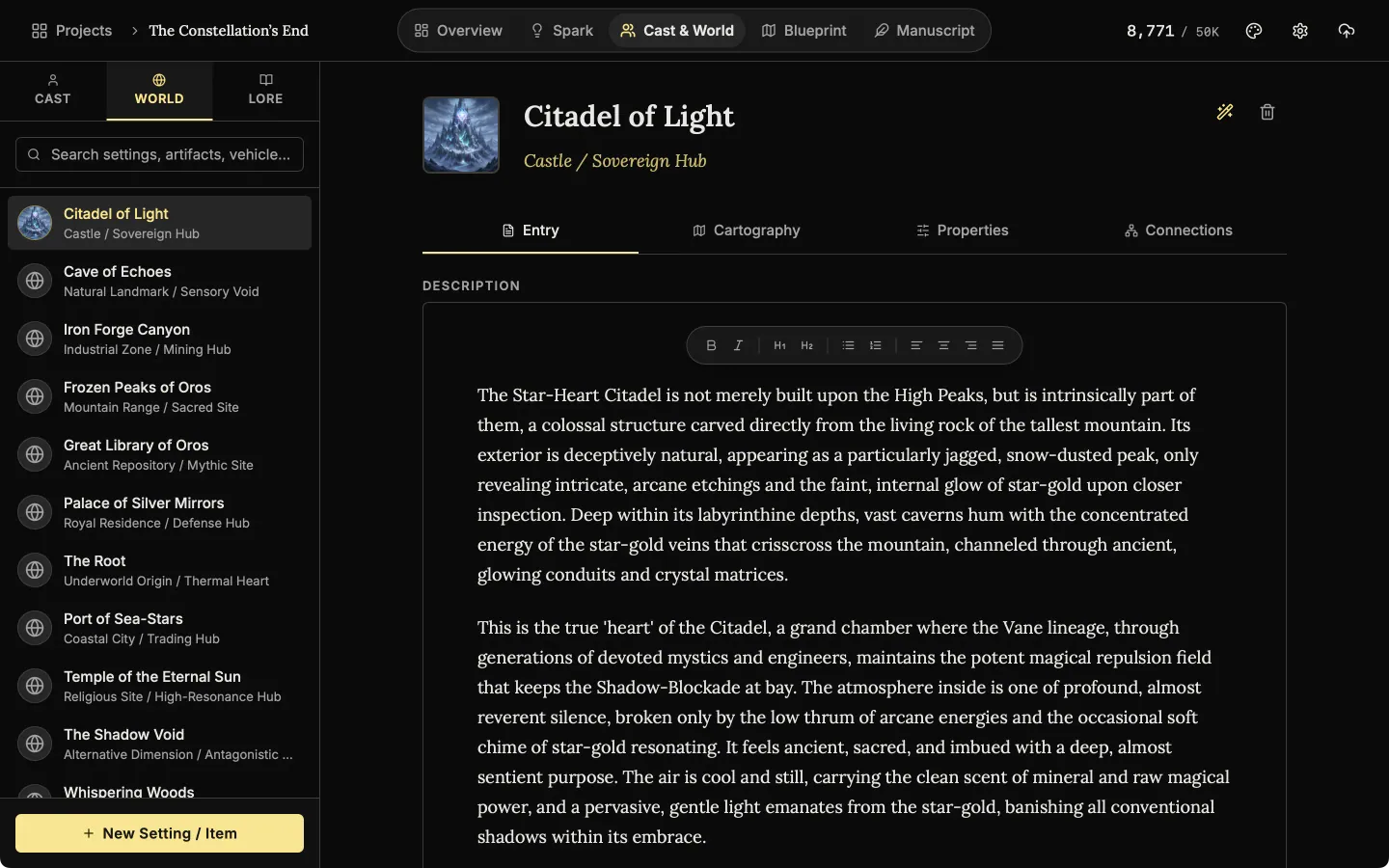
A page for every place and item in your world
Every setting and object gets an entry with a picture, a type and a description. Keep its facts as rows: an attribute on the left, its value on the right.
Places
The World list holds every setting and item in your book, each with its type. Open one to write its description.
Lore: the rules of your world
Lore holds magic systems, history, religions and factions. Mechanics lists the rules, one row each, so the magic stays the same in every chapter. Chronicle is a timeline of dated events.
Write the lore down
History, magic and factions each get an entry of their own, filed by type and easy to search.
See where each place and rule is used in your book
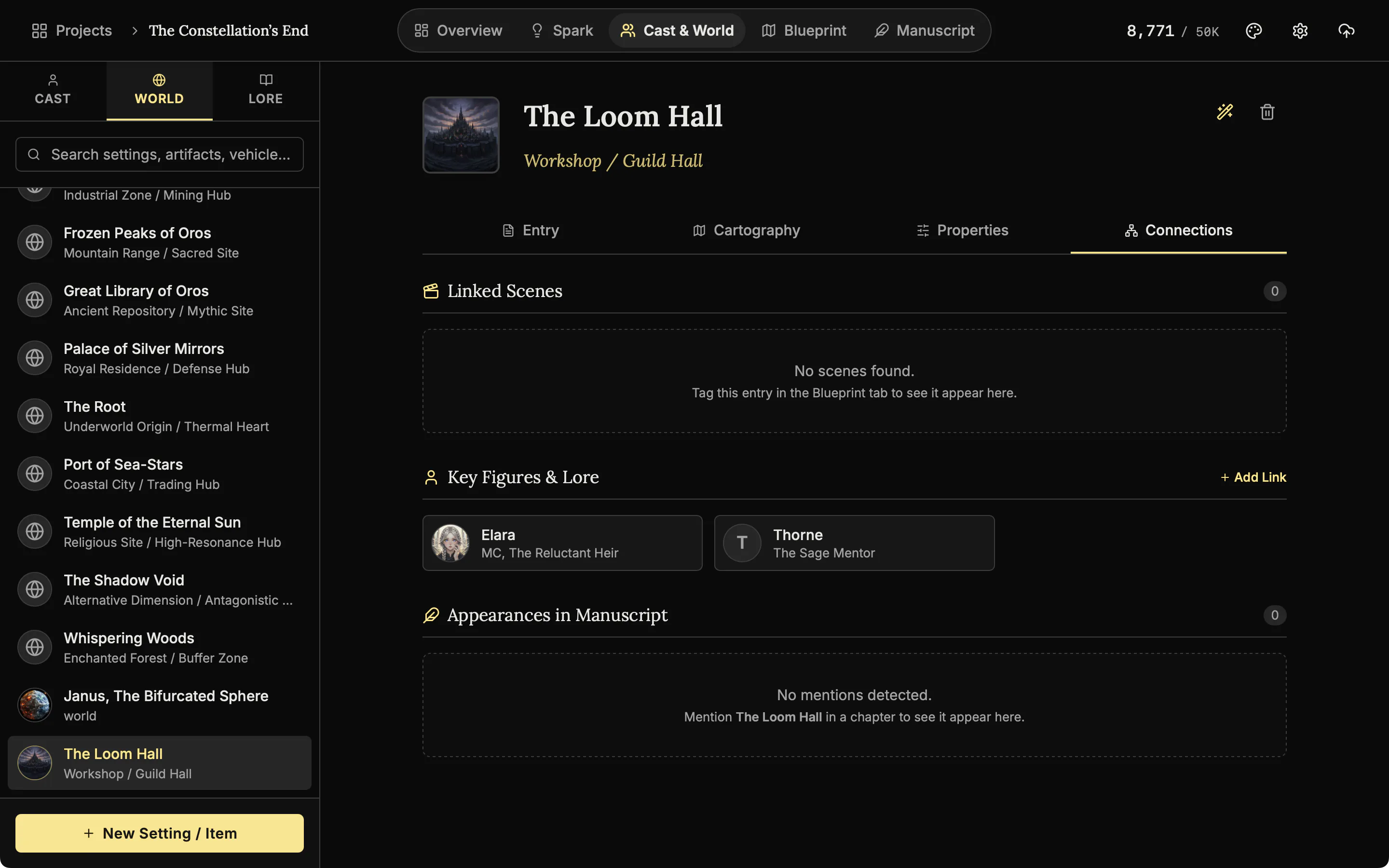
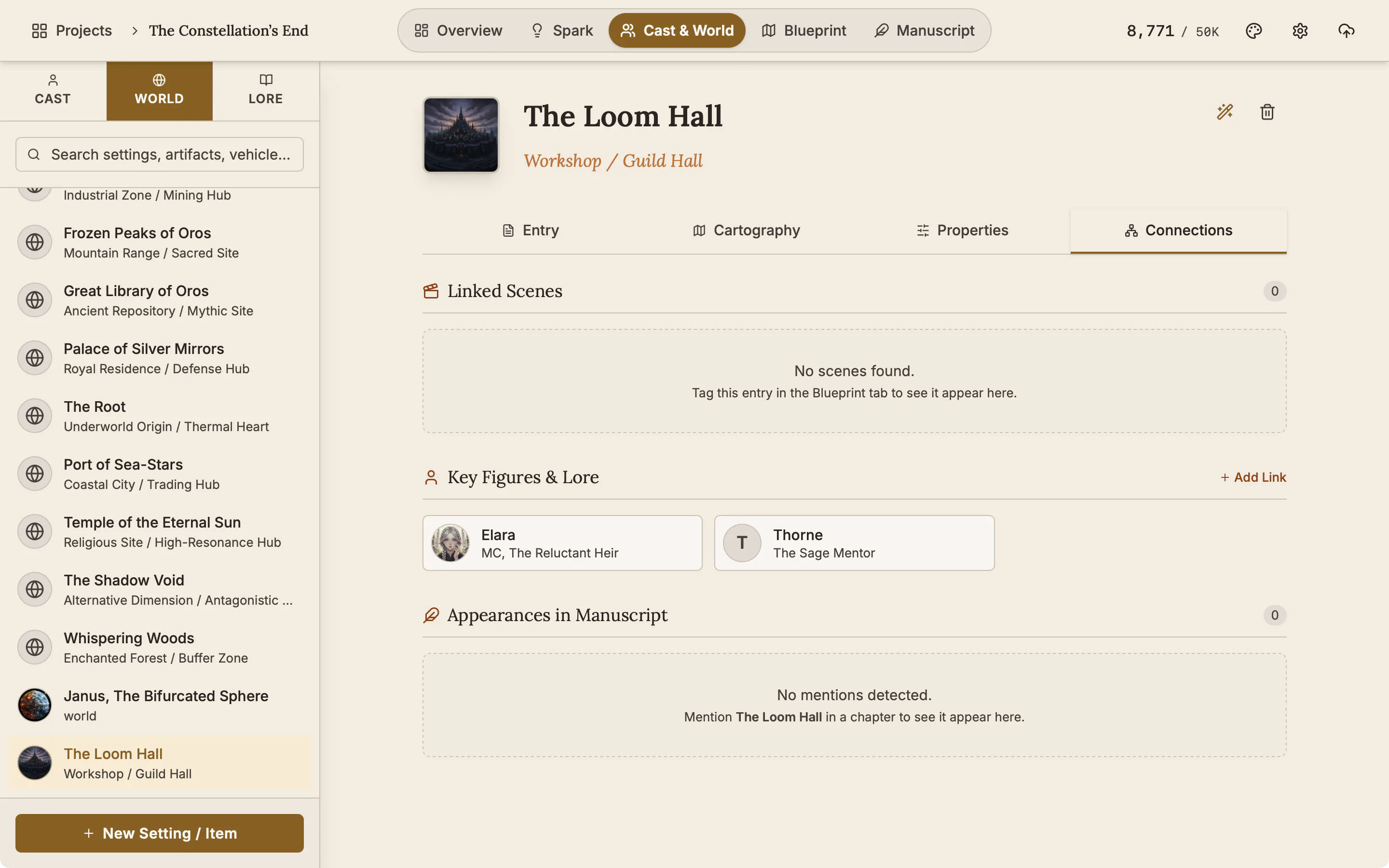
The Connections tab shows where an entry is used. Link a place or a lore entry to characters yourself. Scenes that use it, and chapters that mention it with @, are listed for you.
A map for any place, drawn from your description AI
Describe the land and the optional AI draws a map, using your own key. Then name the regions and cities yourself. The map is saved with the place it shows.
The map lives with the place
The finished map is kept on the place it shows, and opens in the editor again whenever you want to change it.
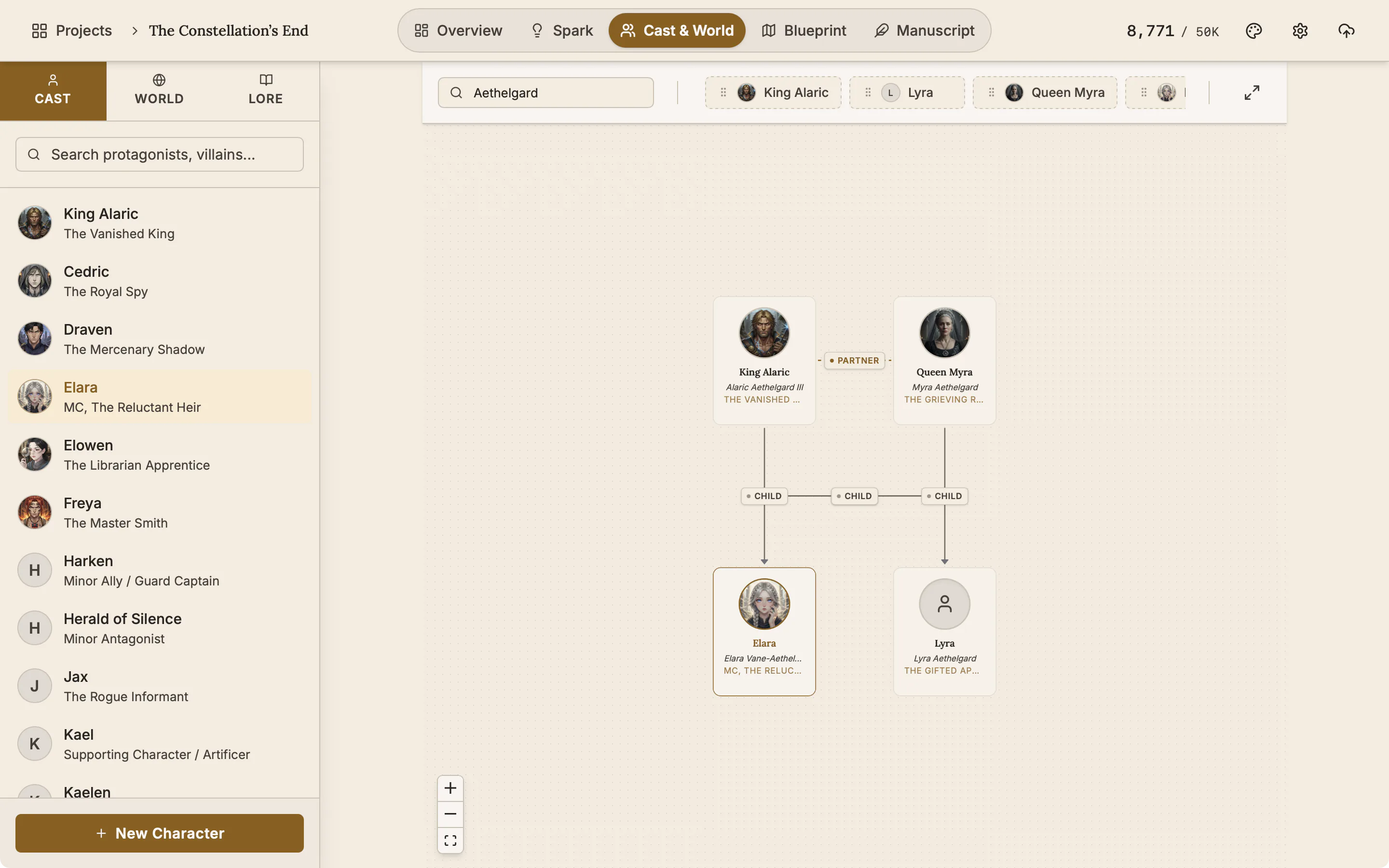
Family trees for your characters
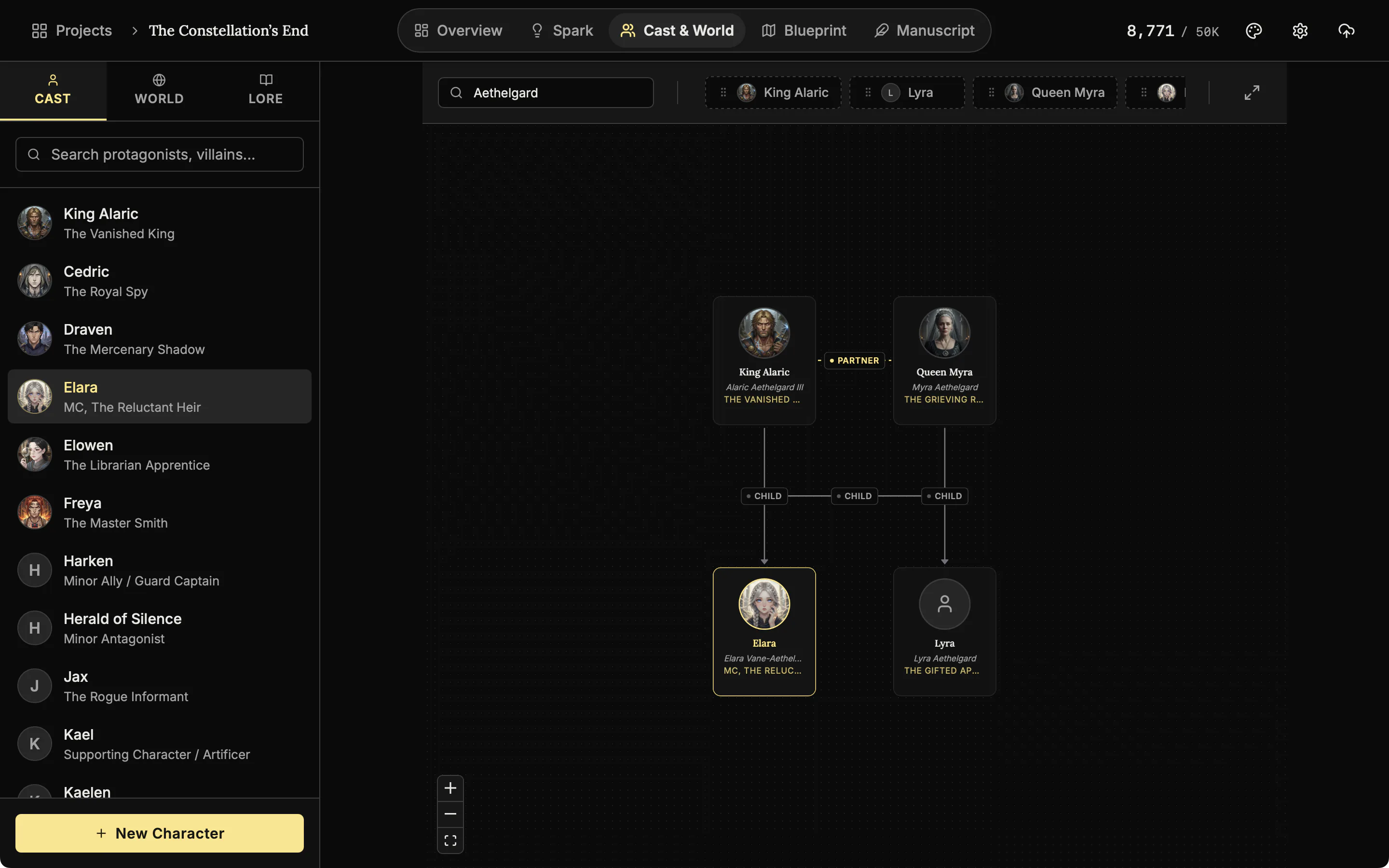
Build a family tree from the characters you already made. Drag them into parent, partner and sibling slots.
Also here
- Pictures wherever a name appears. A picture you add to an entry shows in pickers, the @ mention menu, scene lists and the timeline.
- Search. One search across places, items, myths, politics and systems.
- The Architect. An optional AI helper. Click the wand beside an entry's name and it drafts a place or a lore entry for you to edit.
Related features
Mention a place with @ in a chapter or add it to a scene, and it shows on the entry's Connections tab.
- Maps and The Architect
Make a map of your world and label it yourself, and draft places and lore with the optional AI.
- Characters and family trees
A page for every character, family trees built from your cast, and optional AI concepts from The Oracle.
- Scenes and the timeline
Plan each scene, link it to its chapter, and read the whole story in order on a timeline arranged by chapter.
- Blueprint, the plot board
Lay the plot out as cards for scenes, plot points, characters and places, and link them with labelled lines.
- The manuscript editor
Write the book in chapters and sub-chapters, with Zen, Typewriter and Vanishing modes and search that forgives typos.
Common questions
Why not just use a word processor?
A document has nowhere to put a magic system, a family tree or a map. NovelOS gives each one its own place and links it to the scenes and characters that use it.
What can I record about a location or item?
A description, a type, facts as rows, a picture, a map, and links to characters and scenes. Lore entries also have Mechanics for rules and a Chronicle of dated events.
Can I build family trees?
Yes. Drag cast members into parent, partner and sibling slots. The tree is stored on the character.
How do I keep magic or politics consistent?
Write the rules on the Mechanics tab of the lore entry and its history on the Chronicle tab. They stay with the entry, one search away.
Can I generate a map?
Yes, from a written description, using the optional AI with your own Gemini or OpenAI key. Then rename the labels and add your own.
Does any of this need an internet connection?
No, except optional AI generation. Everything you have made opens and edits offline.
Is it included in the $45?
Yes, on Windows, macOS and the phone app.
Craft guides for worldbuilding
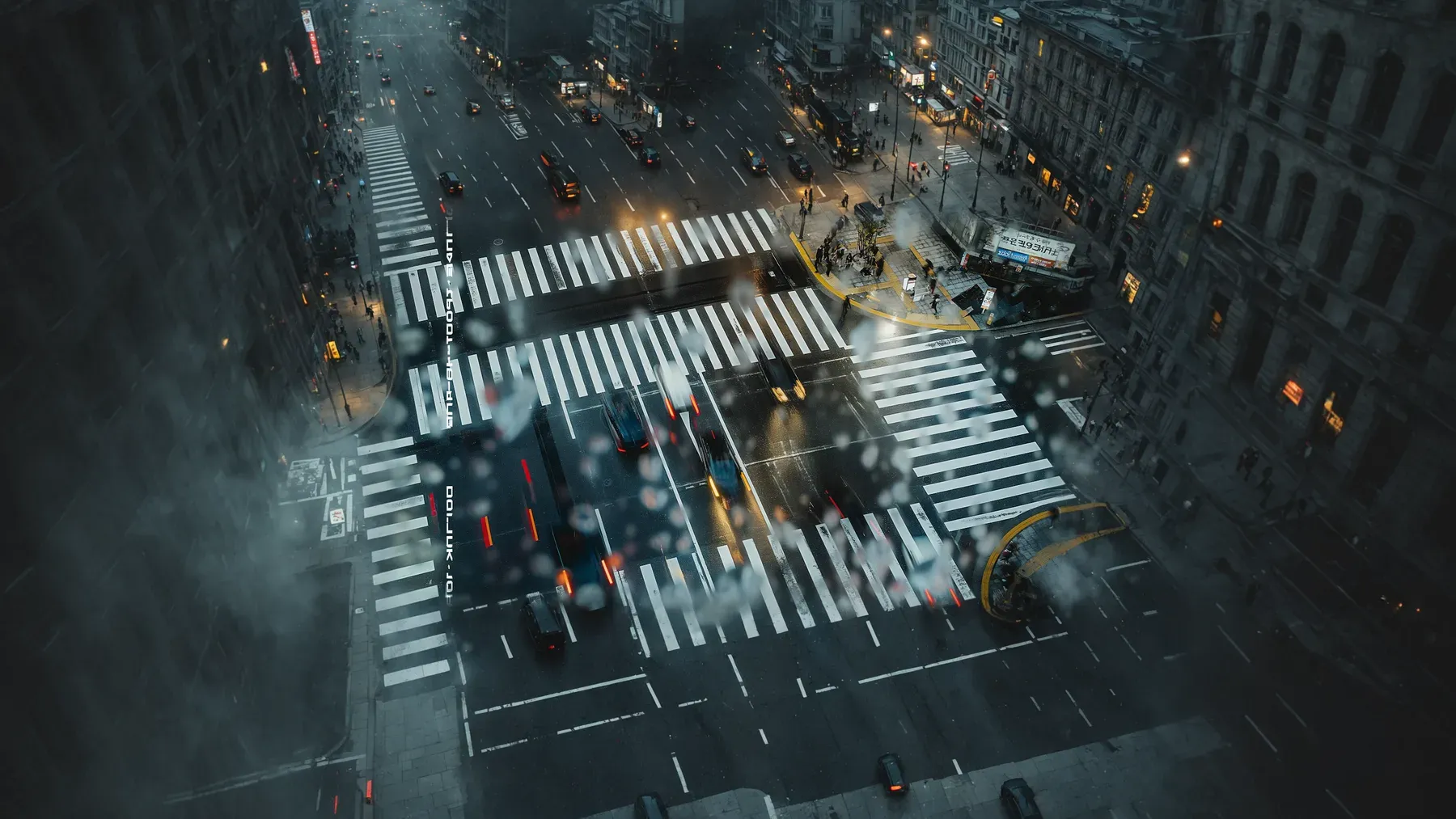
A Dystopia Must Work for the People in Power
Build a believable dystopian society through public promises, unequal benefits, daily procedures, citizen adaptations, and resistance with real tradeoffs.
Read article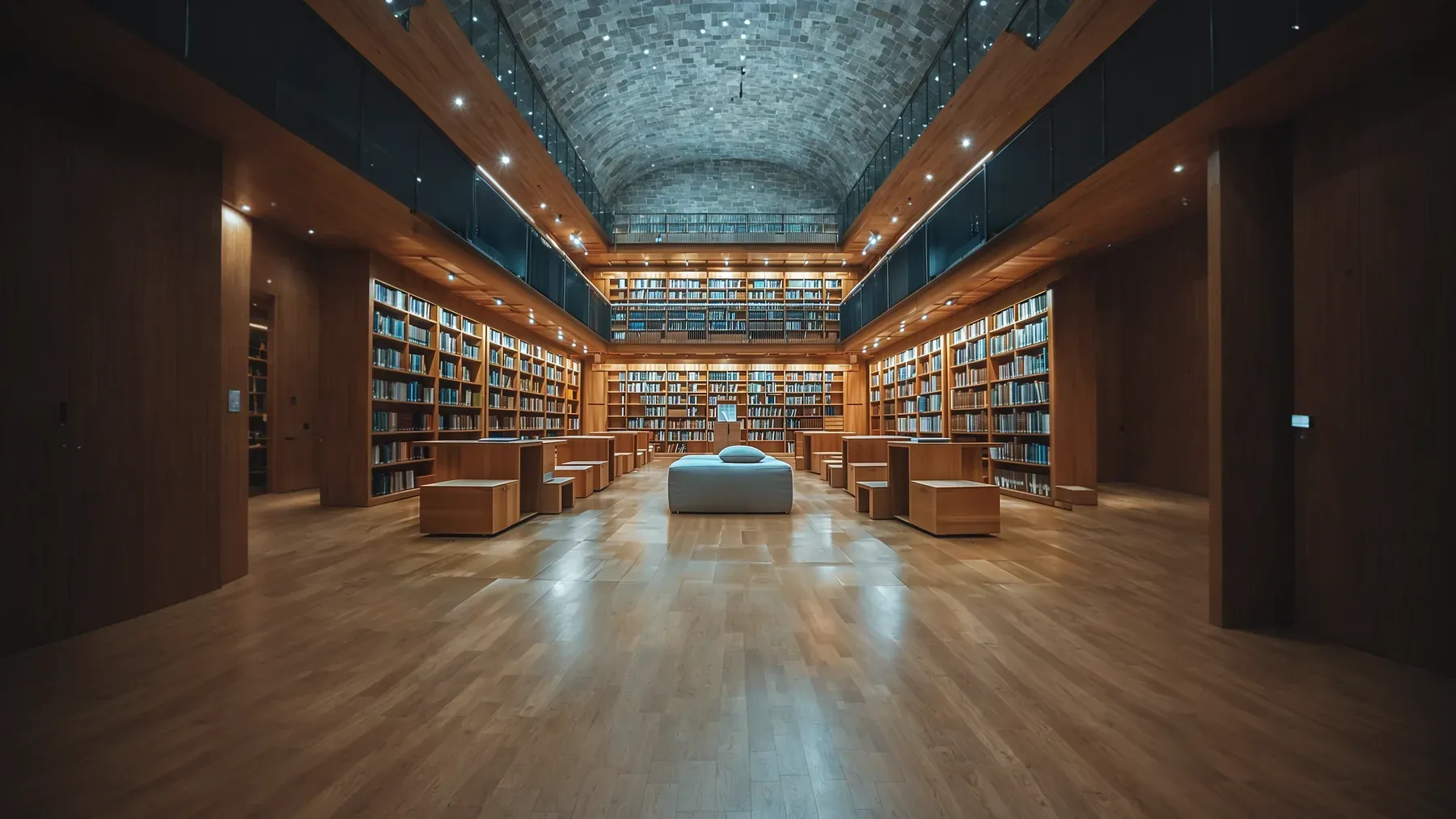
A Secret Society Must Balance Secrecy With Coordination
Build a secret society through protected capability, limited knowledge, recruitment gates, functional ritual, power bottlenecks, and costly exit.
Read article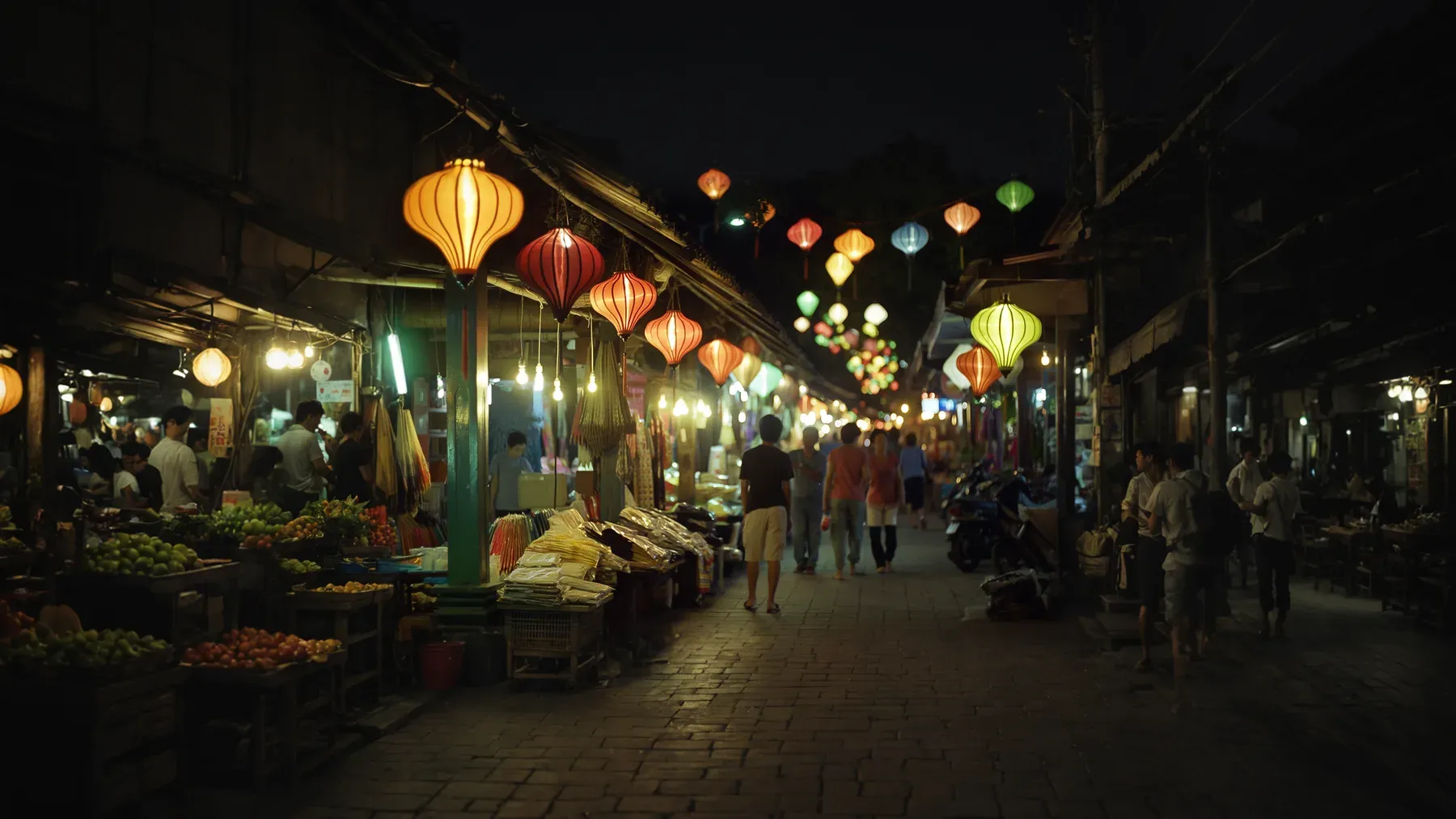
A Festival Scene Has a Public Script and a Private Itinerary
Turn a fictional festival into an active scene through inherited meaning, event labor, timed movement, unequal access, participation, and consequences.
Read articleWriting Tips & First Edition Access.
Craft guides and product updates in your inbox.
Finish your story. Keep your tools.
One payment and it is yours. No subscription, no account, no telemetry. Watch the full walkthrough before you buy.