 The Oracle
Character profiles, portraits and family trees
NovelOS Studio gives every character in your novel a profile page: who they are, what they look like and what they want. Build family trees from your cast and see every scene and chapter a character appears in. The Oracle is the optional AI helper that drafts new characters for you.
- $45 once, no subscription
- Windows and macOS
- Phone app included
- AI is optional, on your own key
 Windows
 macOS
macOS
 Mobile
Part of the 25 minute walkthrough. Watch the full tour from the start Watch on YouTube
A profile page for every character
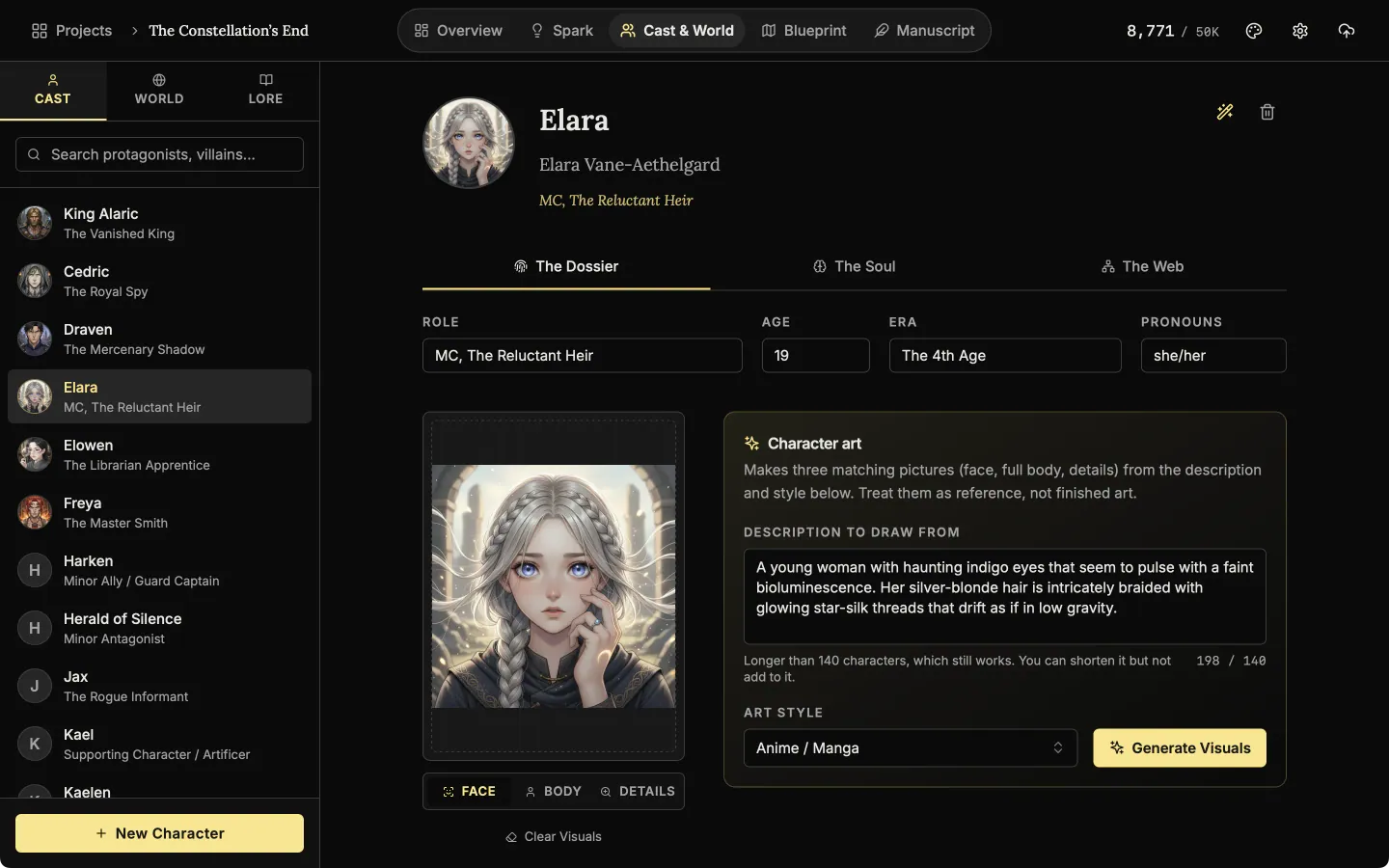
Keep each character's details in one place, so they stay the same from the first chapter to the last. The first tab, The Dossier, holds the name, role, age, era, pronouns, a portrait and appearance. Search your cast by name or role.
Character dossier
The dossier holds a character's role, age, era and pronouns, and a set of pictures: face, body and details.
The Soul: a tab for personality, wants and fears
Write down what the character wants, what they fear and how they sound. Pick an archetype and a moral alignment from the list, or type your own. The biography has a full editor for the backstory.
Pick an archetype
The Soul tab starts with an archetype. Choose one from the list, then say what the character wants and fears.
The Web: every scene and chapter a character is in
The third tab lists the scenes and chapters where the character appears, so you can find them again fast. Link a character to places and lore, and the link shows on both sides.
Where a character turns up
The Web tab gathers the places and lore linked to a character and every chapter that names them.
Family trees from your cast
Build a family tree from the characters you already made. Drag one onto the tree and drop them on Parent, Partner or Sibling. Removing someone from a tree does not delete the character.
Build a family tree
Drag a character from the cast onto the tree to make them a parent, a partner, a sibling or a child.
The Oracle: an AI helper that drafts new characters AI
Describe who you need in a sentence or two, and The Oracle writes three complete characters to compare. Pick one and it fills in the profile, which you can then edit. It can also draw the face, the full body and details. This part is optional and uses your own Gemini or OpenAI key.
Ask The Oracle
Stuck on a character? Describe who you need in a sentence or two and ask The Oracle for ideas. It uses your own AI key.
Also here
- Upload a portrait. It then shows in the cast list, the @ mention menu, scene lists and the timeline.
- Biography. A full editor for the backstory, with headings, lists and @ mentions of other characters.
- Large families. The family tree opens full screen.
Related features
Mention a character with @ in a chapter, add them to a scene, or drop them on a plot board.
- Places and lore
Every setting, item and rule of your world as a record you can search, illustrate and link to its scenes.
- Maps and The Architect
Make a map of your world and label it yourself, and draft places and lore with the optional AI.
- Scenes and the timeline
Plan each scene, link it to its chapter, and read the whole story in order on a timeline arranged by chapter.
- Blueprint, the plot board
Lay the plot out as cards for scenes, plot points, characters and places, and link them with labelled lines.
- The manuscript editor
Write the book in chapters and sub-chapters, with Zen, Typewriter and Vanishing modes and search that forgives typos.
Common questions
What does NovelOS store for each character?
Three tabs. The Dossier holds name, role, age, era, pronouns, portrait and appearance. The Soul holds archetype, moral alignment, voice, wants, fears and the biography. The Web holds links to places and lore, the scenes and chapters they appear in, and the family tree.
Does it invent my characters for me?
Only if you ask. Give The Oracle a prompt like "an 18-year-old magician raised by wolves" and it returns three concepts to accept, edit or ignore. You can build every character by hand and never use it.
Will portraits still match in book three?
A portrait you upload never changes. Character art is drawn from the description and art style saved on the character, but AI pictures vary from one run to the next, so treat them as reference.
Can I track family trees and relationships?
Yes. Drag cast members into parent, partner and sibling slots to build a tree, and link a character to places and lore. Scenes they are in show up by themselves.
Do I need an AI key to use it?
No. Dossiers, relationships and family trees are manual and work offline. Only concepts and character art use AI, with your own Gemini or OpenAI key.
Where is my character data stored?
In your project on your own device, next to the manuscript. There is no account and no cloud sync.
Is it included in the $45?
Yes. One payment covers it on Windows, macOS and the phone app.
Craft guides for characters
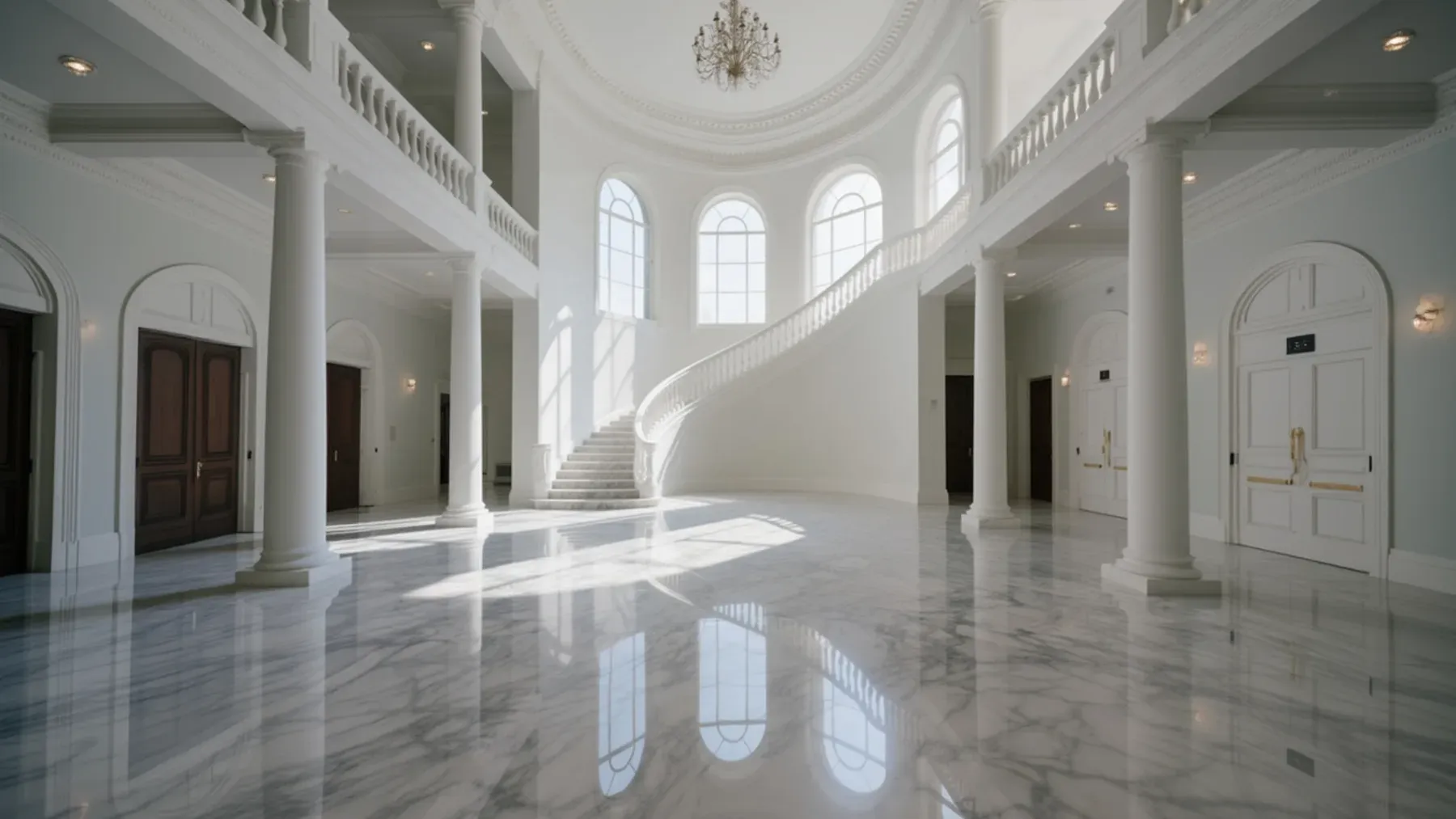
Status Can Shift With Every Dance in a Ballroom Scene
Turn a fictional ball into social conflict through invitations, introductions, scheduled dances, room access, public interpretation, and a costly result.
Read article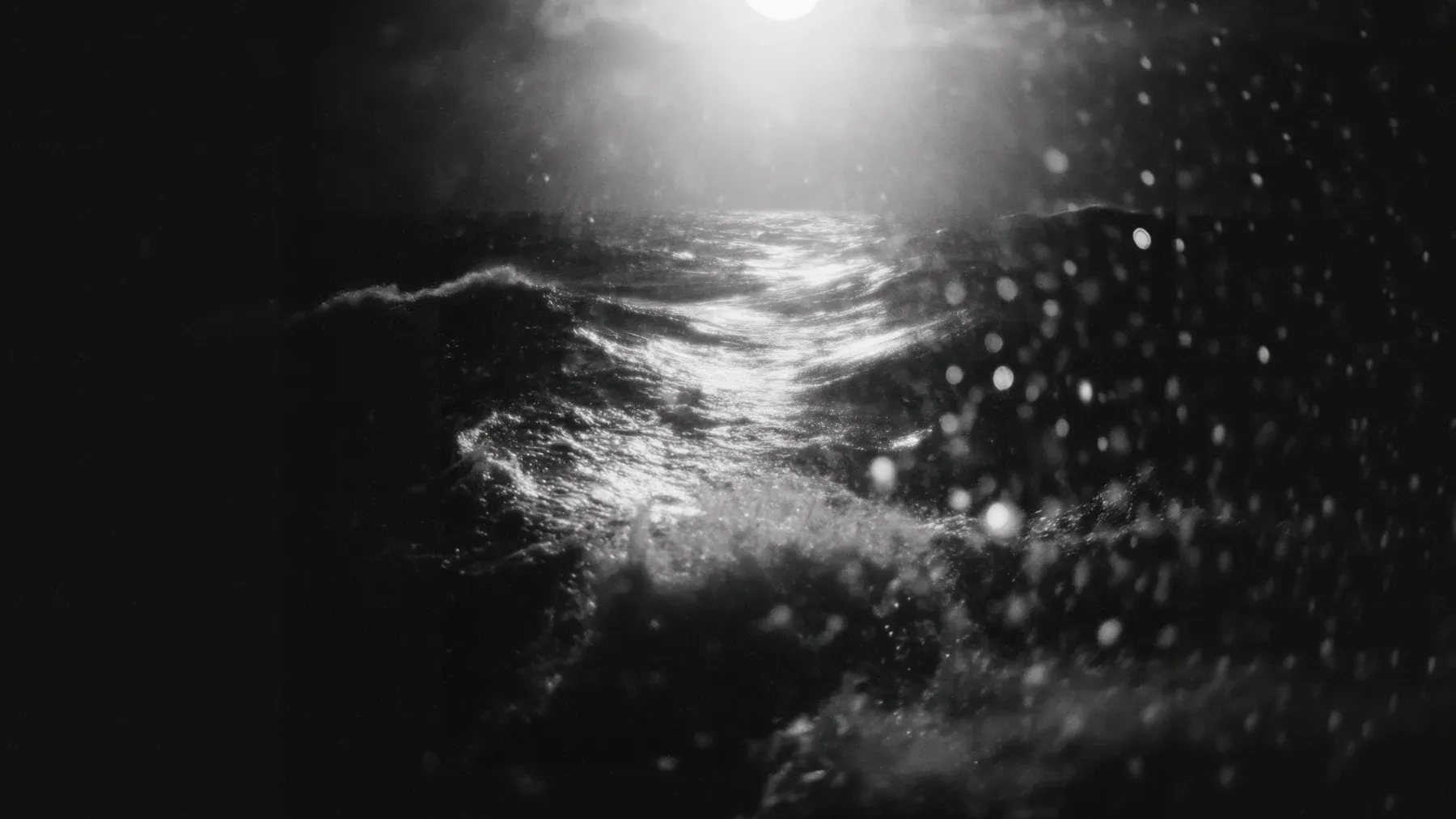
A Shipwreck Creates a New Social Order Before the Rescue
Write a shipwreck scene through vessel routines, response debt, bounded information, evacuation choices, resource triage, and authority that changes ashore.
Read article
A Council Scene Must Produce an Authorized Decision
Write a council meeting scene through jurisdiction, agenda wording, evidence, amendments, public pressure, a valid decision, and visible implementation.
Read articleWriting Tips & First Edition Access.
Craft guides and product updates in your inbox.
Finish your story. Keep your tools.
One payment and it is yours. No subscription, no account, no telemetry. Watch the full walkthrough before you buy.