 The Architect
Maps, lore and locations for your world
The Architect is an optional AI helper for building the world of your novel. Describe a place, an item or a piece of lore in a sentence or two and choose from three drafts. The map maker, Cartography, draws a map of your world from a description. You can edit everything they make.
- $45 once, no subscription
- Windows and macOS
- Phone app included
- AI is optional, on your own key
 Windows
 macOS
macOS
 Mobile
Part of the 25 minute walkthrough. Watch the full tour from the start Watch on YouTube
The Architect: an AI helper that writes your world's places, items and lore
Pick a type, such as Village, Weapon or Magic System, and describe what you need in a sentence or two. The Architect writes three drafts, each with a description and a list of facts. Choose one, then change what does not fit your book. It uses your own Gemini or OpenAI key.
Ask The Architect
Choose what you need, a city, a ruin, a tavern, describe it in a sentence, and ask The Architect for ideas. It uses your own AI key.
Cartography: a map maker that draws your world from a description
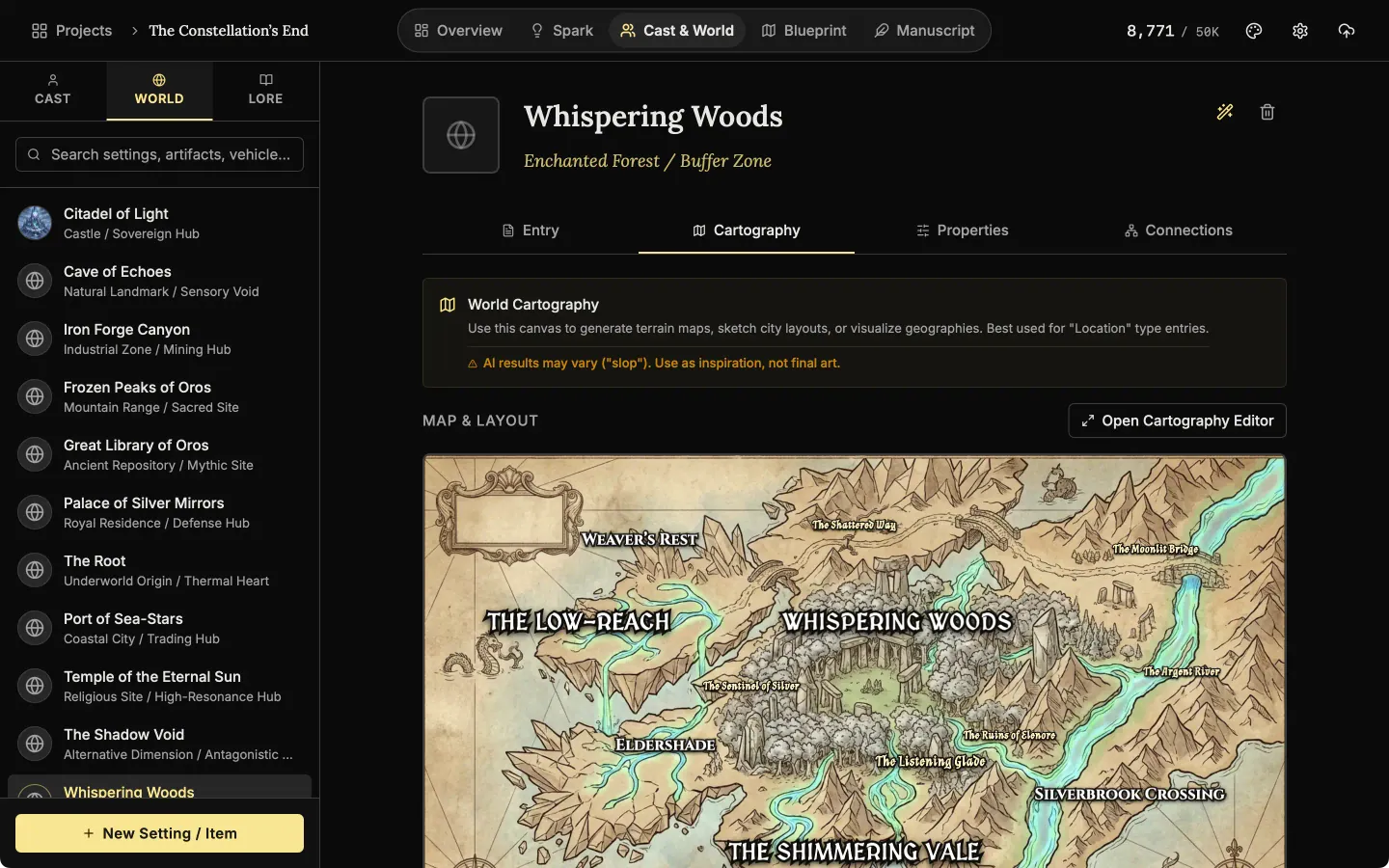
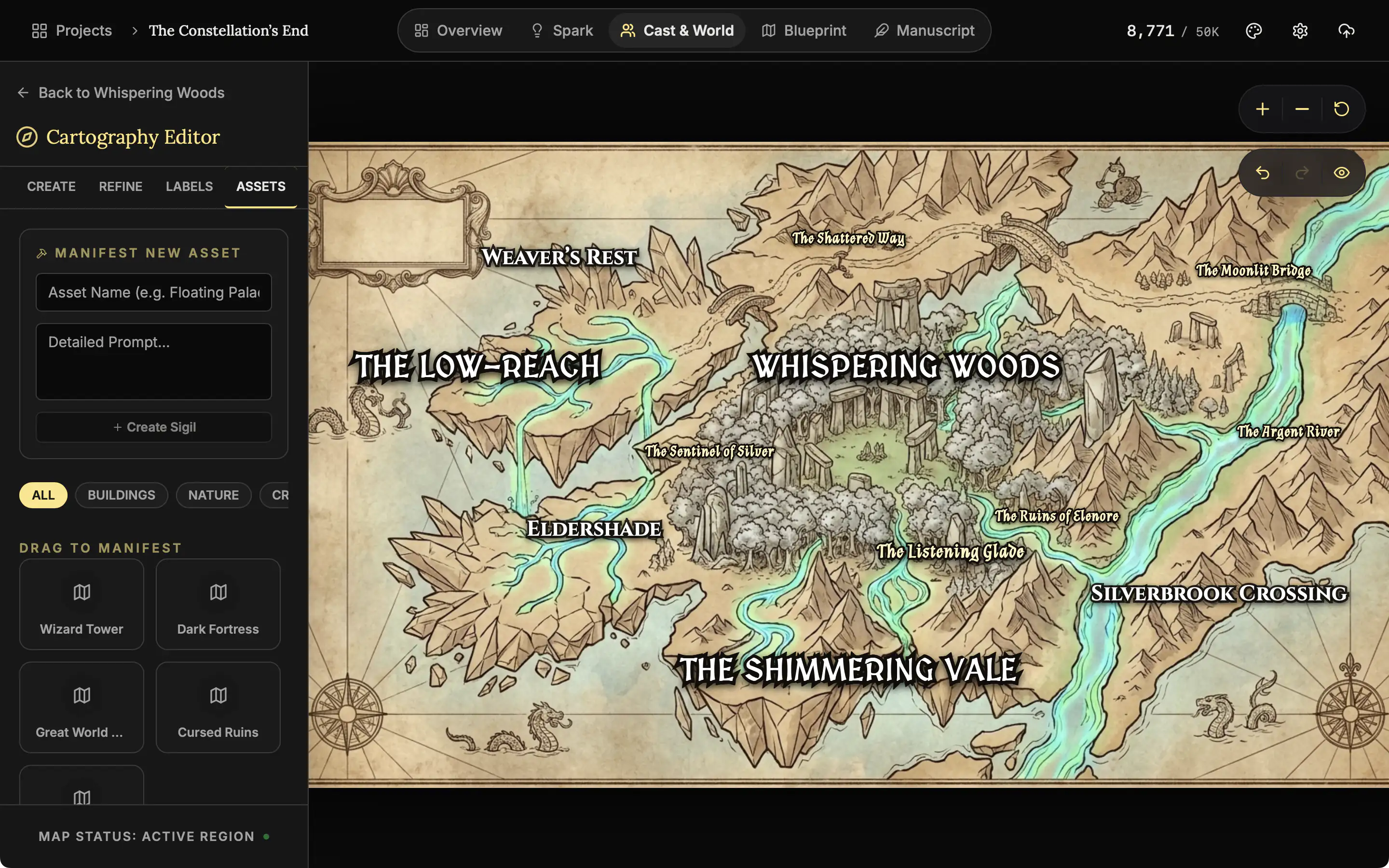
You do not need to draw. Describe the land, choose World, Continent, Island or Local Region, and pick one of four styles: Parchment, Satellite, Vintage Ink or Topography. The AI draws the map. Then rename, move or add the place names yourself.
Describe your map
Choose the scope, describe the land in your own words and pick a style, from parchment to topography. The map is then drawn by AI, on your own key.
Add towers and ruins to the map, or describe a change
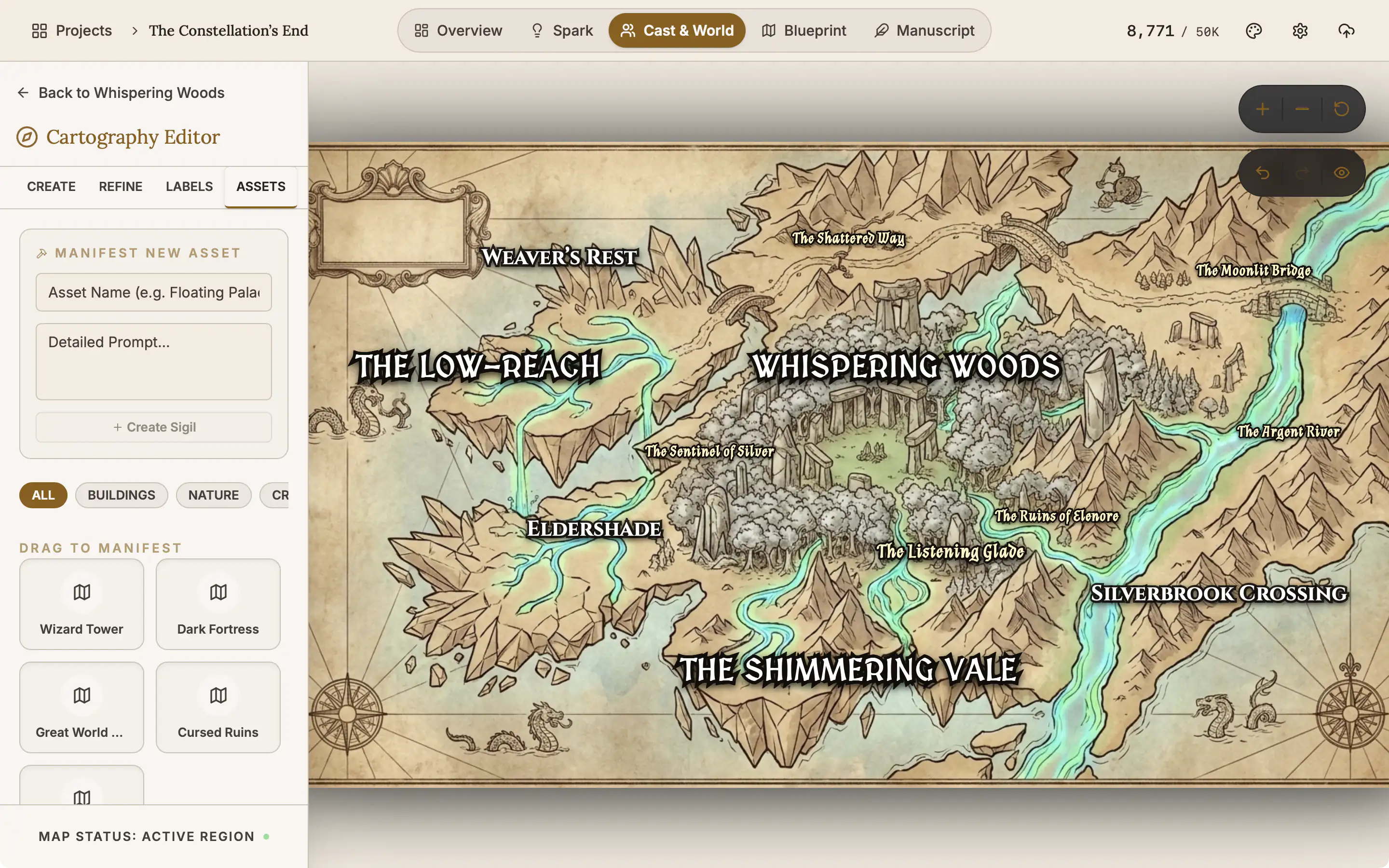
Drag a wizard tower, a fortress, a great tree or ruins onto the map, and the AI draws it in at that spot. To change the land, type what you want and the map is redrawn. Undo takes you back.
Every draft becomes an entry in your world that you can edit
The draft you choose is saved as a normal entry, with its description, its facts and a picture. It sits with the rest of your places and lore. Search it, link it to characters, and edit it by hand like any other.
Facts as simple rows
Keep the facts of a place as rows, such as when it was founded or what its guild mark is. A row can carry a picture.
Also here
- A picture with the entry. After you choose a draft, The Architect makes a picture for it.
- Hide Labels. Shows the bare map.
- Export Map. Saves the picture as a file.
- Your own prompts. In Settings, under Muse (AI), replace the prompt behind each generator with your own wording.
- On the phone too. The Cartography editor is in the phone app.
Related features
- Places and lore
Every setting, item and rule of your world as a record you can search, illustrate and link to its scenes.
- Characters and family trees
A page for every character, family trees built from your cast, and optional AI concepts from The Oracle.
- The Alchemist, line edits
Select the words you want polished and get suggested rewrites, each with its reason, to accept or ignore. Optional AI.
- Scenes and the timeline
Plan each scene, link it to its chapter, and read the whole story in order on a timeline arranged by chapter.
- The manuscript editor
Write the book in chapters and sub-chapters, with Zen, Typewriter and Vanishing modes and search that forgives typos.
Common questions
What kinds of entry can The Architect draft?
Locations, items, factions, magic systems, religions and any other lore. Each entry has a description, a type, facts as rows, a picture, and links to the scenes and characters that use it.
Can I make a map if I cannot draw?
Yes. Describe the world in a sentence, pick a scope and a style, and the Cartography editor draws the map. This uses the optional AI with your own key.
Can I edit or hand-build the map instead?
You can change everything on it. Rename, move, resize or remove any label, add your own, place towers, fortresses and ruins, and describe a change in words to have the map redrawn.
How do lore rules stay consistent?
The Mechanics tab lists the rules an entry must obey, one row each. The Chronicle tab lists its dated events.
Does it hold up across a series?
Yes. Entries are searchable and linked to the scenes that use them, so a place from book one is one search away in book three.
Where does my world live?
On your own device, with your pictures and maps. No account and no cloud. A .novelos file exports the whole project.
Is it included in the $45?
Yes. Map and draft generation use your own provider key, and the provider bills you for that directly.
Craft guides for worldbuilding
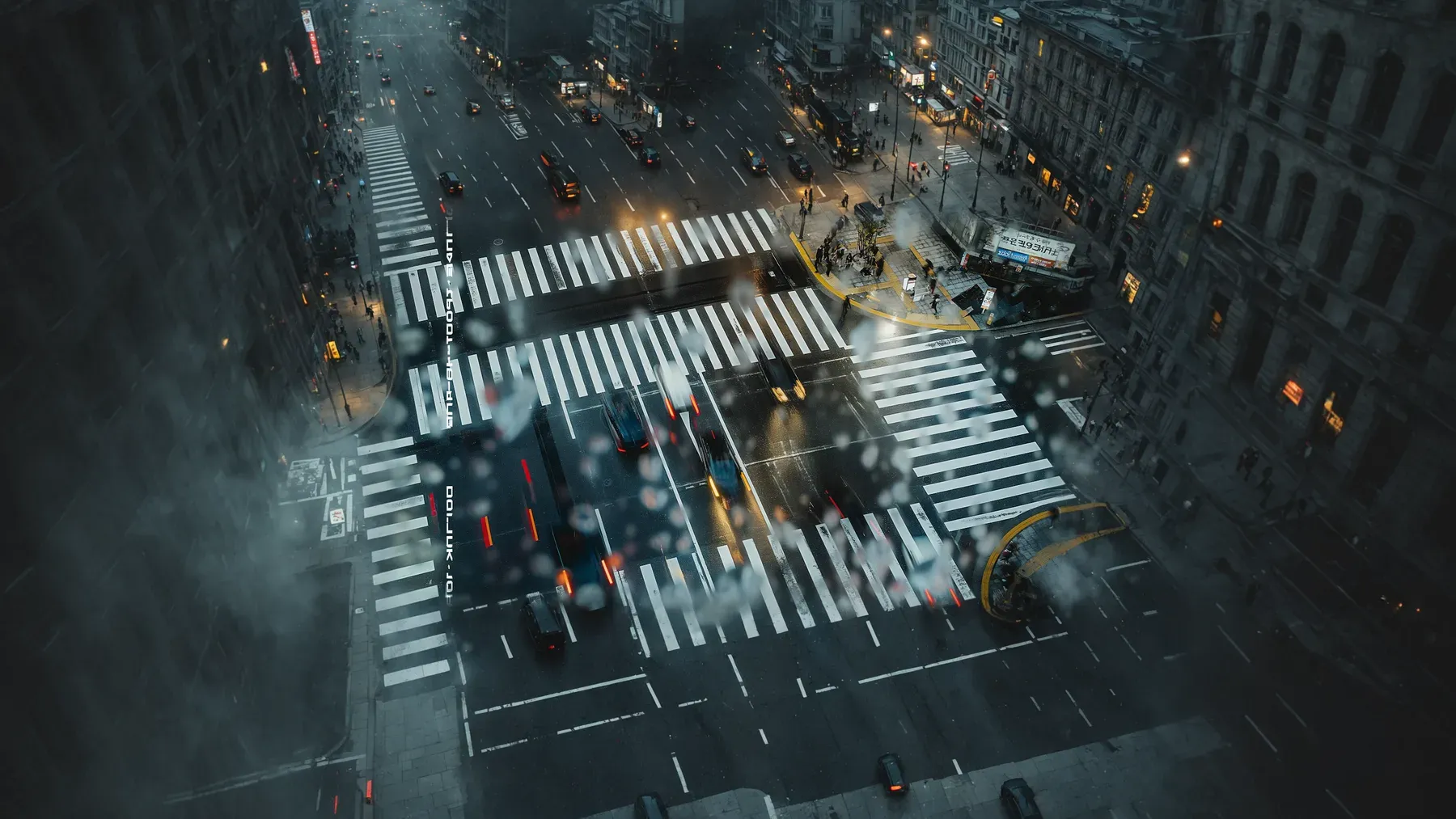
A Dystopia Must Work for the People in Power
Build a believable dystopian society through public promises, unequal benefits, daily procedures, citizen adaptations, and resistance with real tradeoffs.
Read article
A Secret Society Must Balance Secrecy With Coordination
Build a secret society through protected capability, limited knowledge, recruitment gates, functional ritual, power bottlenecks, and costly exit.
Read article
A Festival Scene Has a Public Script and a Private Itinerary
Turn a fictional festival into an active scene through inherited meaning, event labor, timed movement, unequal access, participation, and consequences.
Read articleWriting Tips & First Edition Access.
Craft guides and product updates in your inbox.
Finish your story. Keep your tools.
One payment and it is yours. No subscription, no account, no telemetry. Watch the full walkthrough before you buy.