 The Blueprint
Plot your scenes on a visual canvas
The Blueprint is a plot board for novelists. Lay the story out as cards for scenes, plot points, characters and places, link them with labelled lines, then read every scene in order on a timeline.
- $45 once, no subscription
- Windows and macOS
- Phone app included
- Works offline
 Windows
 macOS
macOS
 Mobile
Part of the 25 minute walkthrough. Watch the full tour from the start Watch on YouTube
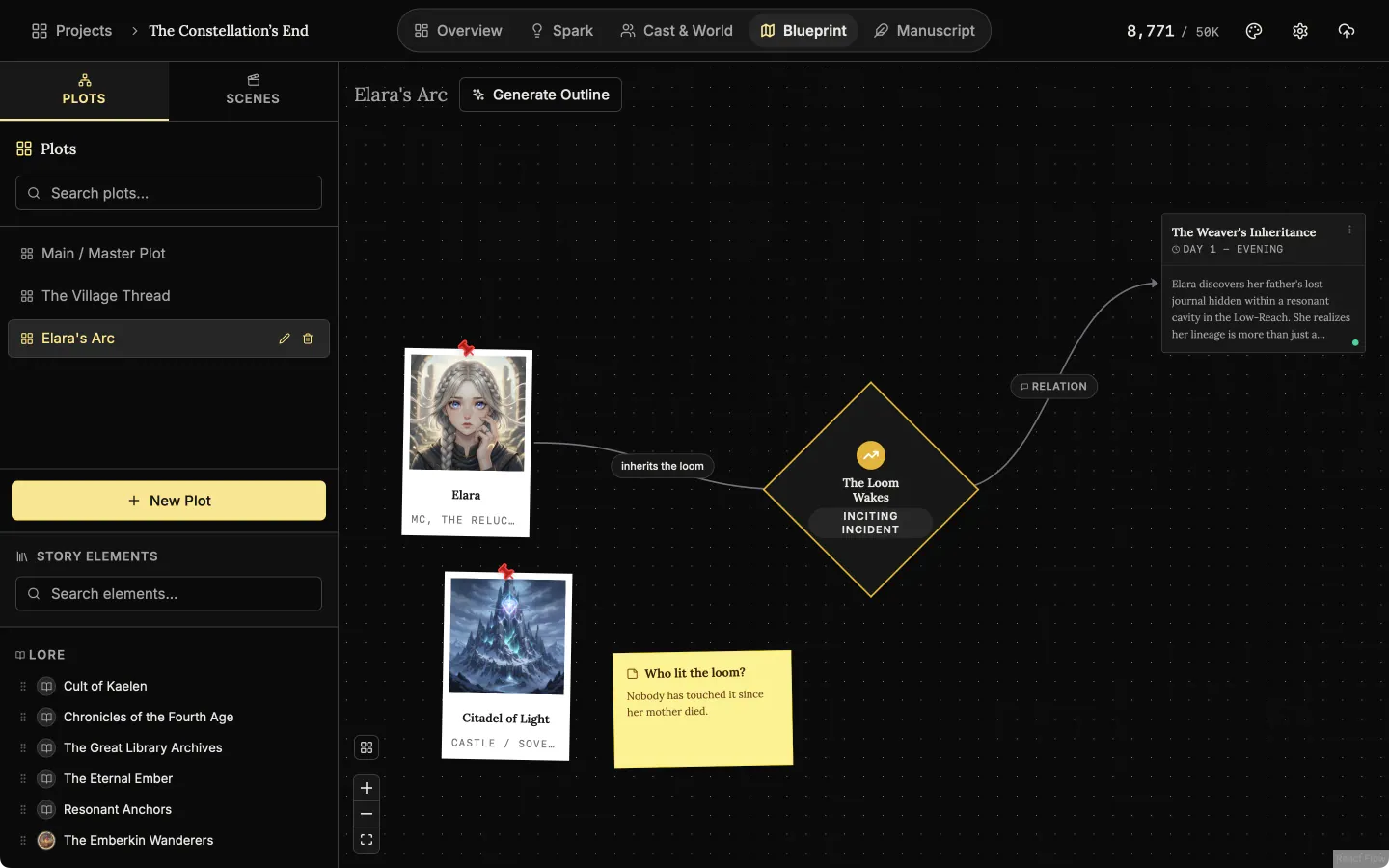
The Blueprint: lay your plot out as cards on a board
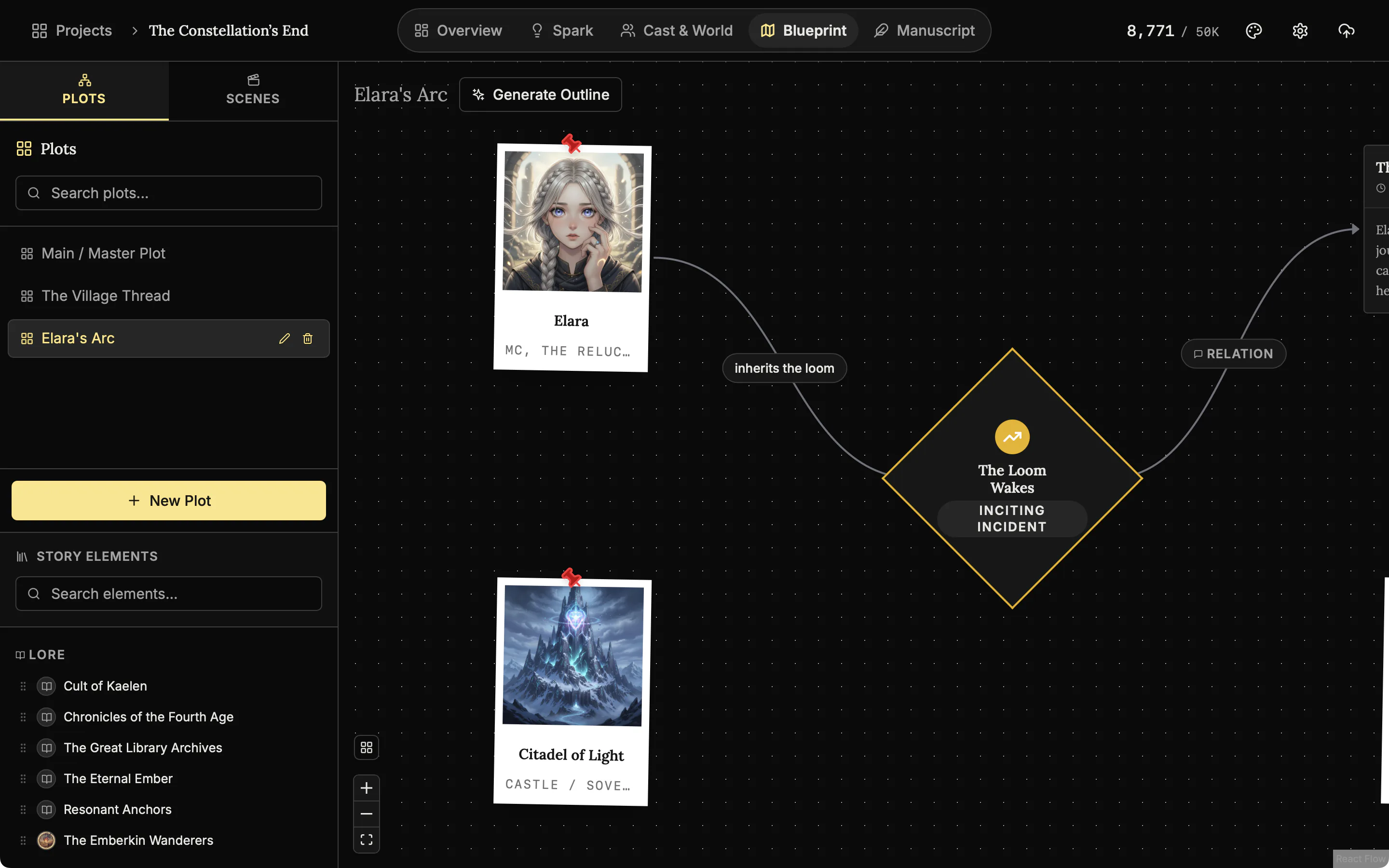
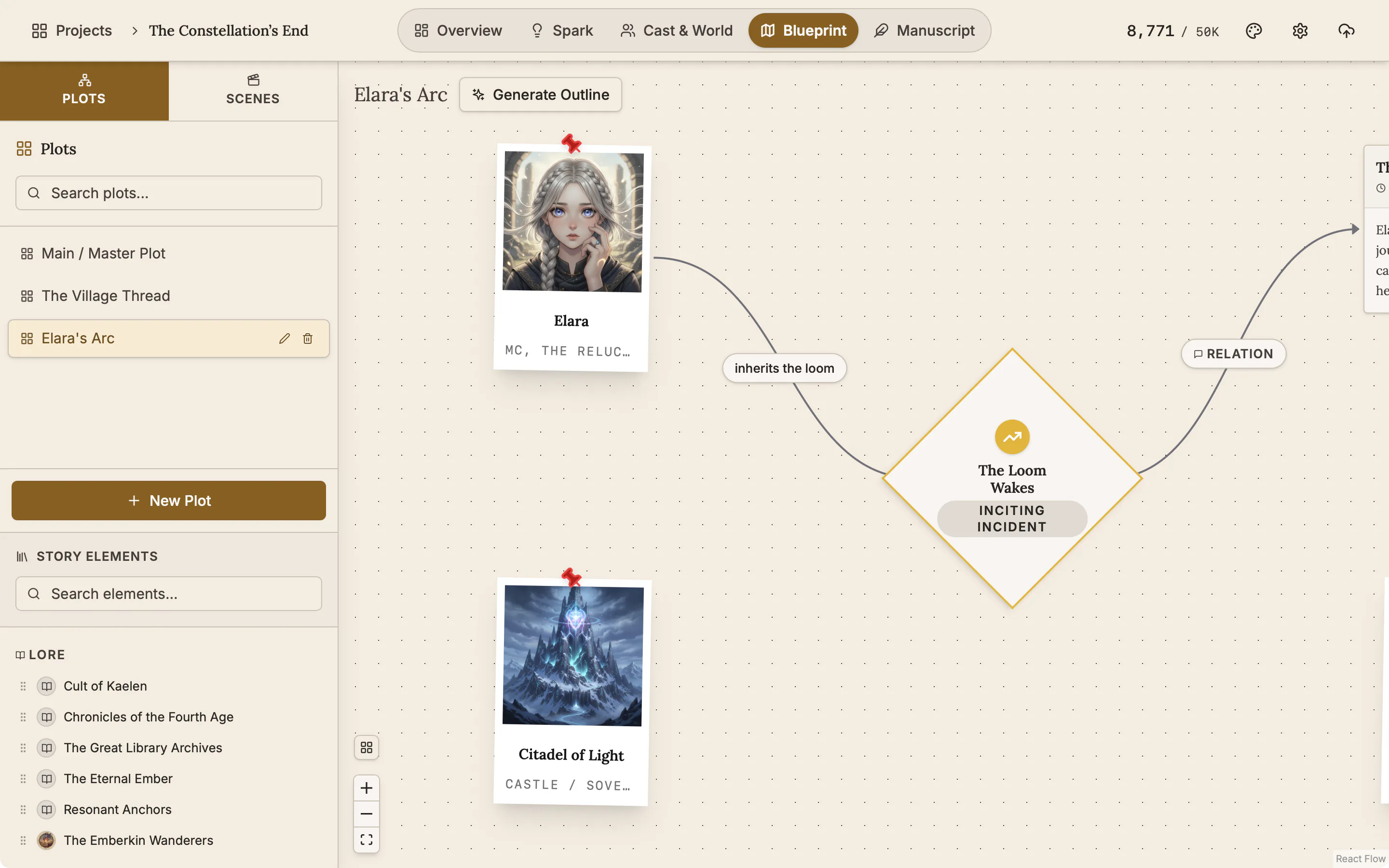
See the whole plot in one view. Drag a plot point, a scene, a character, a place or a piece of lore onto the board and it becomes a card you can move. Each plot or subplot gets a board of its own.
Blueprint
Blueprint is where you plan. Characters, plot points and scenes sit on a board and links show how they connect.
Connect cards with lines that say how they relate
Draw a line from one card to another, then type what connects them, such as "discovers" or "leads to". Move a card and its lines follow.
Mark the turning points of your story
A plot point card marks a turn in the story. Give it a type, such as Inciting Incident, Midpoint Reversal or Climax. Leave a sticky note for a question that is not a scene yet.
Mark the turning points
Add a plot point and say what kind it is, such as the inciting incident or the midpoint.
Plan each scene before you write it
A scene holds its synopsis, status, cast, viewpoint, place and chapter. You pick the cast and the place from the characters and places you already made.
Scene editor
A scene holds its status, its chapter, who is in it and whose viewpoint it is, where it happens, a picture, a synopsis and the text.
A timeline of every scene, in story order
The timeline shows every scene by chapter, along the days of the story. Drag a scene to another chapter or another day.
The story, chapter by chapter
The timeline lays every scene out along the days of the story, one row per chapter.
Also here
- An AI first draft of your outline. With the optional AI, the Generate Outline button drafts a starting board of up to five story beats for you to change. Everything else here works without AI.
- Several boards. Click New Plot for another board, for a subplot or a second book.
- Tidy Up. Lays the board out again after a round of editing.
- Pictures on cards. Characters, places and lore show their picture on the board.
- Scenes and the timeline
Plan each scene, link it to its chapter, and read the whole story in order on a timeline arranged by chapter.
- Characters and family trees
A page for every character, family trees built from your cast, and optional AI concepts from The Oracle.
- Places and lore
Every setting, item and rule of your world as a record you can search, illustrate and link to its scenes.
- The manuscript editor
Write the book in chapters and sub-chapters, with Zen, Typewriter and Vanishing modes and search that forgives typos.
- Spark, the idea board
A free-form board for notes, pictures, audio, video, links and drawings, before any of it is a chapter.
Common questions
How is this different from an outline?
An outline is a list. The Blueprint is a board: scene cards, plot points and characters sit side by side, joined by lines you label, such as "discovers" or "leads to".
What does a scene card hold?
A title, a one-line synopsis, when it happens, a status, its chapter, the cast with one viewpoint character, the place and lore, an optional picture, and the scene text.
Will it catch a broken chronology?
It shows it to you. The timeline lays every scene out by chapter and by day, so a character who arrives before they left is easy to see. Drag the scene to fix it.
Can I run multiple plots and subplots?
Yes. Each plot is a separate board, and you switch between them.
Does the Blueprint connect to the manuscript?
Yes. A scene is linked to the chapter it is written in, and several scenes can share one chapter.
Do I need AI to use the Blueprint?
No. Plot boards, scenes and the timeline are manual and work offline. Only Generate Outline uses AI, with your own Gemini or OpenAI key.
Is it included in the $45?
Yes, on Windows, macOS and the phone app.
Craft guides for structure
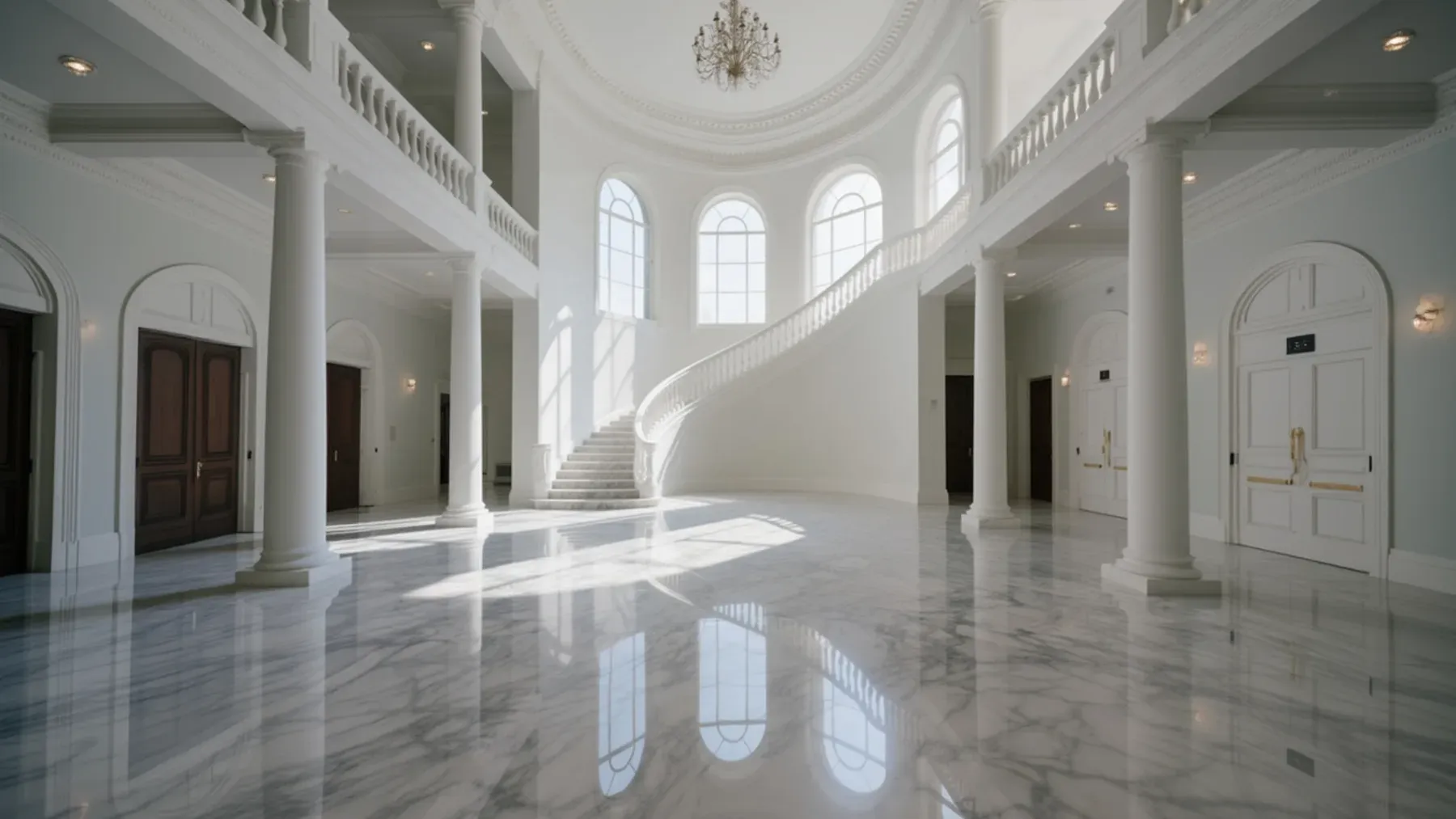
Status Can Shift With Every Dance in a Ballroom Scene
Turn a fictional ball into social conflict through invitations, introductions, scheduled dances, room access, public interpretation, and a costly result.
Read article
A Shipwreck Creates a New Social Order Before the Rescue
Write a shipwreck scene through vessel routines, response debt, bounded information, evacuation choices, resource triage, and authority that changes ashore.
Read article
A Council Scene Must Produce an Authorized Decision
Write a council meeting scene through jurisdiction, agenda wording, evidence, amendments, public pressure, a valid decision, and visible implementation.
Read articleWriting Tips & First Edition Access.
Craft guides and product updates in your inbox.
Finish your story. Keep your tools.
One payment and it is yours. No subscription, no account, no telemetry. Watch the full walkthrough before you buy.