 NovelOS Studio on Your Phone
The same studio, the same project, the same licence
NovelOS Studio on your phone is the same novel writing app as on your computer, for iPhone and Android, and a whole project moves between the two as one file.
- $45 once, no subscription
- iPhone and Android
- Same licence as the desktop app
- Installed from the browser
 Windows
 macOS
macOS
 Mobile
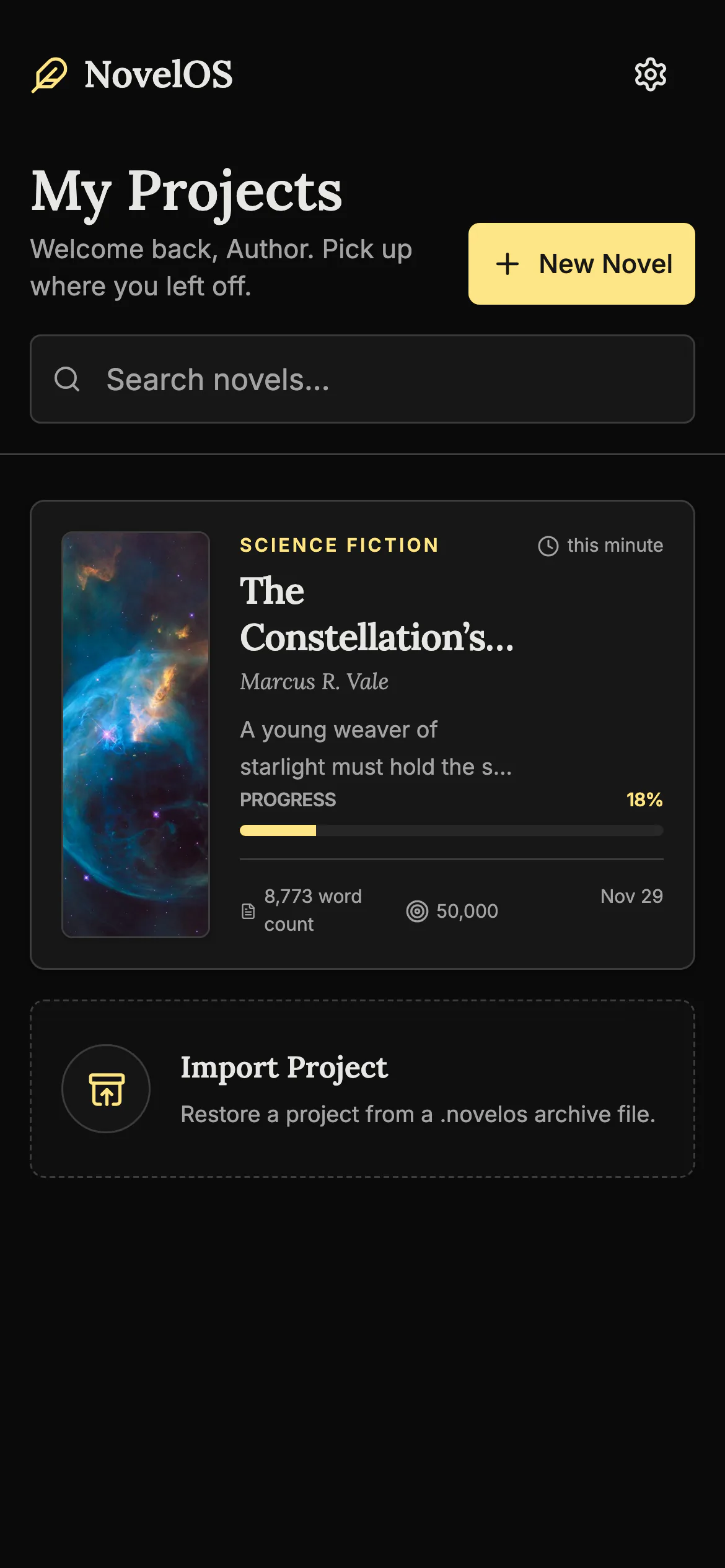
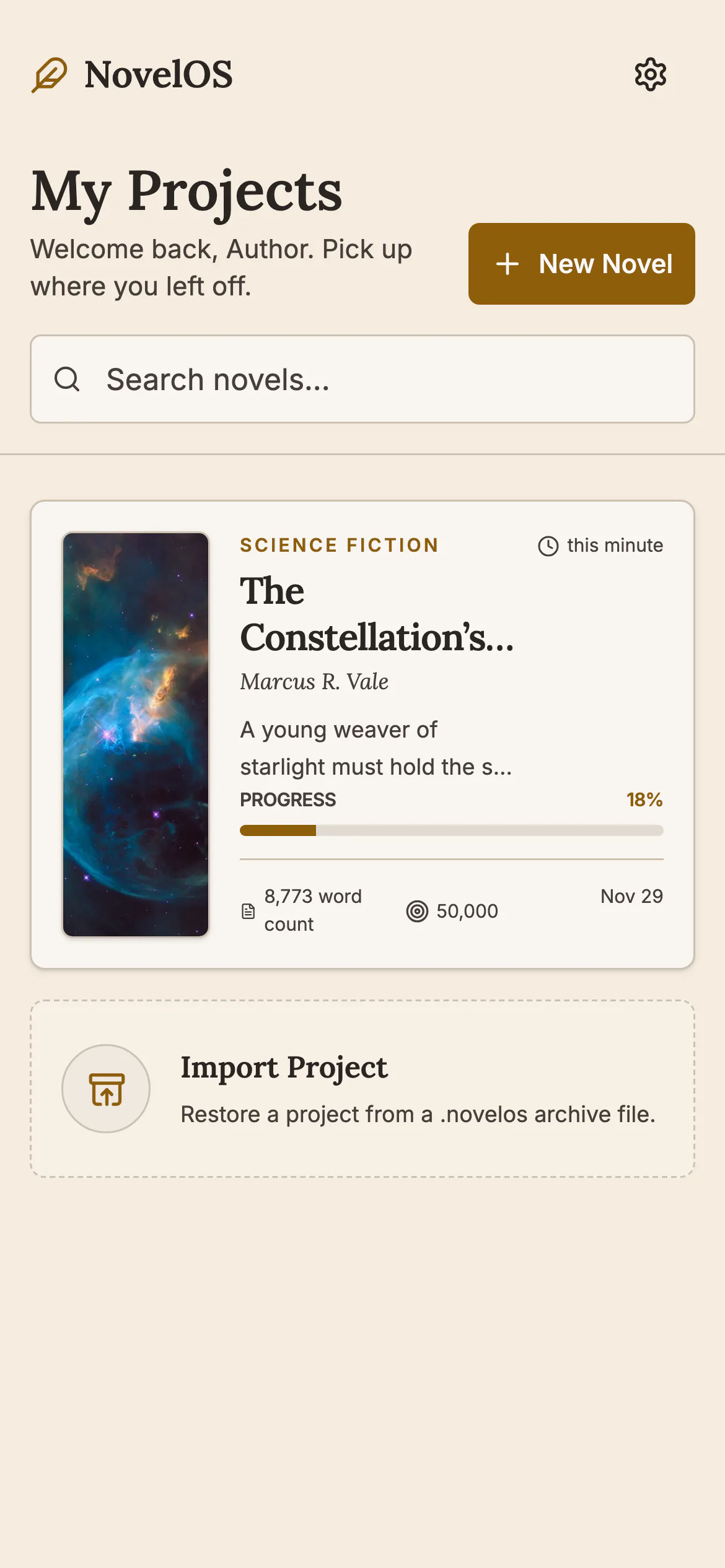
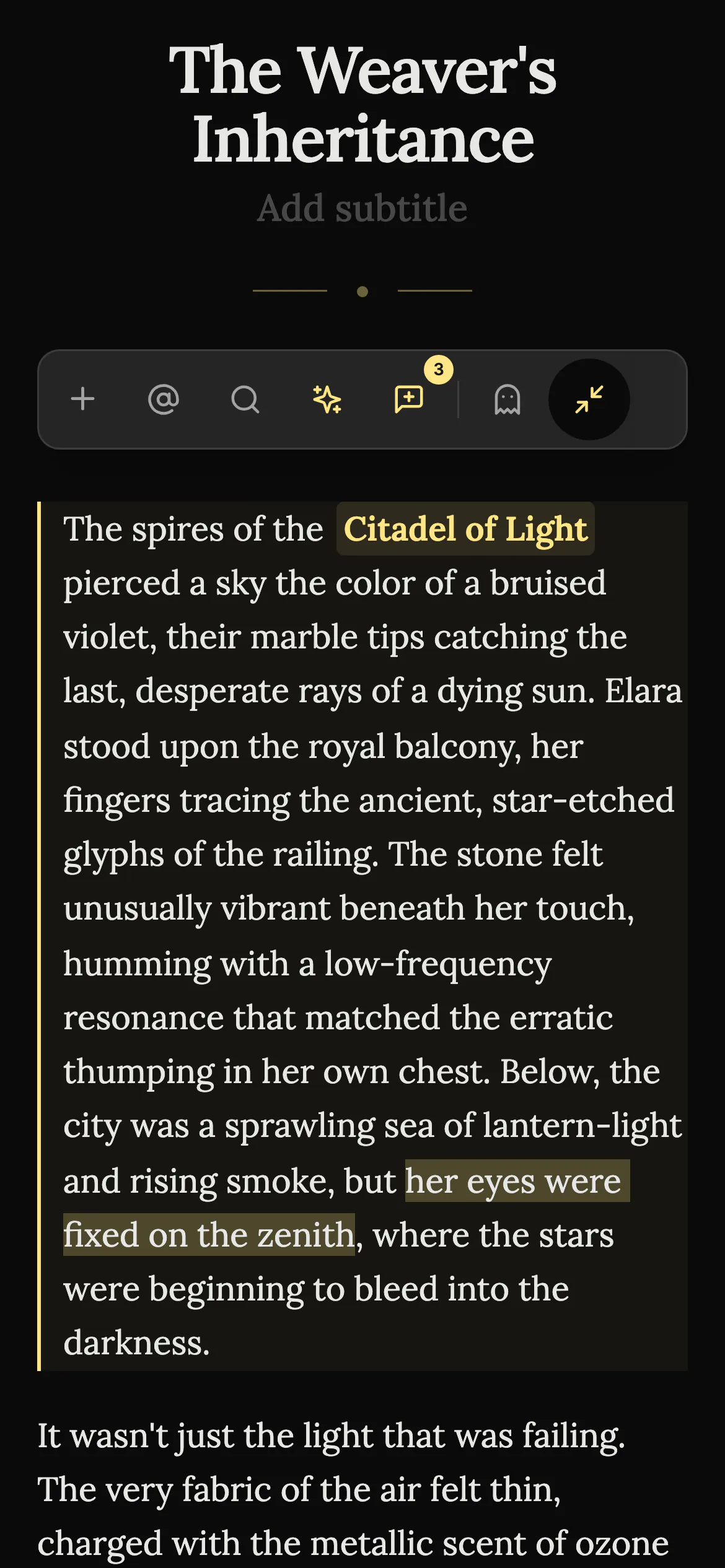
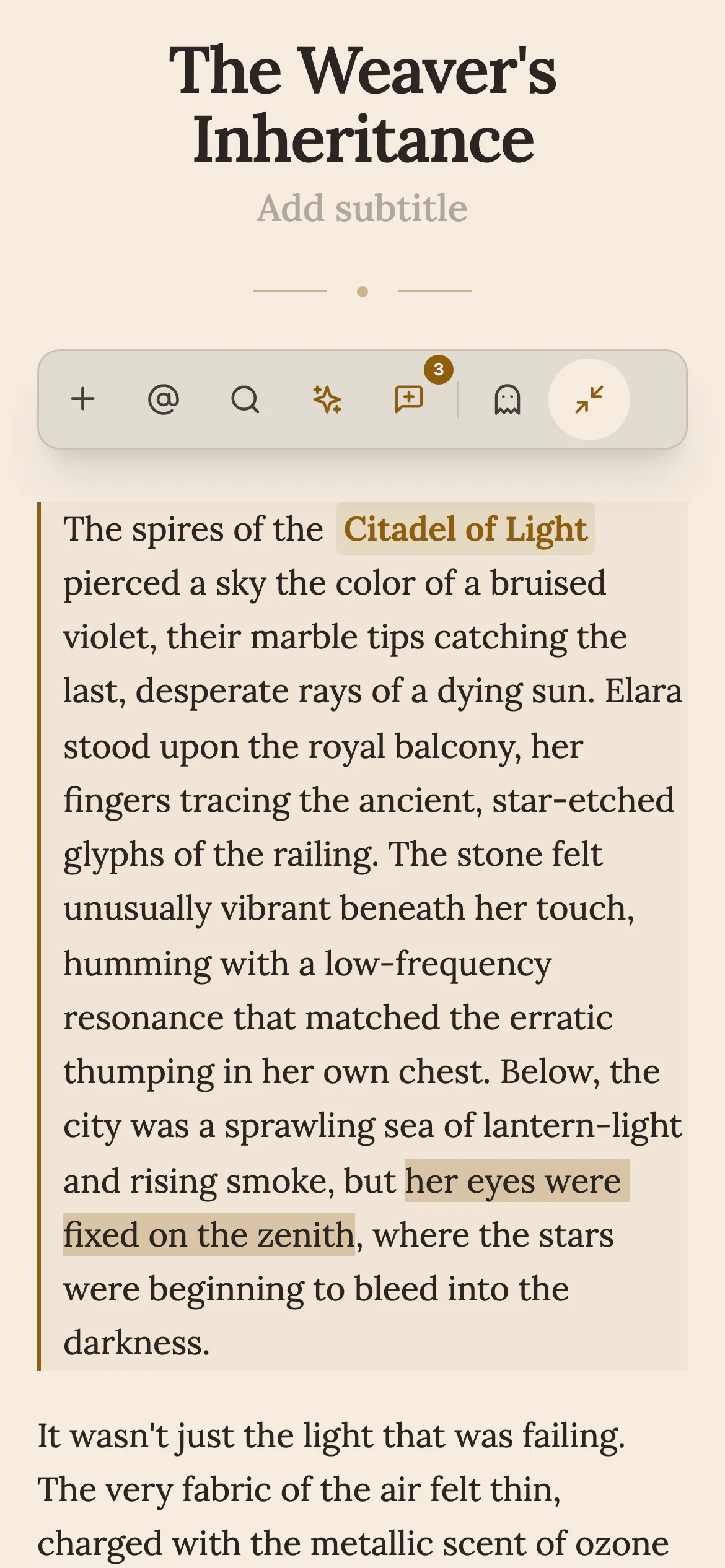
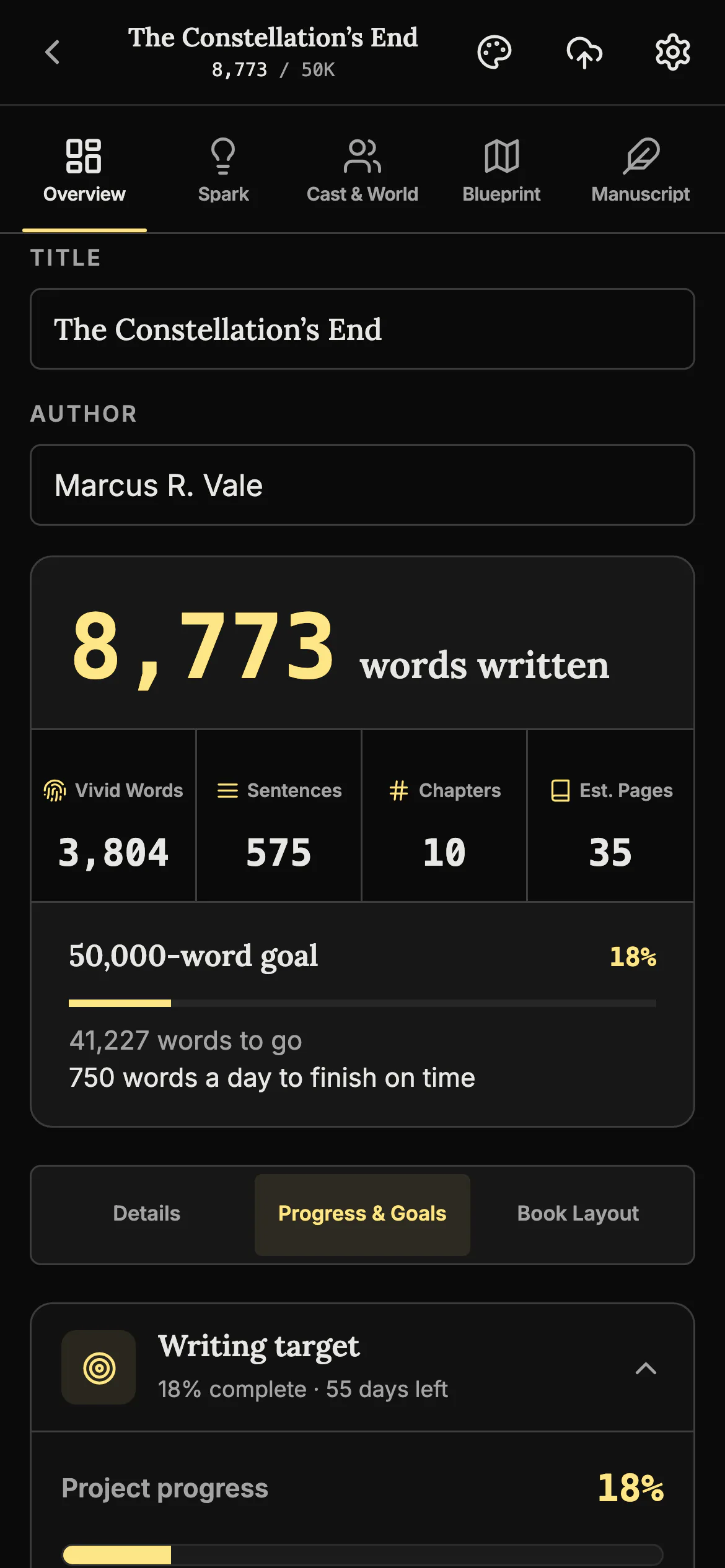
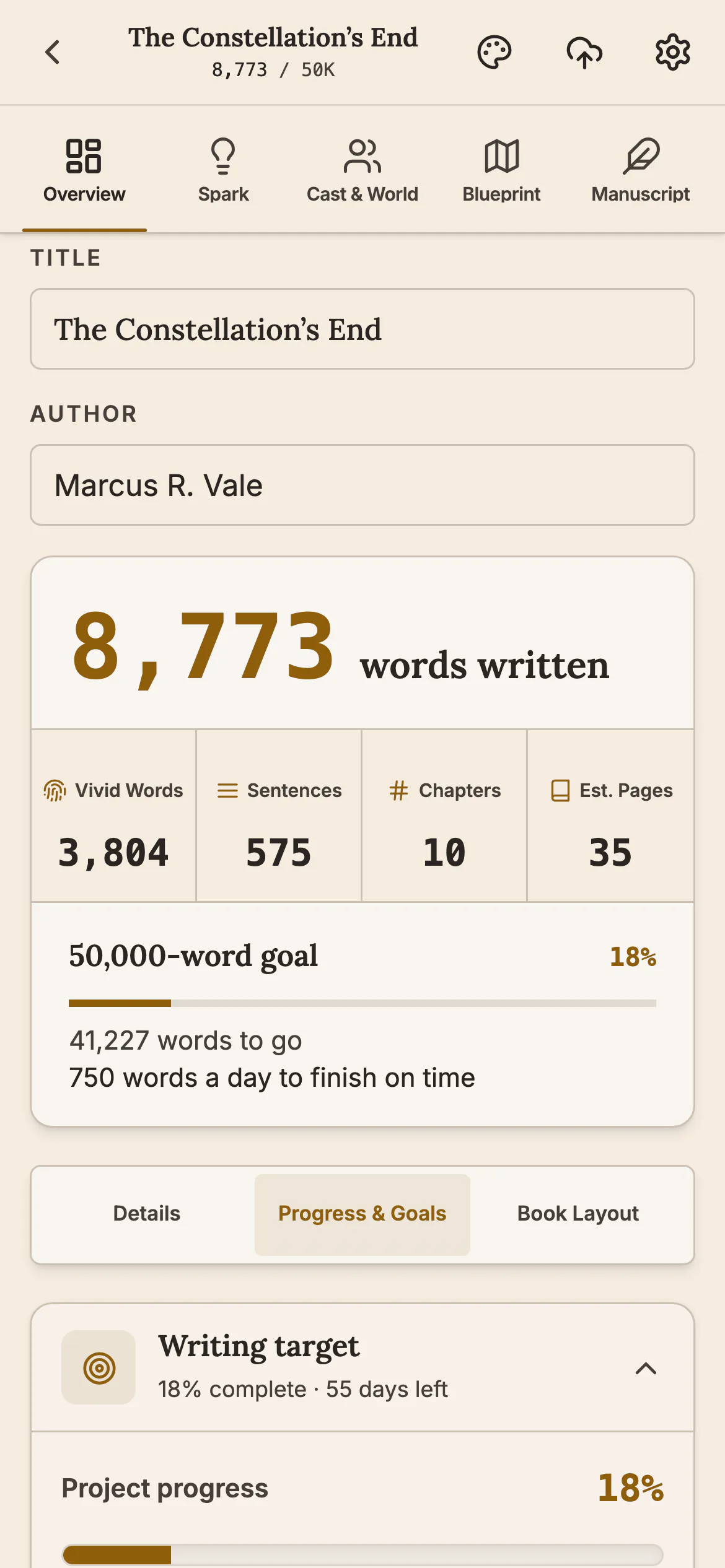
Write your novel on your phone
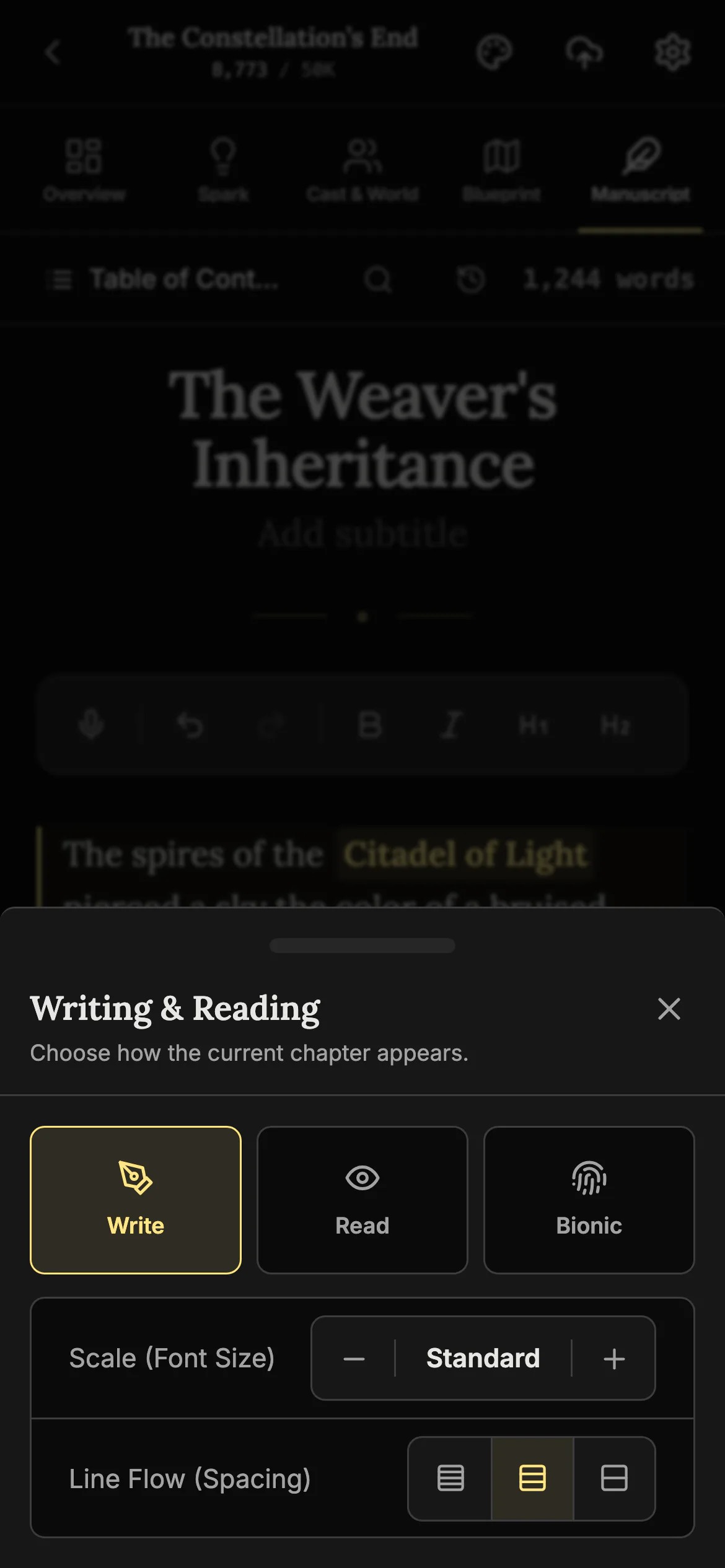
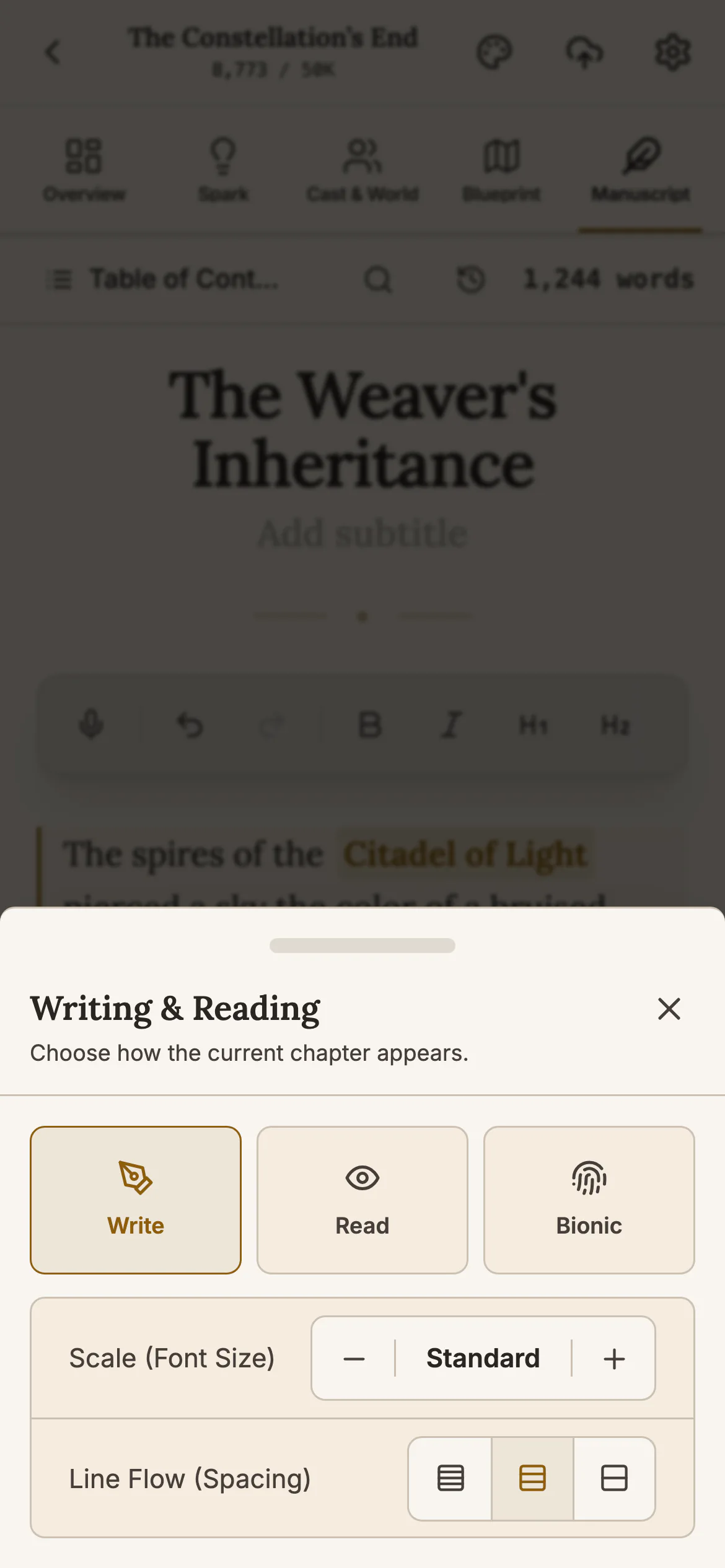
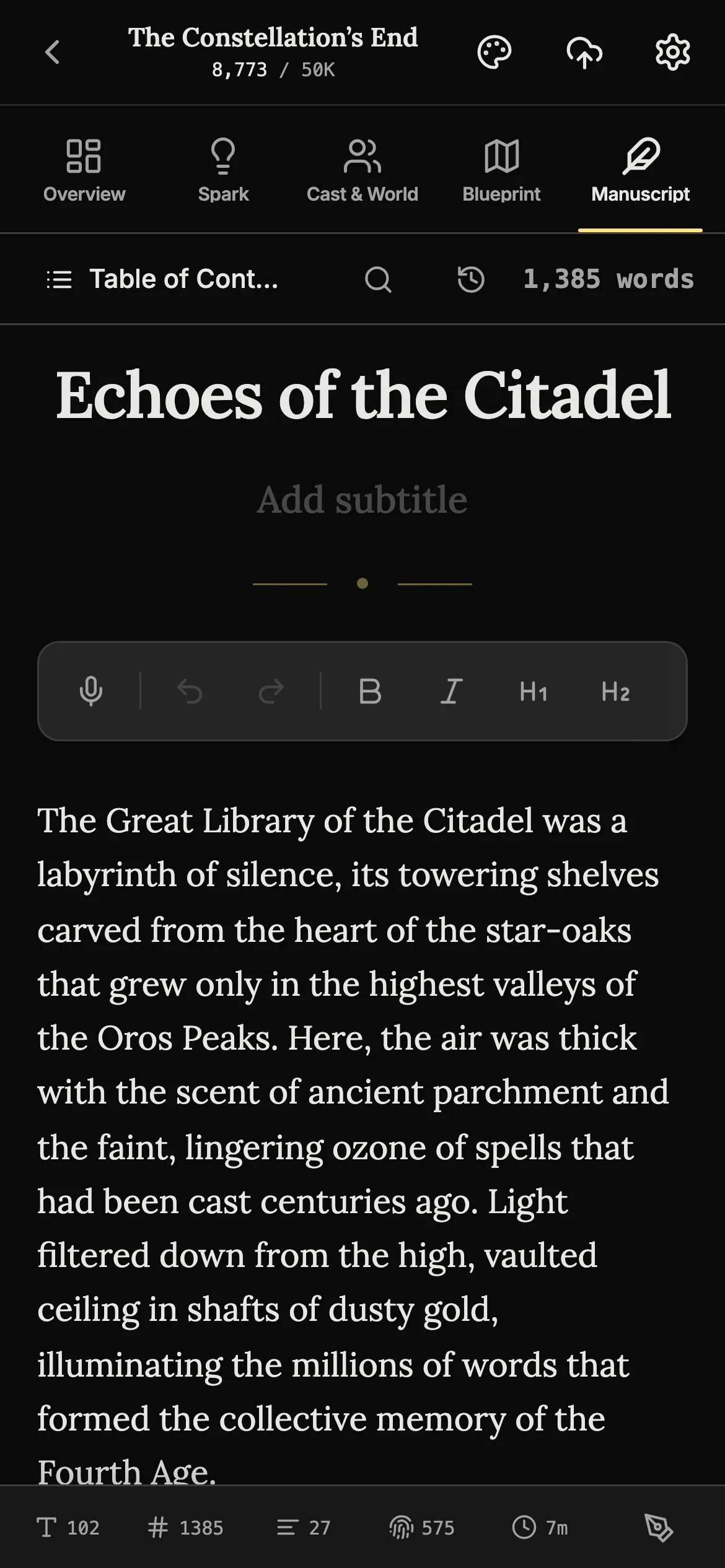
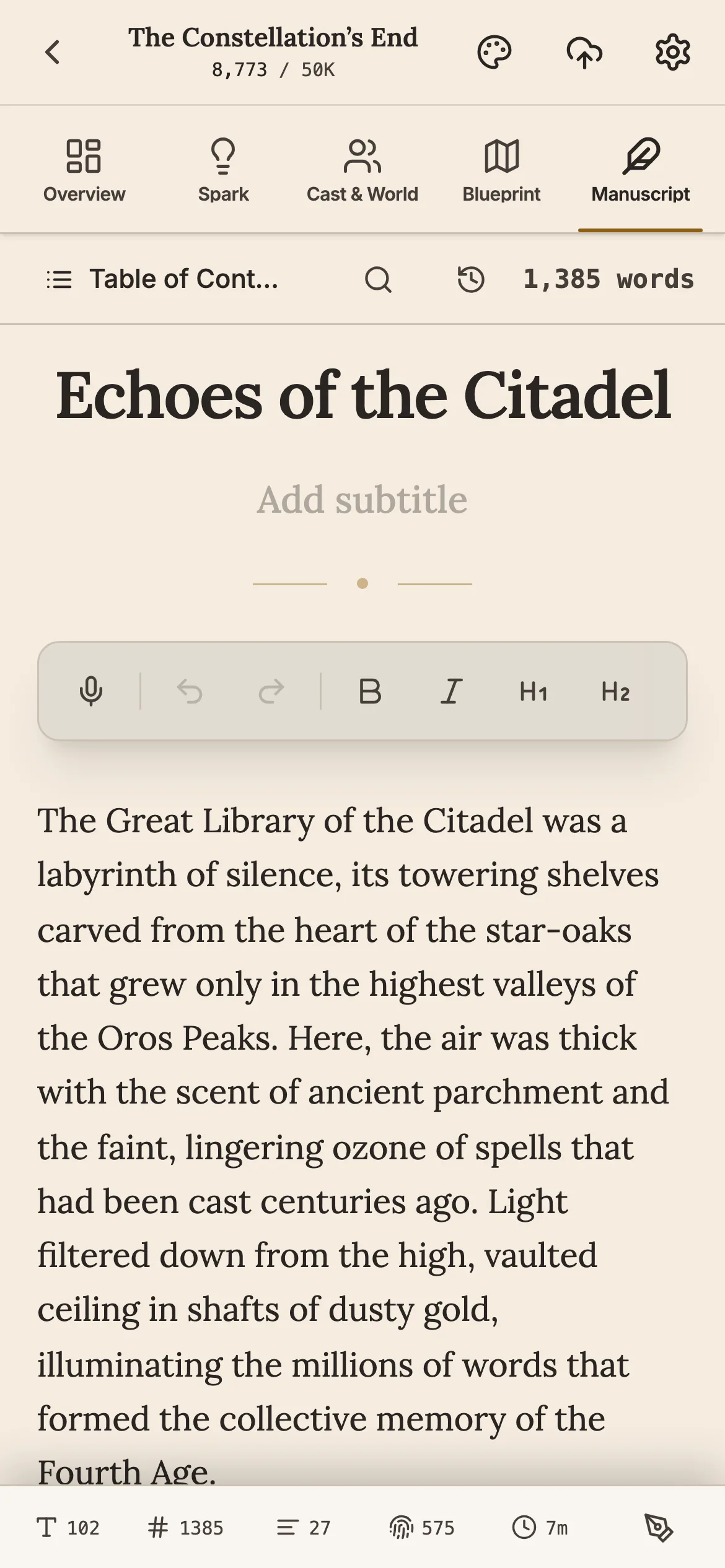
Open a chapter and keep writing wherever you are. The phone has the same editor as your computer, and you can set the text size and line spacing to suit a small screen.
Write by voice New
Tap the microphone and speak, and your words appear in the chapter. Nothing you say leaves your phone. For books written in English.
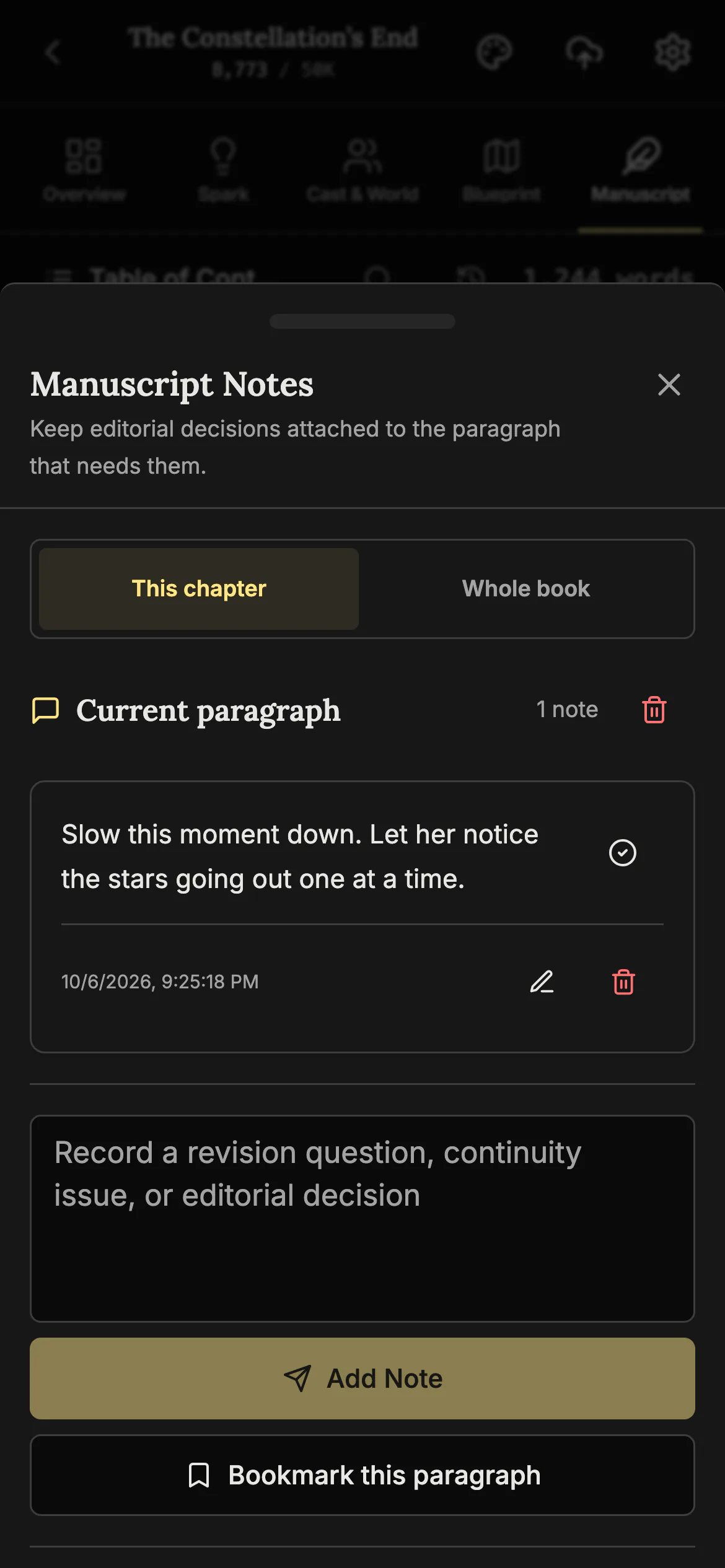
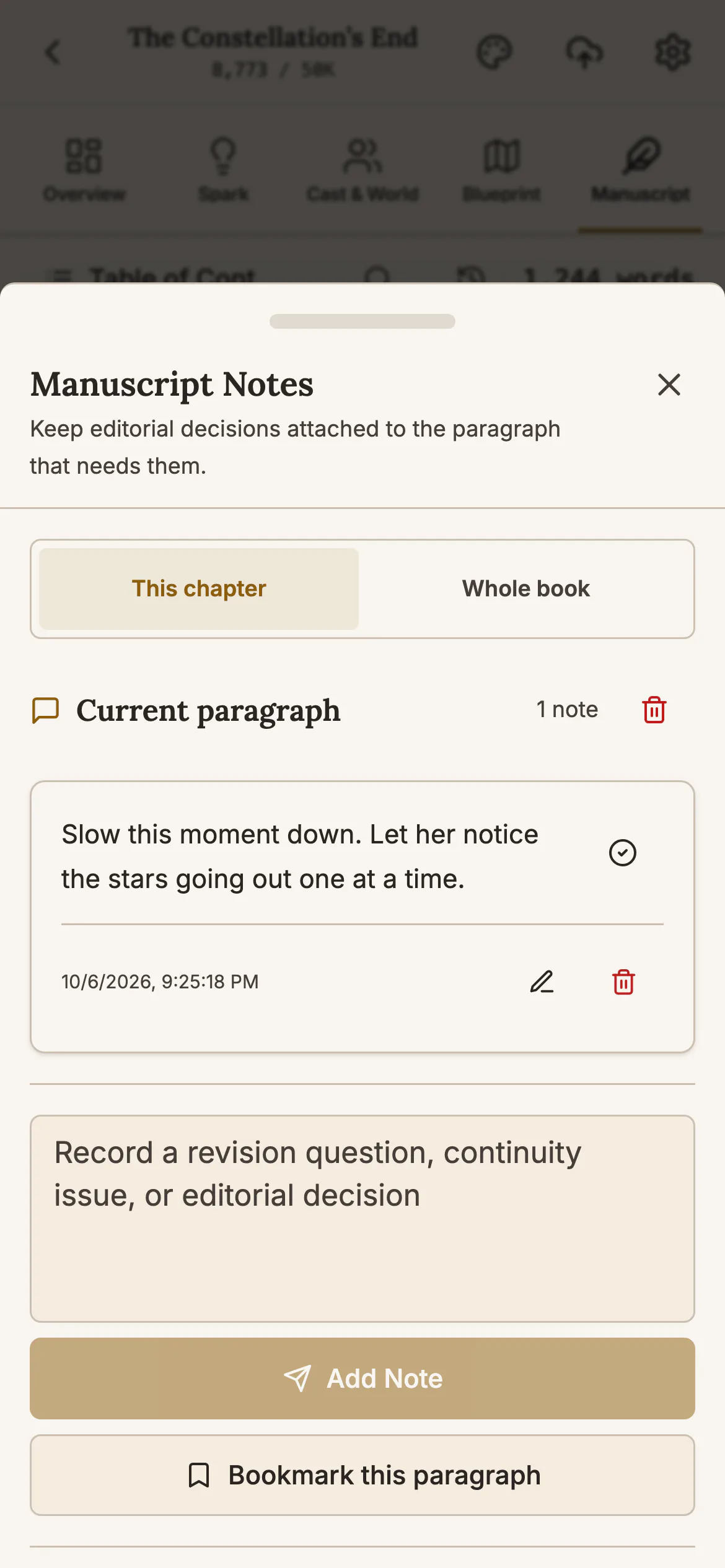
Leave a note on the exact words
When a line needs fixing later, mark it and write a note. The words stay highlighted, and one list shows every note in the book.
Plan your story scene by scene
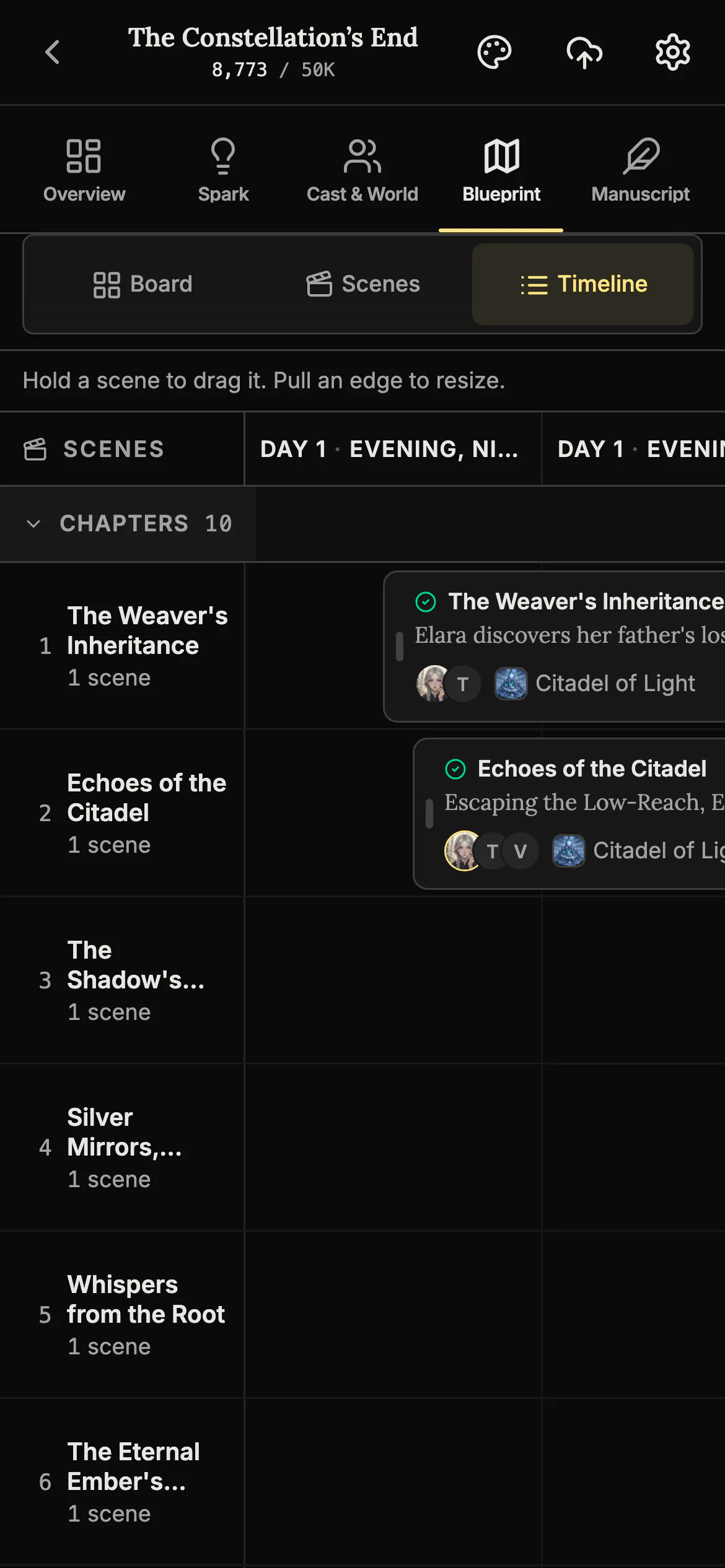
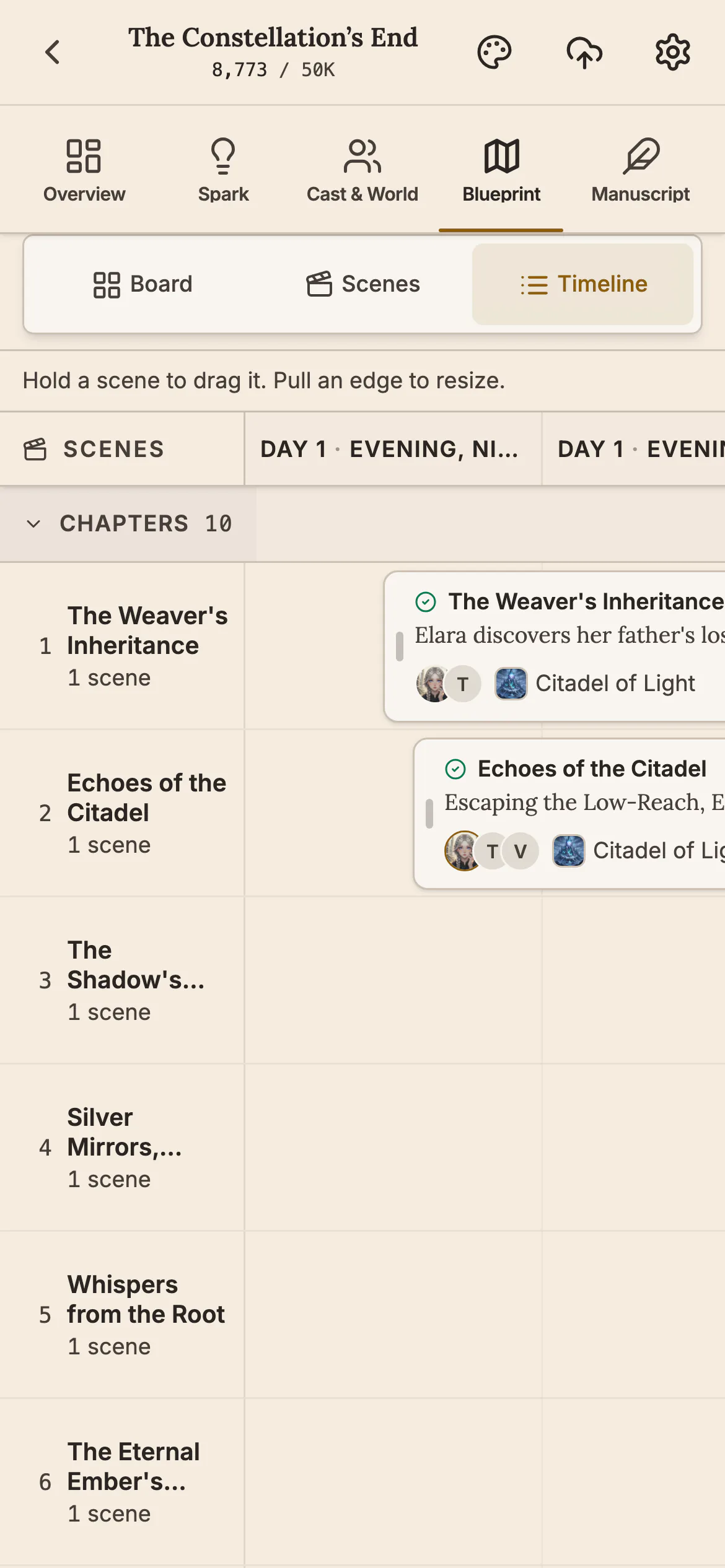
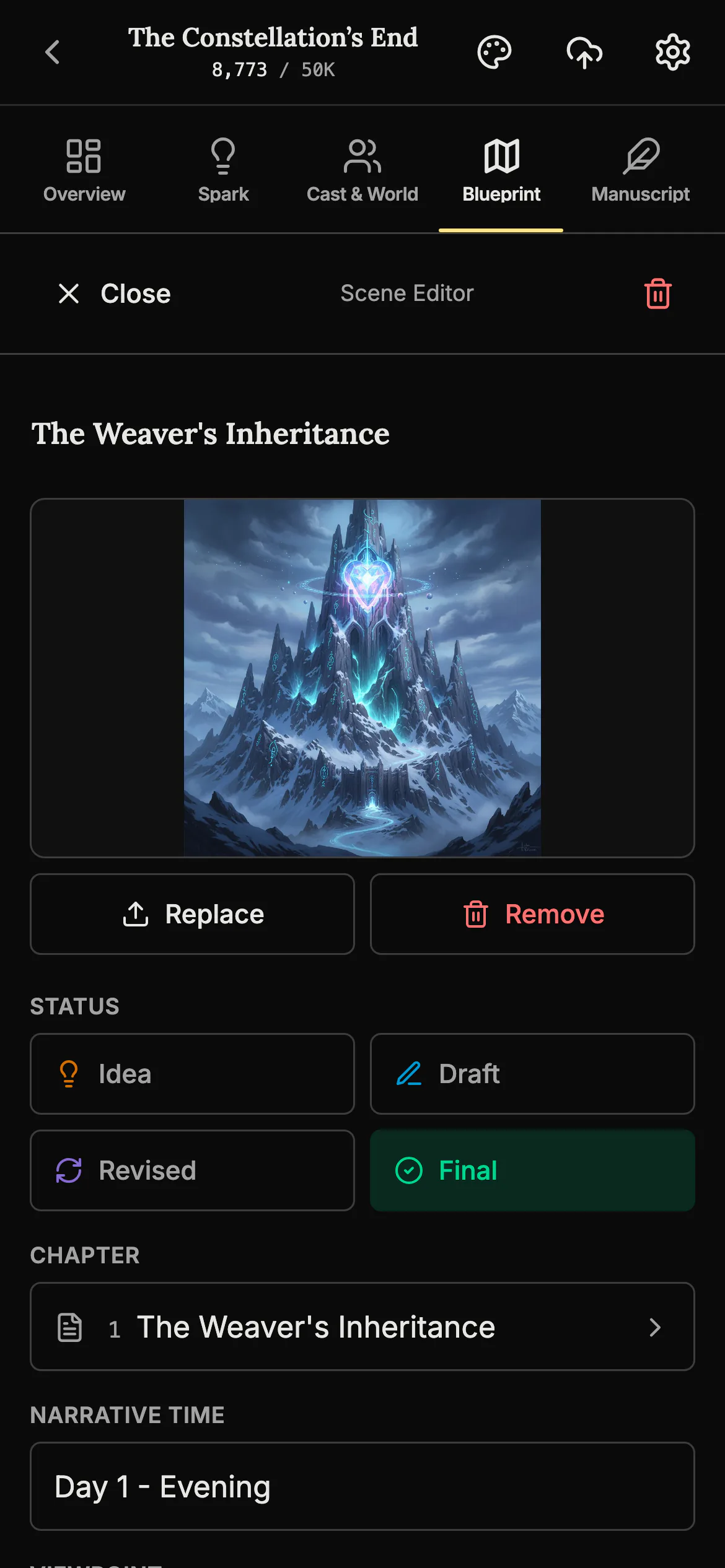
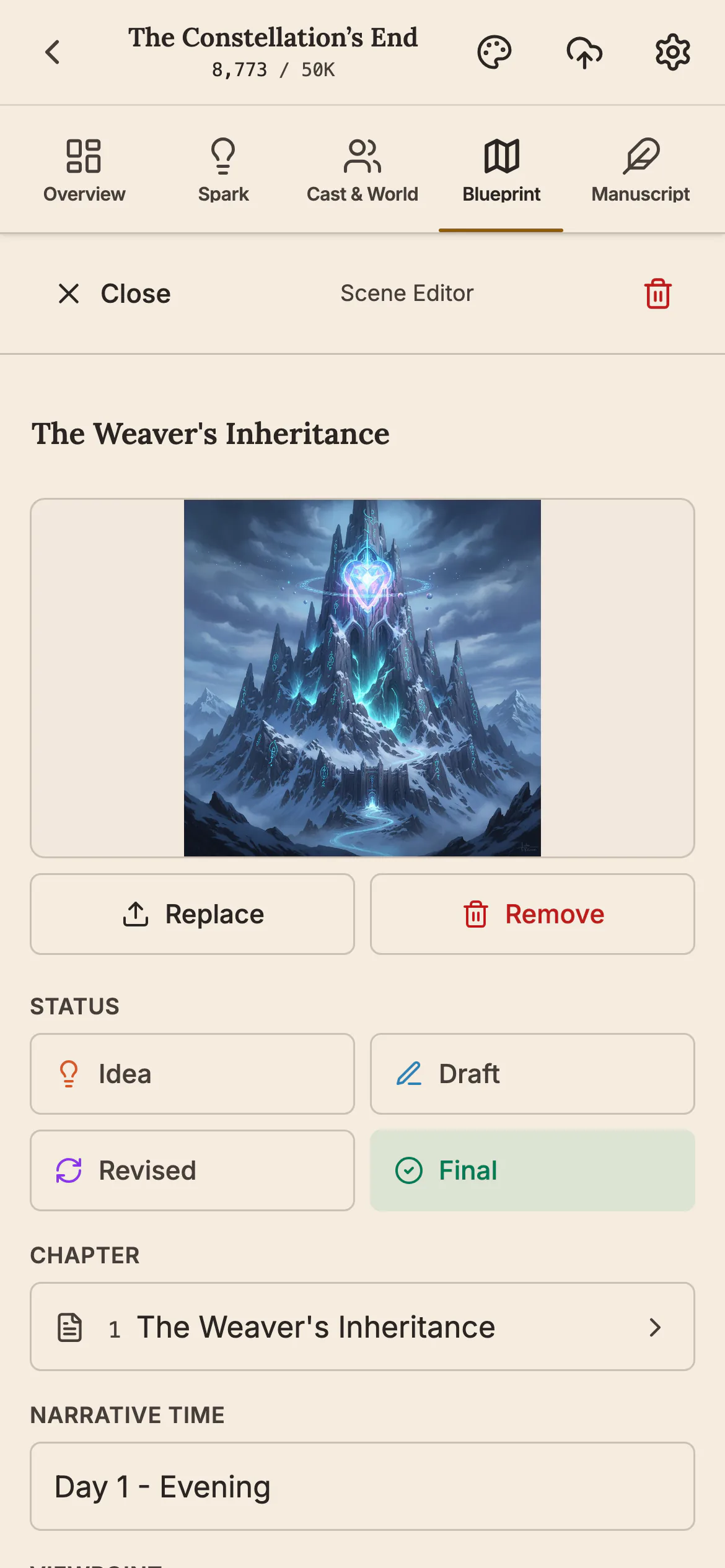
See every scene in order, chapter by chapter, and move a scene to another chapter with your thumb. Each scene keeps its own picture, status and viewpoint.
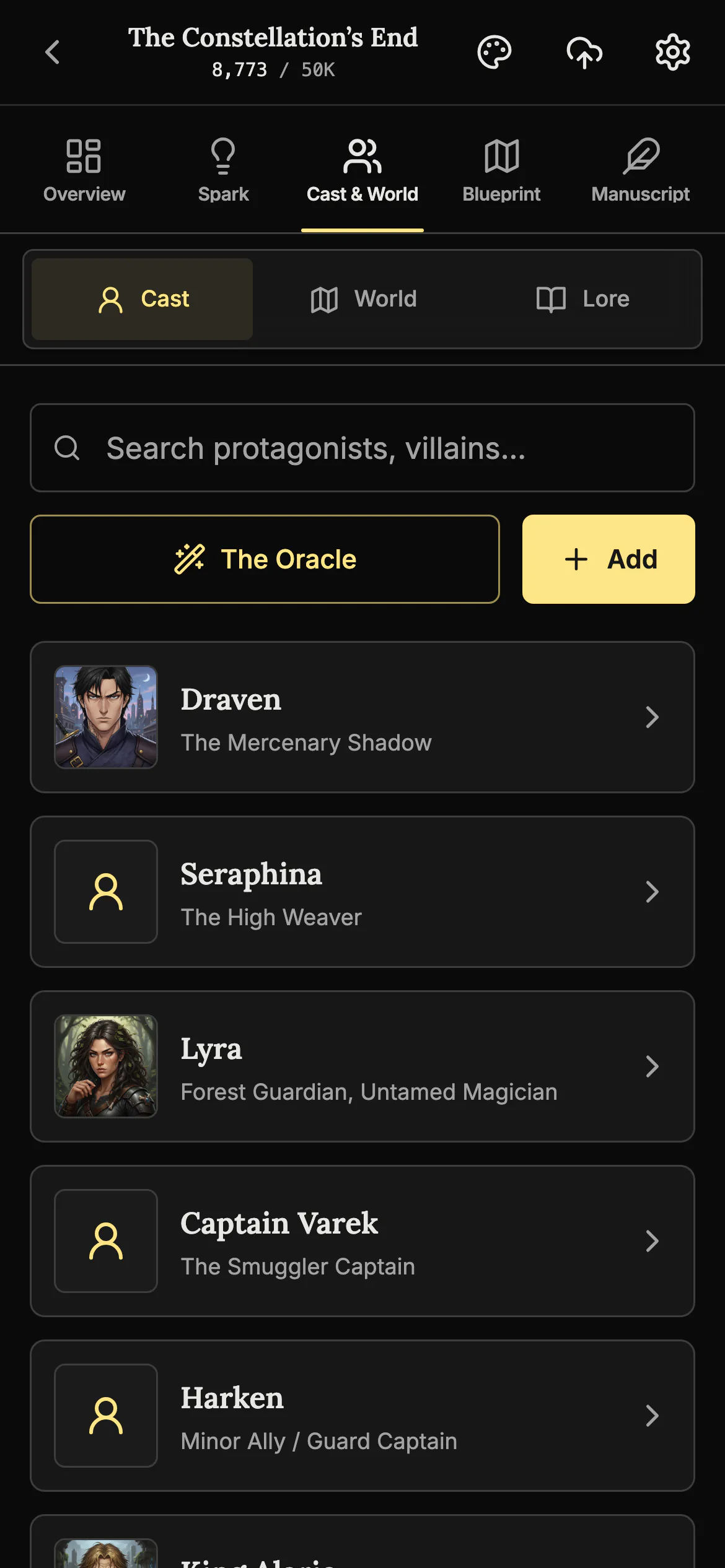
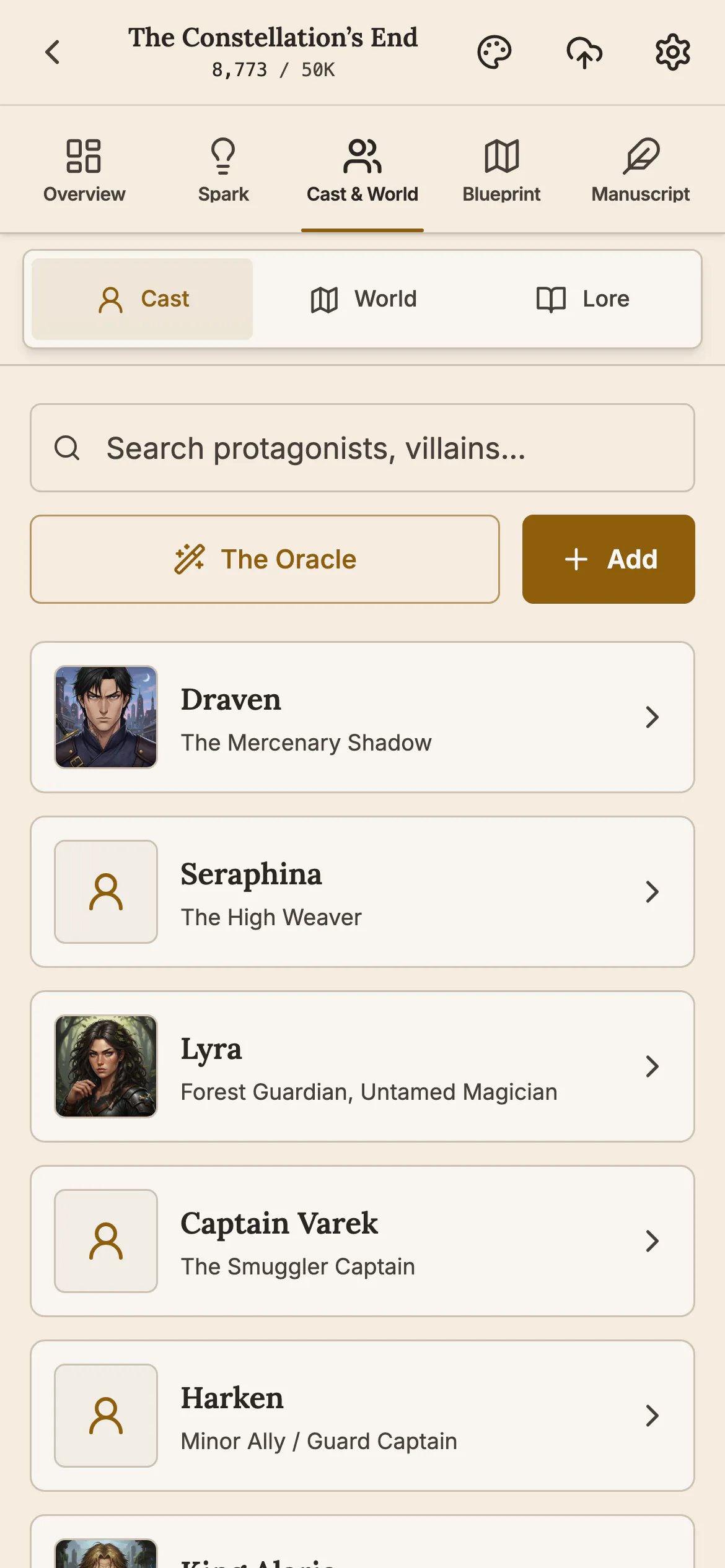
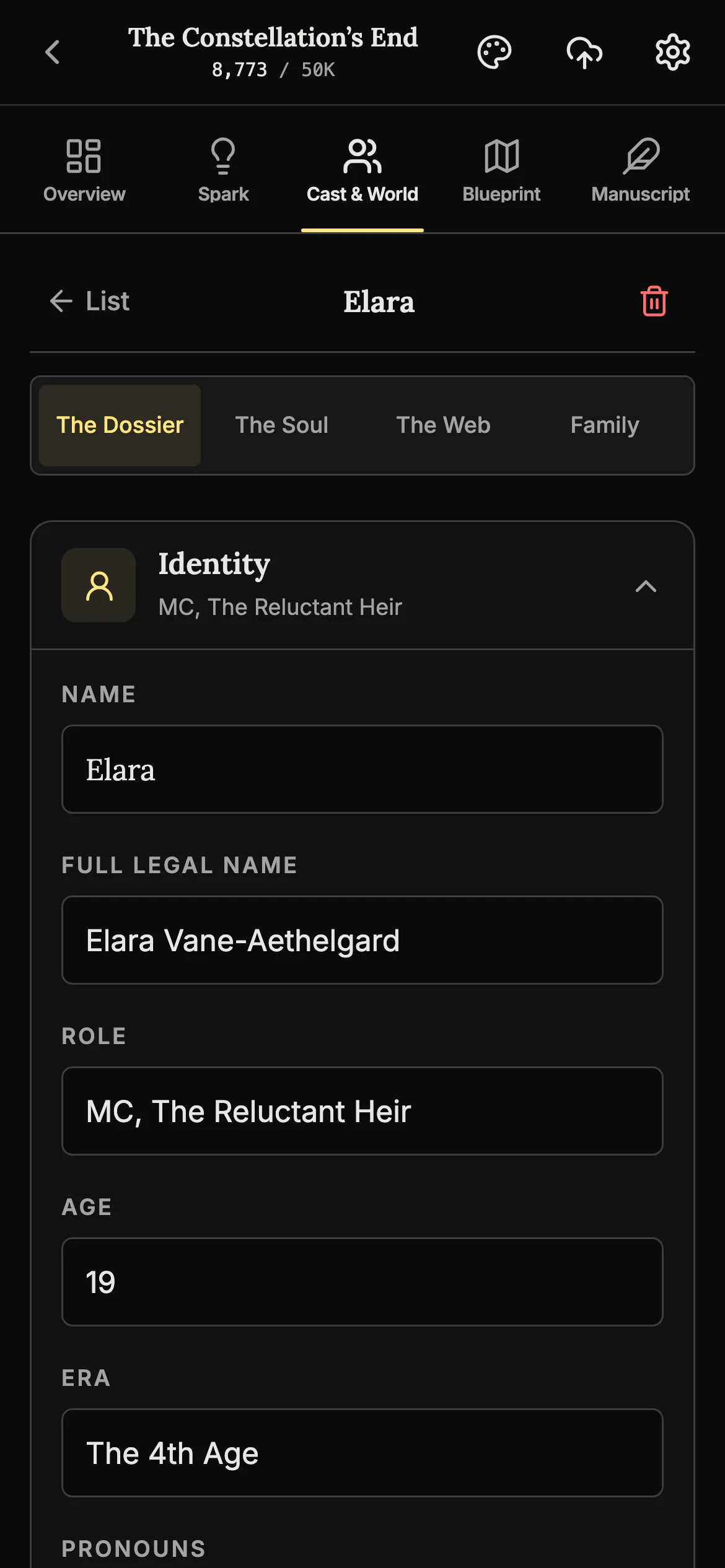
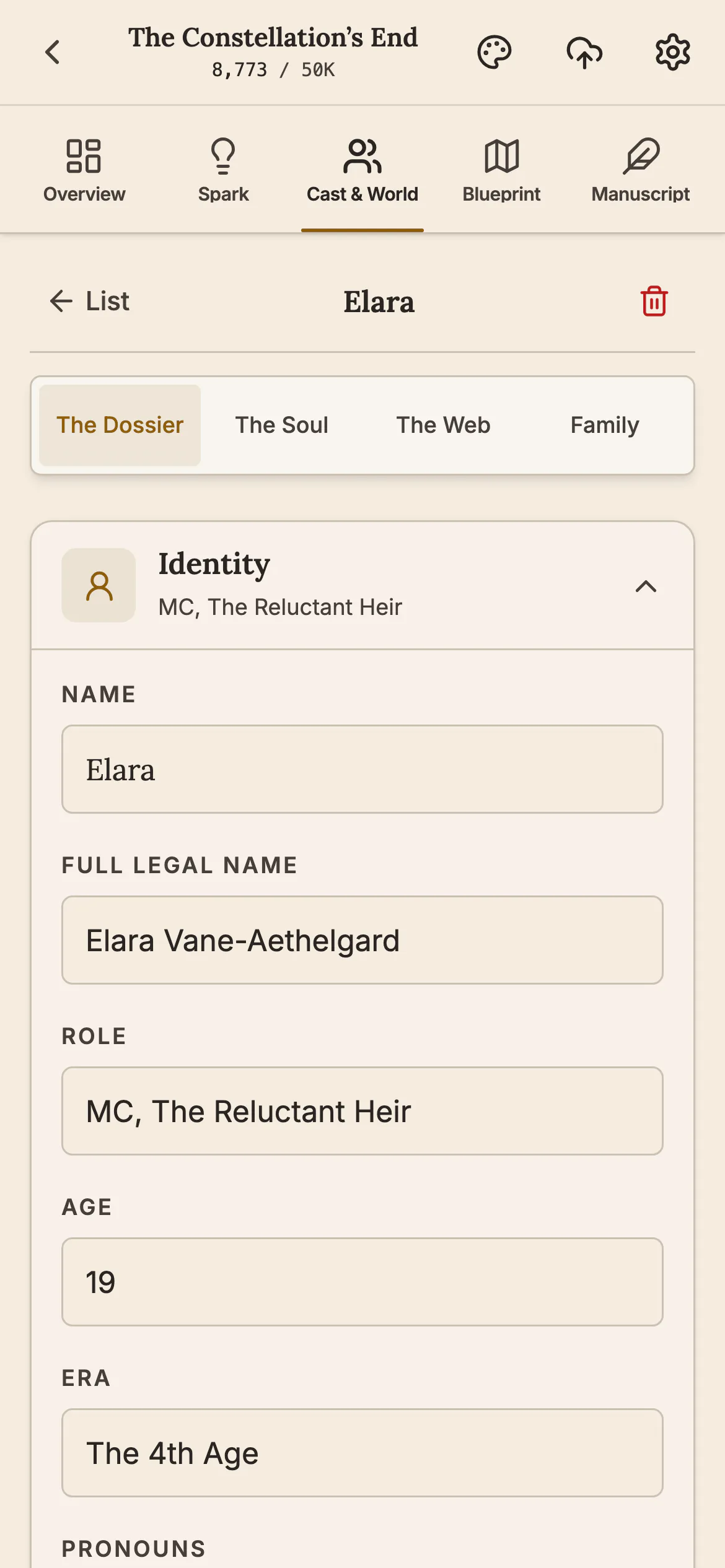
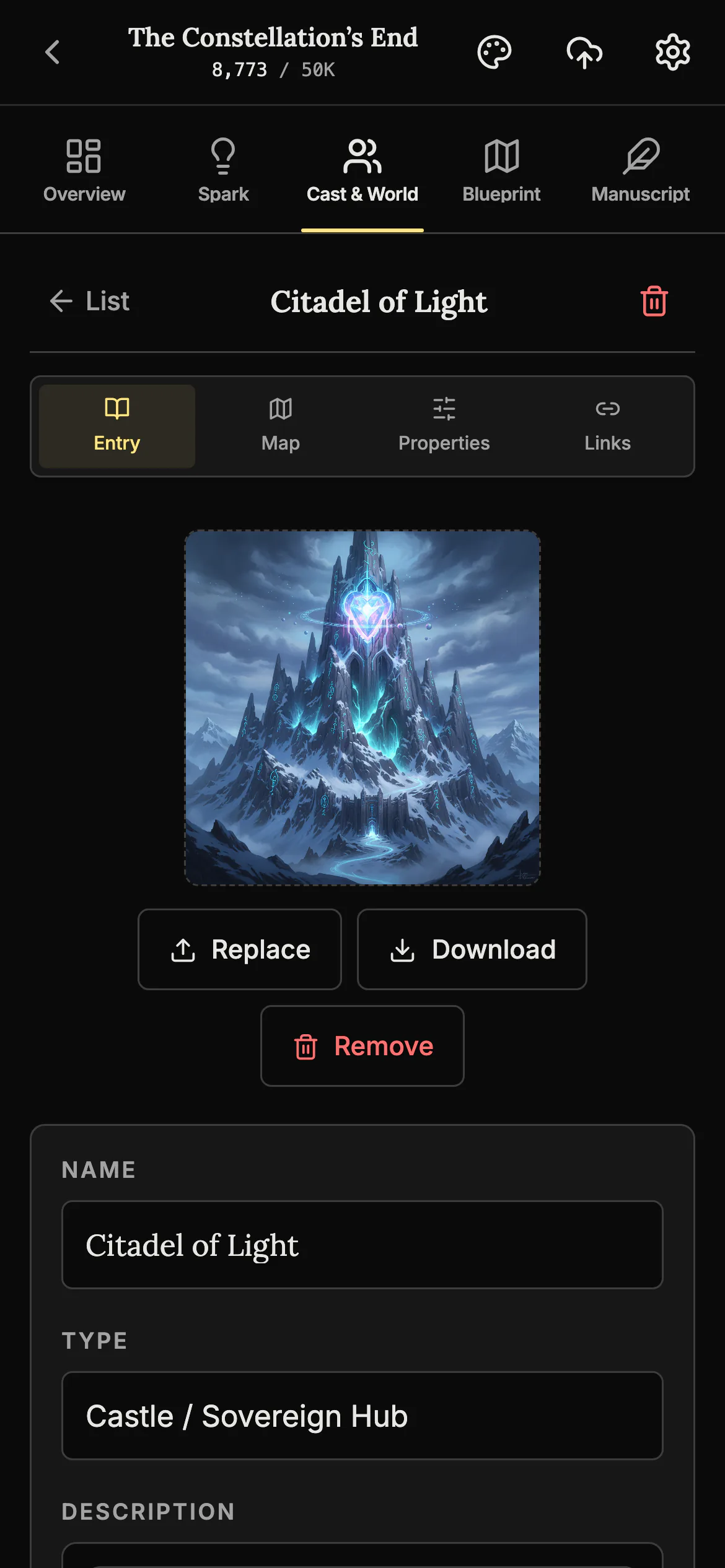
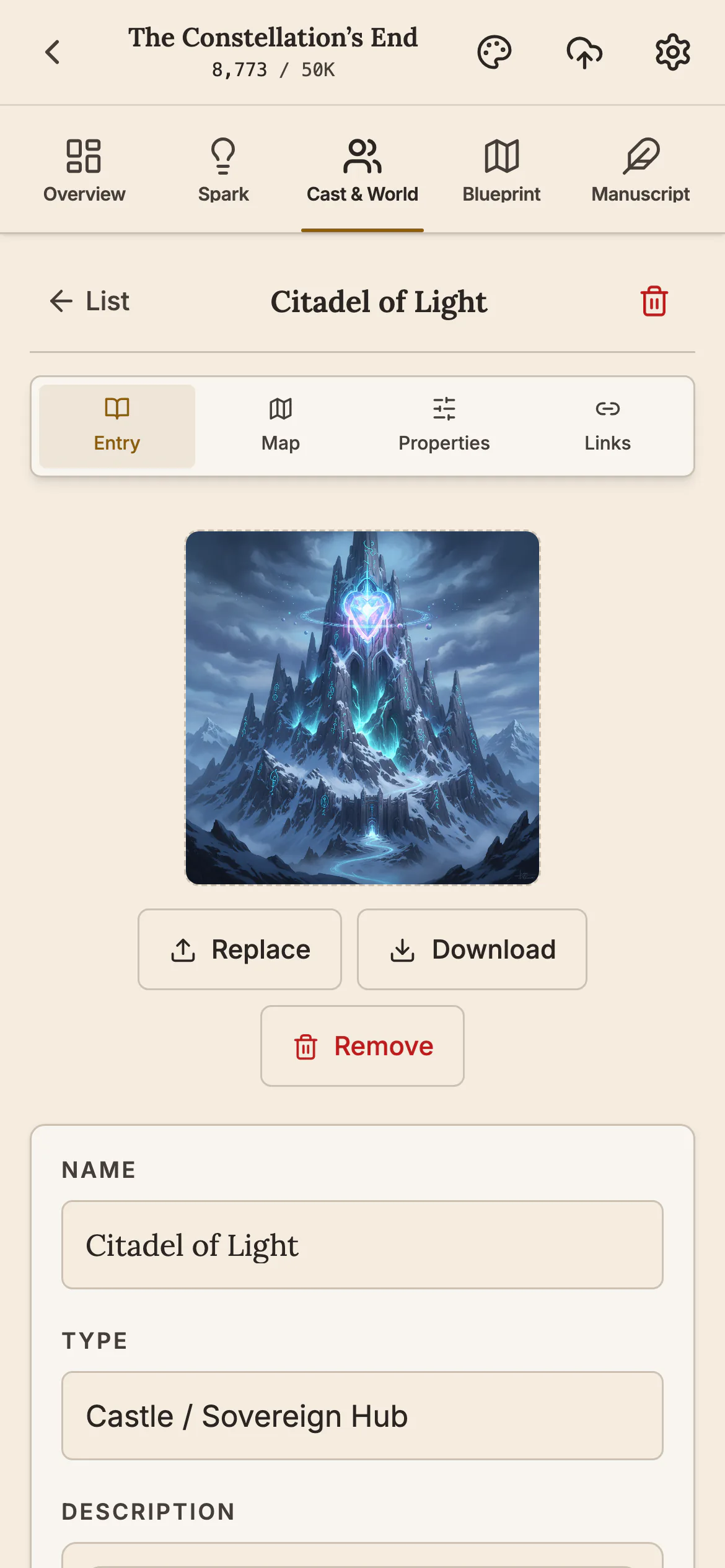
Your characters and your world in your pocket
Every character and every place in your story has its own page, with pictures. Check a detail or add a new one the moment you think of it.
See your book as printed pages New
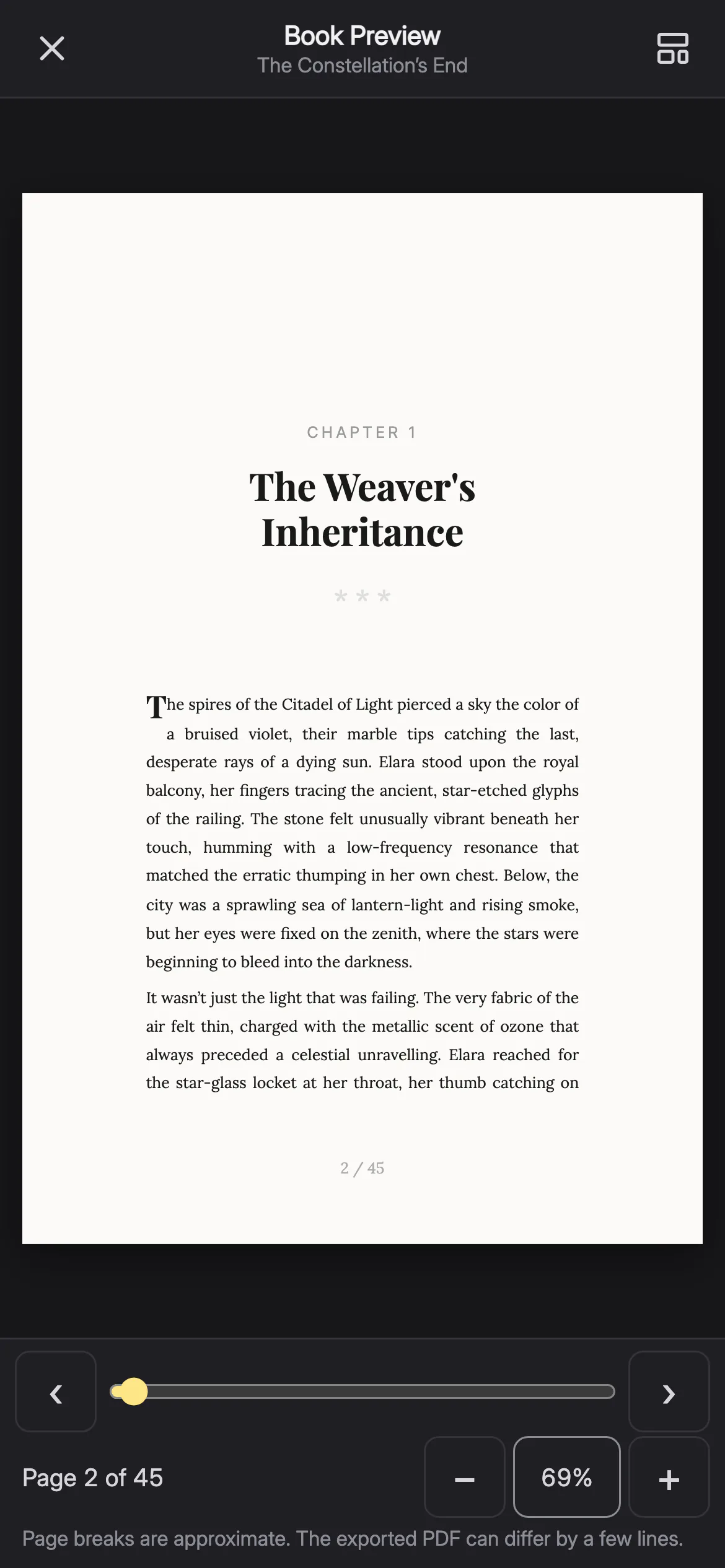
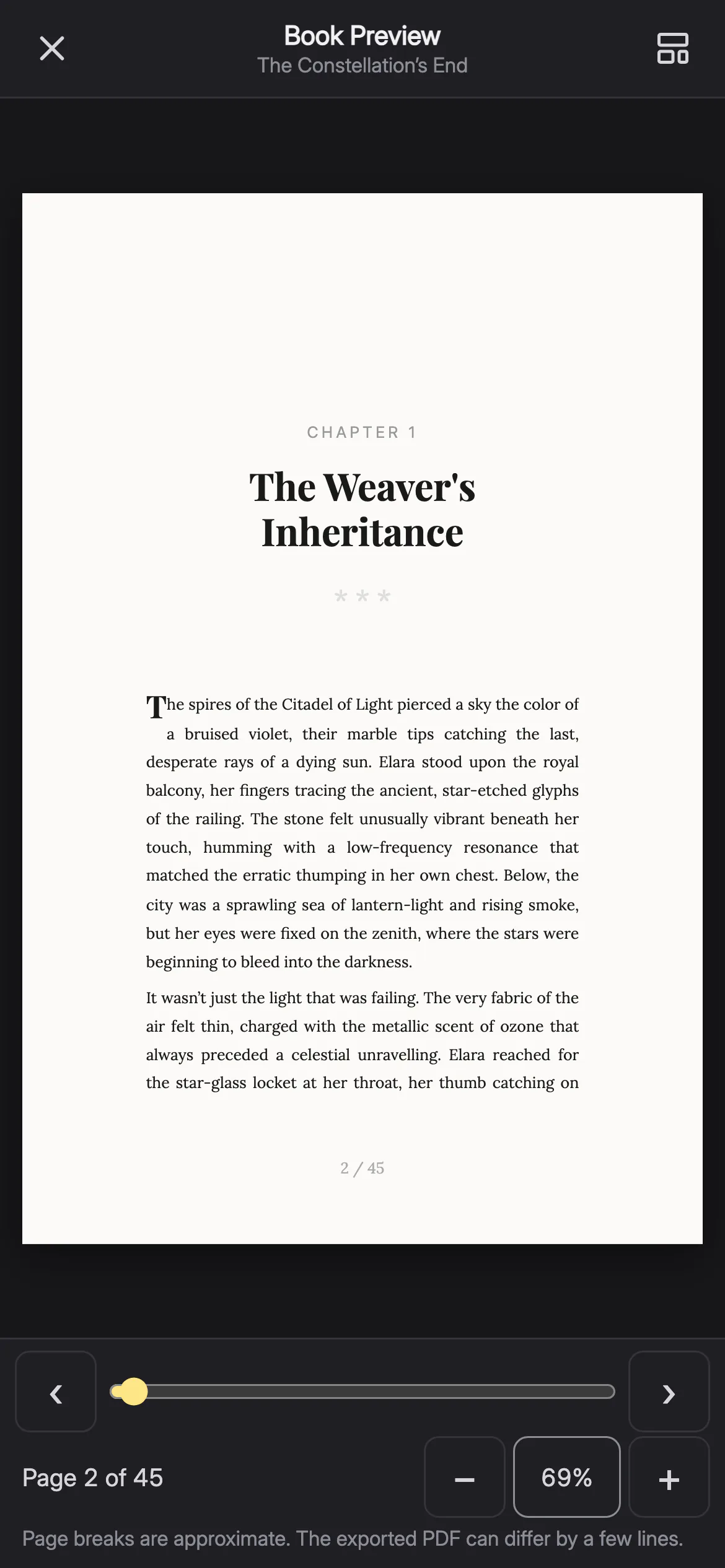
Book Preview shows your chapters laid out like a real book, at the page size you chose. Turn the pages and zoom in before you export.
Move your book between phone and computer
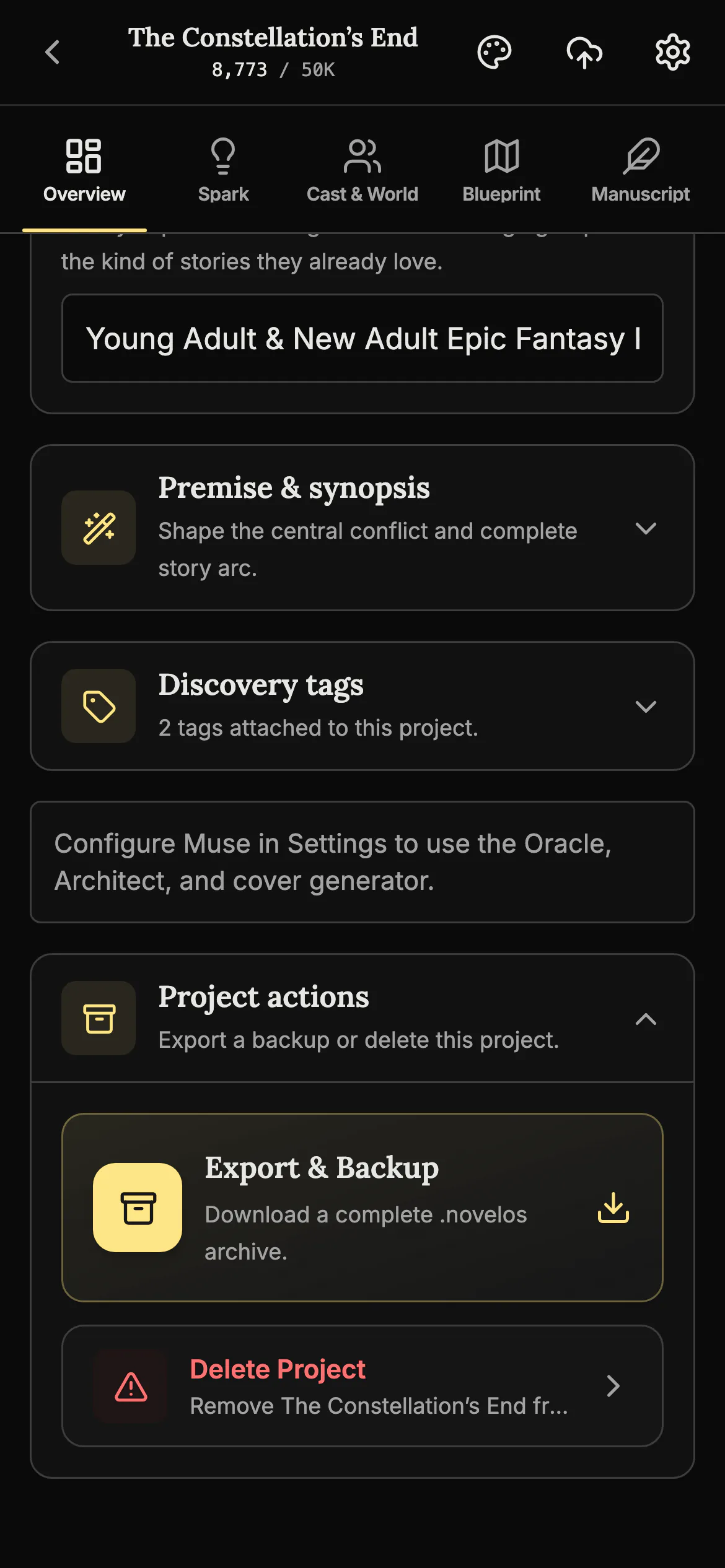
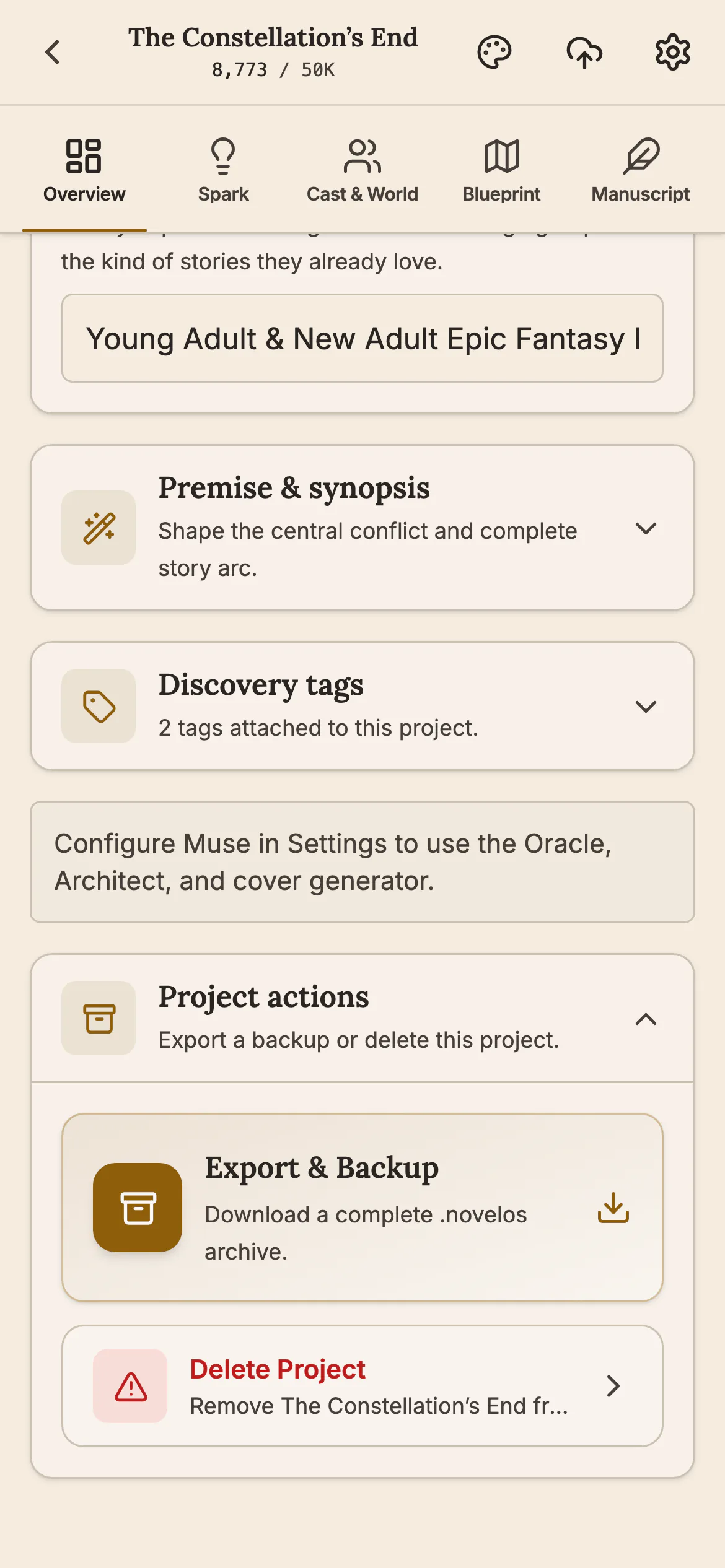
Save the whole project as one file on one device and open it on the other. Your chapters, notes, characters and pictures all come along, and the app asks before it replaces a book.
Install it from your browser
The phone app is not in the App Store or on Google Play. You add it to your Home Screen from the browser, on iPhone and Android, and unlock it with the same licence key as your computer, at no extra cost.
- Open app.novelos.studio in the browser on your phone.
- On iPhone, tap Share, then Add to Home Screen. On Android, open the browser menu, then Install app.
- Open NovelOS Studio from your Home Screen and enter the licence key from your purchase email.
More screens
Also in the phone app
- Everything the desktop app has. Plot boards, scenes, a timeline, characters, world building, maps, family trees, an idea board and export are all on the phone.
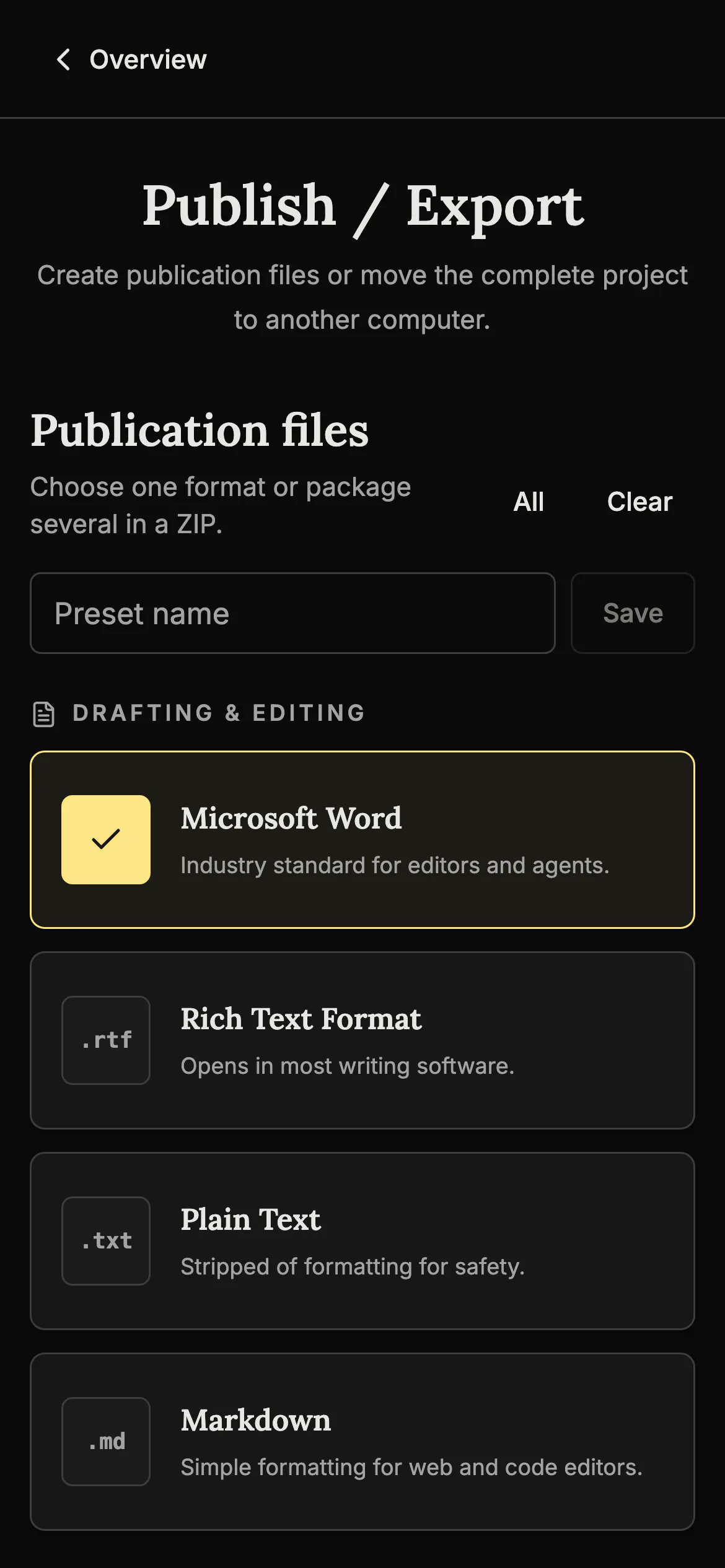
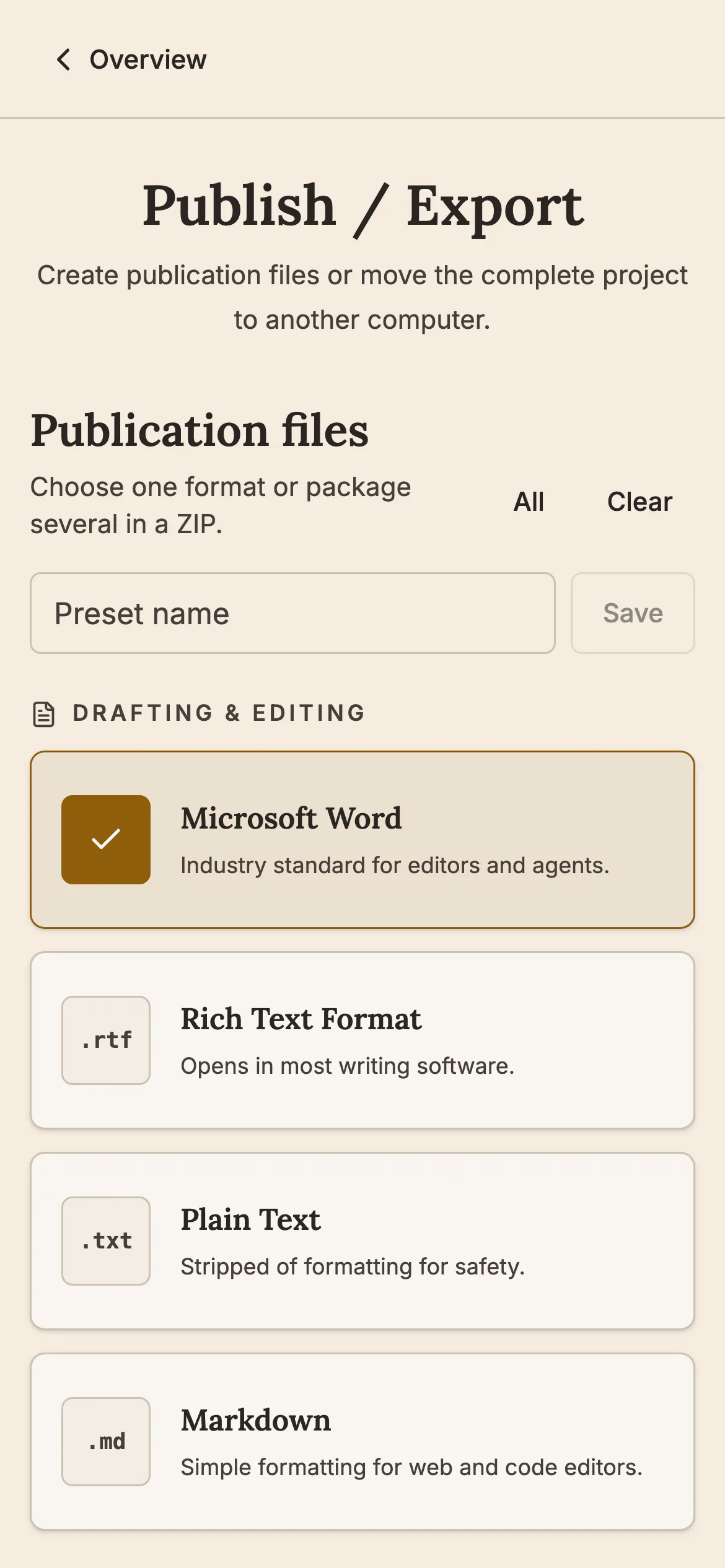
- Export a finished book. Make a Word, EPUB or PDF file on the phone. All seven formats are there.
- A word goal and a daily pace. See how many words you have written and how many a day will finish the book on time.
- Listen to a chapter. Have the phone read a chapter back to you in its own voice.
- Bring in a draft you already have. Import a manuscript you wrote somewhere else and keep working on it.
- Earlier versions of a chapter. Save a snapshot before a big edit and go back to it if you change your mind.
- The same book, there and back. A project that goes to the phone comes home as the same book, not a second copy.
- Your book stays on your phone. Projects are stored on the device, not on our servers.
- No cloud sync yet. Your phone and computer do not sync on their own. You move the project as one file.
Related features
- The manuscript editor
Write the book in chapters and sub-chapters, with Zen, Typewriter and Vanishing modes and search that forgives typos.
- Write by voice
Press Dictate and speak. Your words appear in the chapter with punctuation, and nothing you say leaves your device.
- Margin notes
Comment on exactly the words you select, bookmark a paragraph, and work through every note from one list.
- Book Preview
See your book as printed pages at your trim size while you are still writing it.
- Themes and languages
23 themes, a custom theme editor, and the whole app in any of 23 interface languages.
- Publish and export
Export to Word, EPUB, PDF, HTML, Markdown, RTF and plain text. The PDF follows your trim size, margins and font.
Common questions
Is the phone app a separate purchase?
No. It uses the same lifetime licence key as the desktop apps.
Where do I get it?
Open app.novelos.studio in the browser on your phone and install it from there. It is not in the App Store or on Google Play.
Does my project sync between my phone and my computer?
Not automatically. There is no cloud sync yet. You move a project as one .novelos file, with Export & Backup on one device and Import Project on the other.
What is in the .novelos file?
The manuscript, Cast & World, Spark, Blueprint, family trees, notes, pictures, snapshots and export history. AI keys are never written into the file.
Will importing on my phone change its settings?
No. Each device keeps its own language, theme and editor settings.
Which phones does it run on?
iPhones and Android phones, including older ones (Chrome before 122, Safari before 18.4) since 1.4.
What does it cost?
Nothing beyond the $45 one-time purchase of NovelOS Studio.
Guides for writing anywhere
Exposition in Motion: Give Readers the Right Fact at the Right Moment
Place exposition where readers need it by testing what each fact helps them follow, judge, or reinterpret in the current scene.
Read article
Book Blurb vs Synopsis: Build Promise and Proof
Compare a book blurb with a synopsis, then use a promise-to-payoff ledger to write reader-facing copy and a spoiler-complete submission document.
Read article
A Clarity Test for Every Dialogue Tag
Test dialogue tags by speaker clarity, reset points, placement, action, and rhythm so readers never need to reconstruct who spoke.
Read articleWriting Tips & First Edition Access.
Craft guides and product updates in your inbox.
Finish your story. Keep your tools.
One payment and it is yours. No subscription, no account, no telemetry. Watch the full walkthrough before you buy.