 Your Story, Perfectly Pressed.
Format and export your finished manuscript
NovelOS Studio formats and exports a finished novel for self-publishers. Export to Word, EPUB, PDF and four more formats from one manuscript. Choose the trim size, margins and font once, check the pages in Book Preview, and download every file in one go.
- $45 once, no subscription
- Windows and macOS
- Phone app included
- Works offline
 Windows
 macOS
macOS
 Mobile
Part of the 25 minute walkthrough. Watch the full tour from the start Watch on YouTube
Seven formats from one manuscript
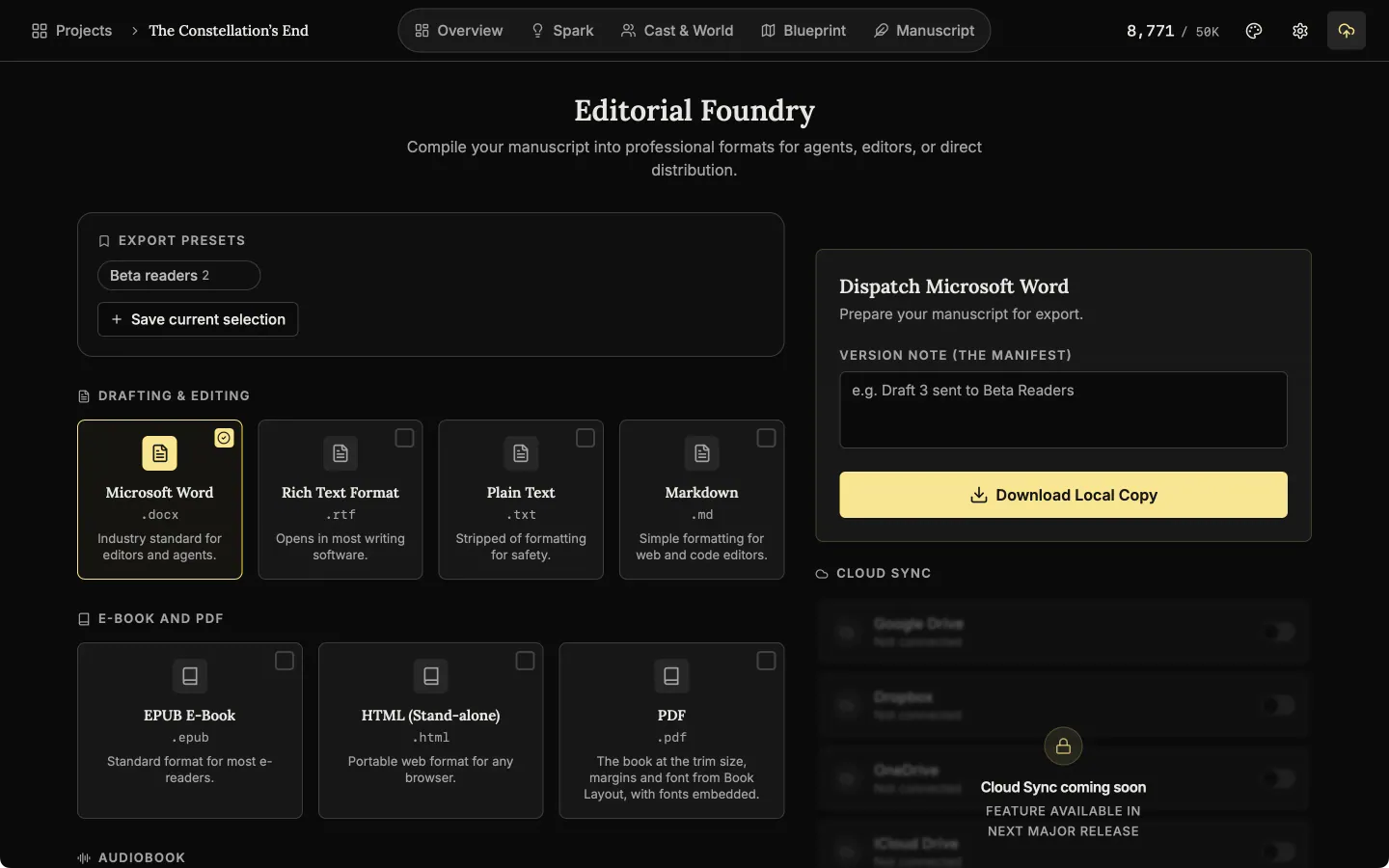
Export to Word, RTF, plain text, Markdown, EPUB, HTML and PDF. Tick several and download them together.
Export formats
Export the whole manuscript to Word, RTF, plain text, Markdown, EPUB, HTML or PDF from one page.
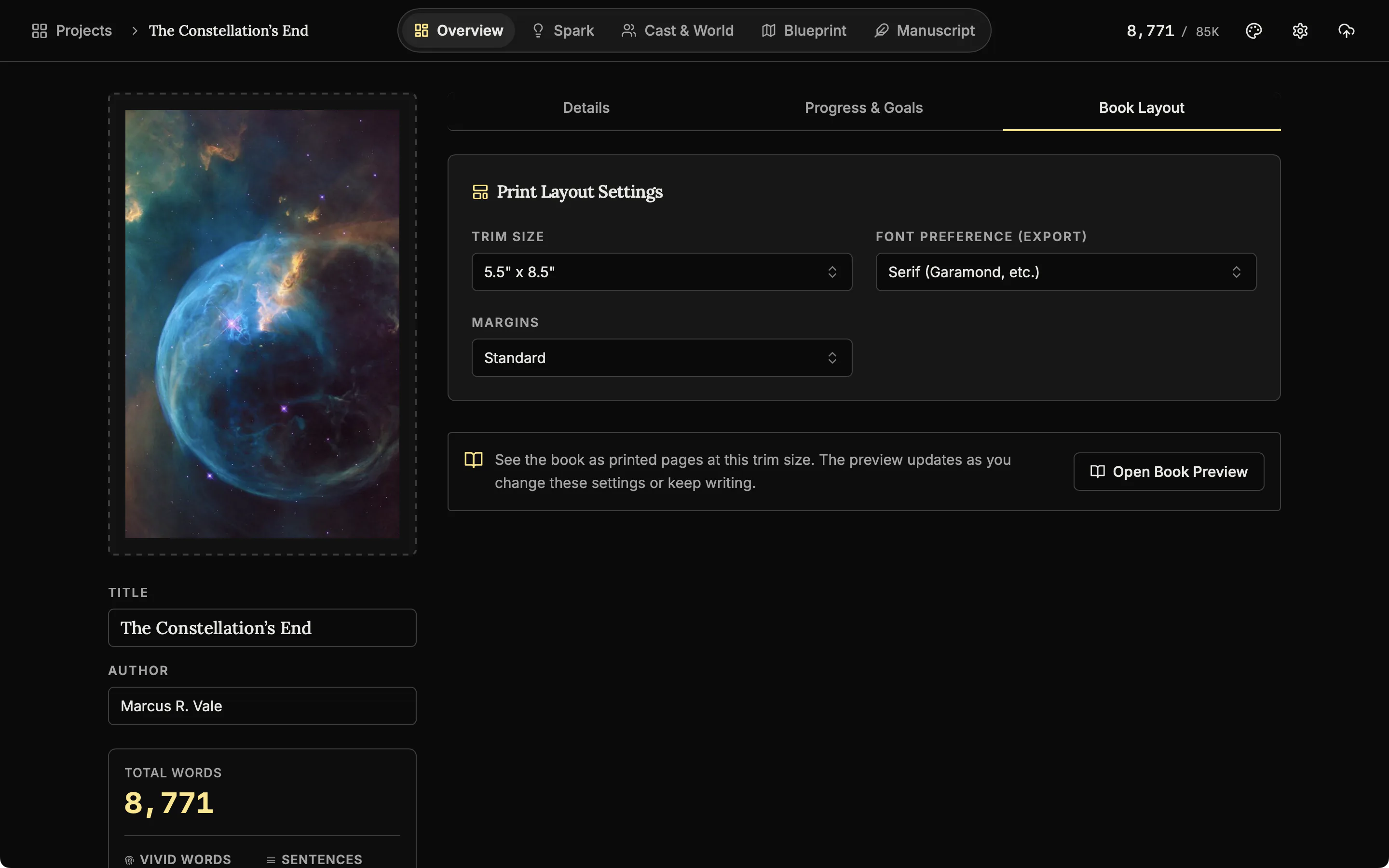
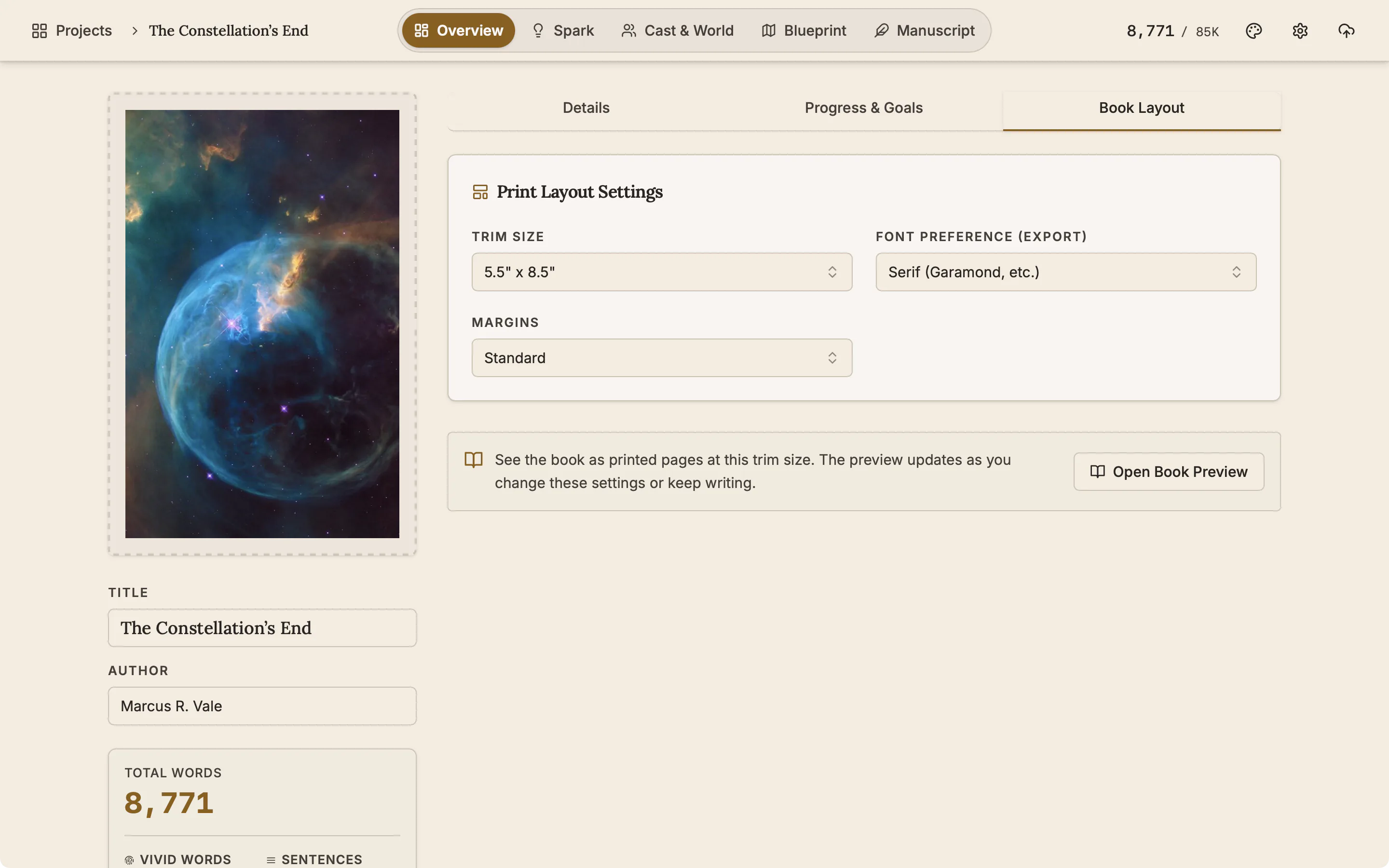
A PDF at your trim size
The PDF follows the trim size, margins and font you set in Book Layout, with the fonts embedded. It does not convert to CMYK or add bleed or crop marks.
Book Preview: see the printed pages before you export New
Book Preview shows the book as printed pages at your trim size and updates as you write.
Two-page spread
Turn the page and the preview shows your chapters as facing pages, with the chapter heading, a drop capital and page numbers, the way the printed book will open.
A record of what you sent and when
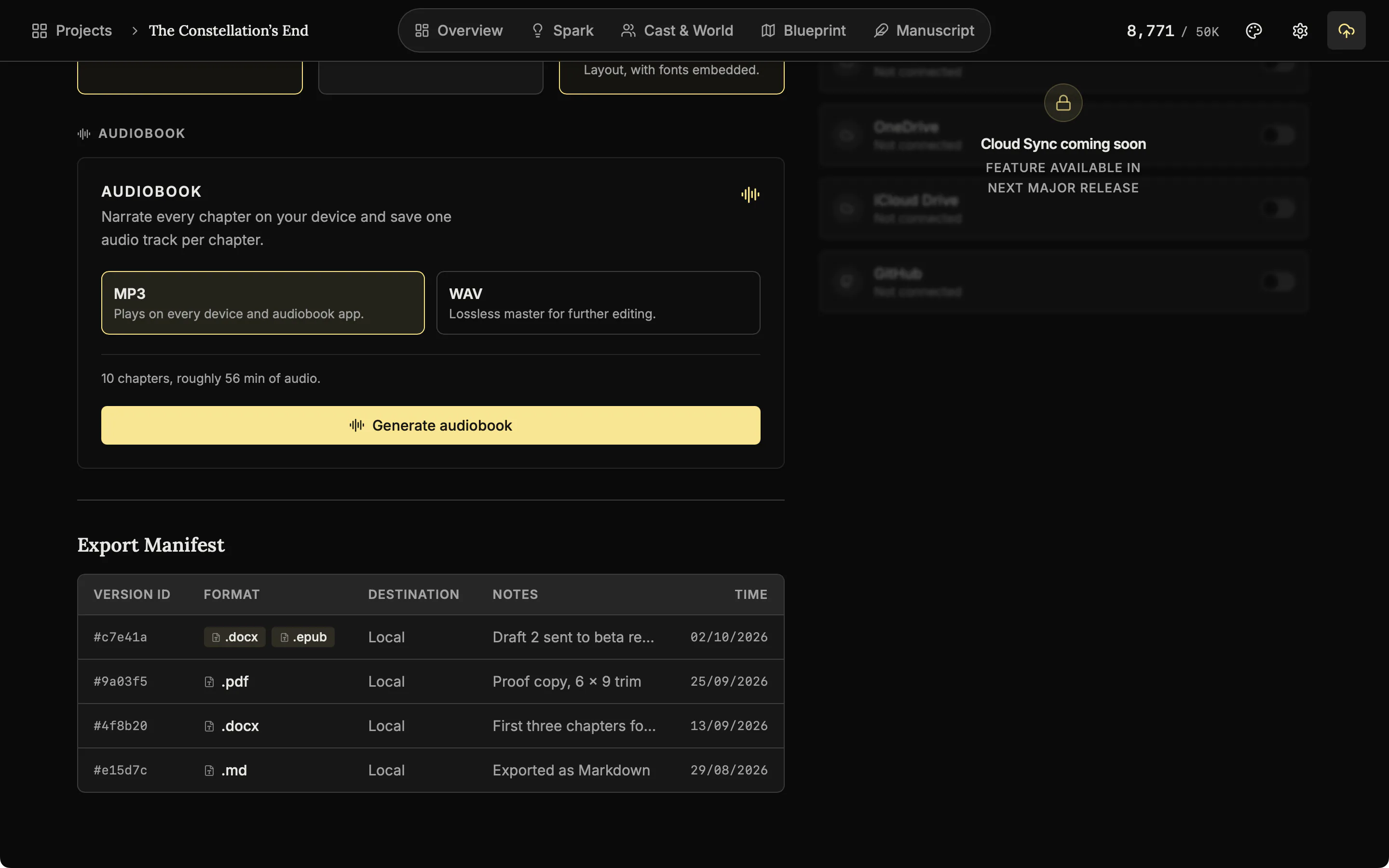
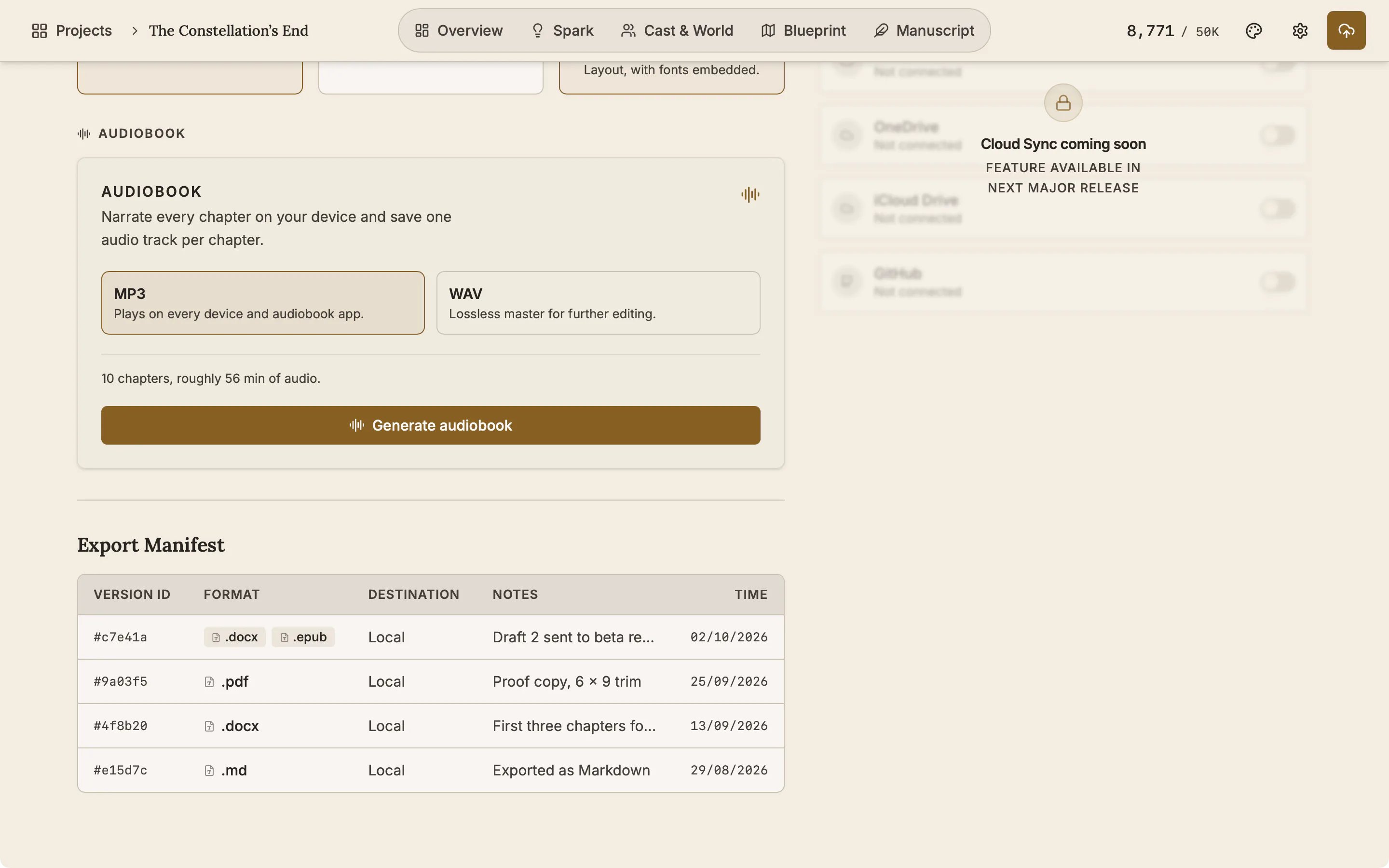
Add a Version Note such as "Draft 3 sent to beta readers". The Export Manifest lists every export with its format, note and time.
Version note
Add a note to an export, such as who the draft went to. It is kept in the manifest.
Export the book as audio
English books can also be exported as audio, one track per chapter, in MP3 or WAV. The voice is made on your own device.
See real exports before you buy
Seven files from one manuscript, the demo book The Constellation's End. Open them in the apps you will use.
- PDF The book at its trim size, with page numbers and fonts embedded.
- EPUB An e-book that follows the reader's own font and size settings.
- Word (DOCX) The file an editor or an agent will ask for.
- HTML One file that opens in any browser.
- Markdown Plain text that keeps headings and emphasis.
- RTF Opens in almost every word processor, old or new.
- Plain text No formatting at all, for submission systems that ask for it.
Also here
- Back up the whole project. Export Project saves the whole book as one .novelos file. There is no cloud sync.
- Named presets. Save a set of formats under a name and reuse it.
- Comments in Word. Comments you leave in the manuscript appear as Word comments in DOCX exports.
- Pictures in chapters. Images placed inside chapters are included in the exports.
- From the phone too. All seven formats export from the phone app, at the same page size.
Related features
- Book Preview
See your book as printed pages at your trim size while you are still writing it.
- Read aloud and audiobook
Hear a chapter read back with each word lit as it is spoken, and export the book as audio, one track per chapter.
- The manuscript editor
Write the book in chapters and sub-chapters, with Zen, Typewriter and Vanishing modes and search that forgives typos.
- Margin notes
Comment on exactly the words you select, bookmark a paragraph, and work through every note from one list.
- The phone app
The same studio on iOS and Android with the same licence, and one file that moves a project between devices.
Common questions
Which formats can I export?
Seven: DOCX, RTF, TXT, Markdown, EPUB, HTML and PDF. English books can also be exported as audio, in MP3 or WAV.
Can I export an audiobook?
Yes, for English books. NovelOS reads the book aloud on your own device and saves one track per chapter, as MP3 or WAV. It is a synthetic voice and does not replace a human narrator.
Which format do agents and editors want?
DOCX is the standard for submissions. RTF is the fallback for older software, and TXT is for systems that ask for plain text.
Can I set trim size and margins?
Yes. Book Layout offers 5 x 8, 5.25 x 8, 5.5 x 8.5 and 6 x 9 inches, A5 and A4, with standard, narrow, wide or mirrored margins. The PDF follows them.
Do I need separate software to make an ebook?
No. EPUB is exported from the same manuscript as the print file.
Is there a record of what I sent and when?
Yes. The Export Manifest lists every export with its format, time and your own version note.
Can I move the whole project to another computer?
Yes. A .novelos file carries the manuscript, Cast & World, Spark, Blueprint, notes, pictures, snapshots and export history. There is no cloud sync.
Is it included in the $45?
Yes. Every export format is included, with no per-export fee.
Guides for publishing
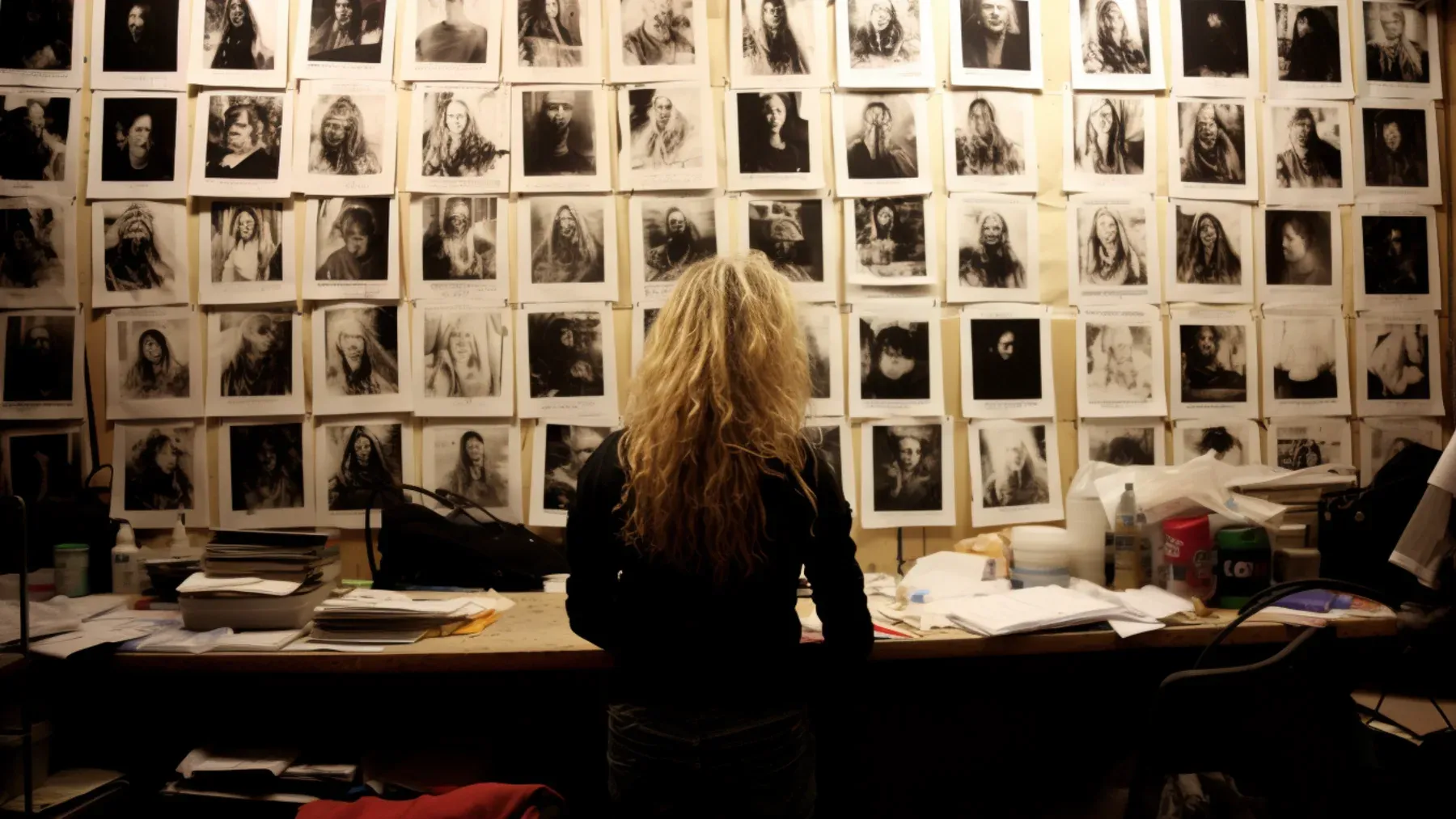
Exposition in Motion: Give Readers the Right Fact at the Right Moment
Place exposition where readers need it by testing what each fact helps them follow, judge, or reinterpret in the current scene.
Read article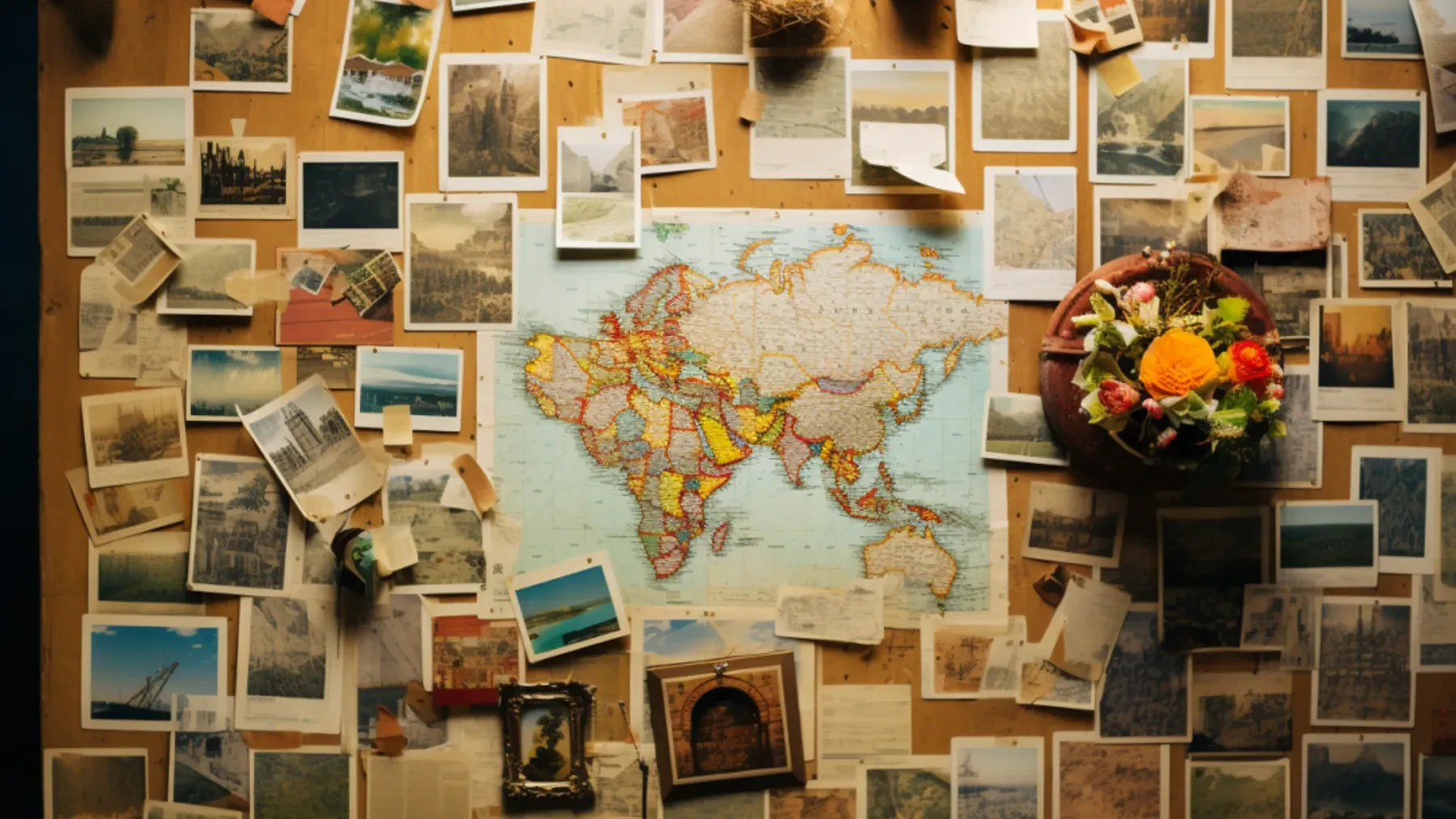
Book Blurb vs Synopsis: Build Promise and Proof
Compare a book blurb with a synopsis, then use a promise-to-payoff ledger to write reader-facing copy and a spoiler-complete submission document.
Read article
A Clarity Test for Every Dialogue Tag
Test dialogue tags by speaker clarity, reset points, placement, action, and rhythm so readers never need to reconstruct who spoke.
Read articleWriting Tips & First Edition Access.
Craft guides and product updates in your inbox.
Finish your story. Keep your tools.
One payment and it is yours. No subscription, no account, no telemetry. Watch the full walkthrough before you buy.