What we are building
Everything below is either in the app today or being worked on. Shipped dates are real release dates, and nothing further out carries one.
Shipped
10- Jan 2026
Initial release
The studio itself: manuscript, chapters, cast, world, lore, blueprint and export, in one local project.
- Jan 2026
Character portraits
Turn a character description into a 2D portrait you can keep as a visual reference, without leaving the project.
- Aug 2026
Mobile app for iOS and Android
Installed from the browser at app.novelos.studio and covered by the same licence key. As of 1.4.0 it does what the desktop app does, and a project moves between phone and desktop as one .novelos file.
- Aug 2026
Cartography and Genealogy editors
Draw maps and family trees inside the project, on desktop and on the phone.
- Aug 2026
Read aloud and audiobook export
Any chapter reads aloud with the words lighting up as they are spoken, and Publish exports the book as MP3 or WAV, one track per chapter. The voice runs on your own machine, so nothing is uploaded. English narration only for now.
- Aug 2026
Smart Import, Snapshots and a new search engine
Bring a manuscript in from Word, EPUB, PDF, Markdown or plain text with chapters detected for you. Every chapter keeps a version history you can compare and restore. Search tolerates typos and highlights matches.
- Oct 2026
Write by voice
Press Dictate and speak, and your words appear in the chapter with punctuation. It runs on your own computer or phone, so nothing you say is uploaded. English projects only for now.
- Oct 2026
Margin notes
Select a word or a sentence and leave a comment on exactly that text, or bookmark a paragraph. One Notes list shows every comment and bookmark in the book in reading order, with search. Tick each one off as you deal with it, and click one to jump to its passage.
- Oct 2026
Book Preview, and PDFs at your trim size
See the book as printed pages at your trim size while you are still writing it. The PDF export now follows the trim size, margins and font chosen in Book Layout.
- Oct 2026
Scenes linked to chapters, and a timeline by chapter
A scene is linked to the chapter it is written in and has a status and a viewpoint character. The timeline lists every scene chapter by chapter, and dragging a scene to another chapter moves it.
In progress
1- Now
Acting on your feedback
Fixes and improvements driven by how the first 2,500 authors actually use the studio, rather than by a feature list written in advance.
Next
4- Planned
Smart Import v2
Send a chapter to your editor as a Word file, let them edit it, then import their version straight back into the same chapter instead of creating a new one. Snapshots then show you exactly what changed, word by word, so you never re-key an editor's corrections by hand.
- Planned
Word watch
Keep a personal list of the words you overuse, your own crutch words, and see how often each one appears across the entire manuscript rather than the page in front of you. Word watch also finds echoes, where the same distinctive word lands twice in a paragraph. Click any word to walk through every occurrence in context, and tick it off once it is cleared. The list carries from book to book, and the whole scan runs on your own machine with no AI and nothing uploaded.
- Planned
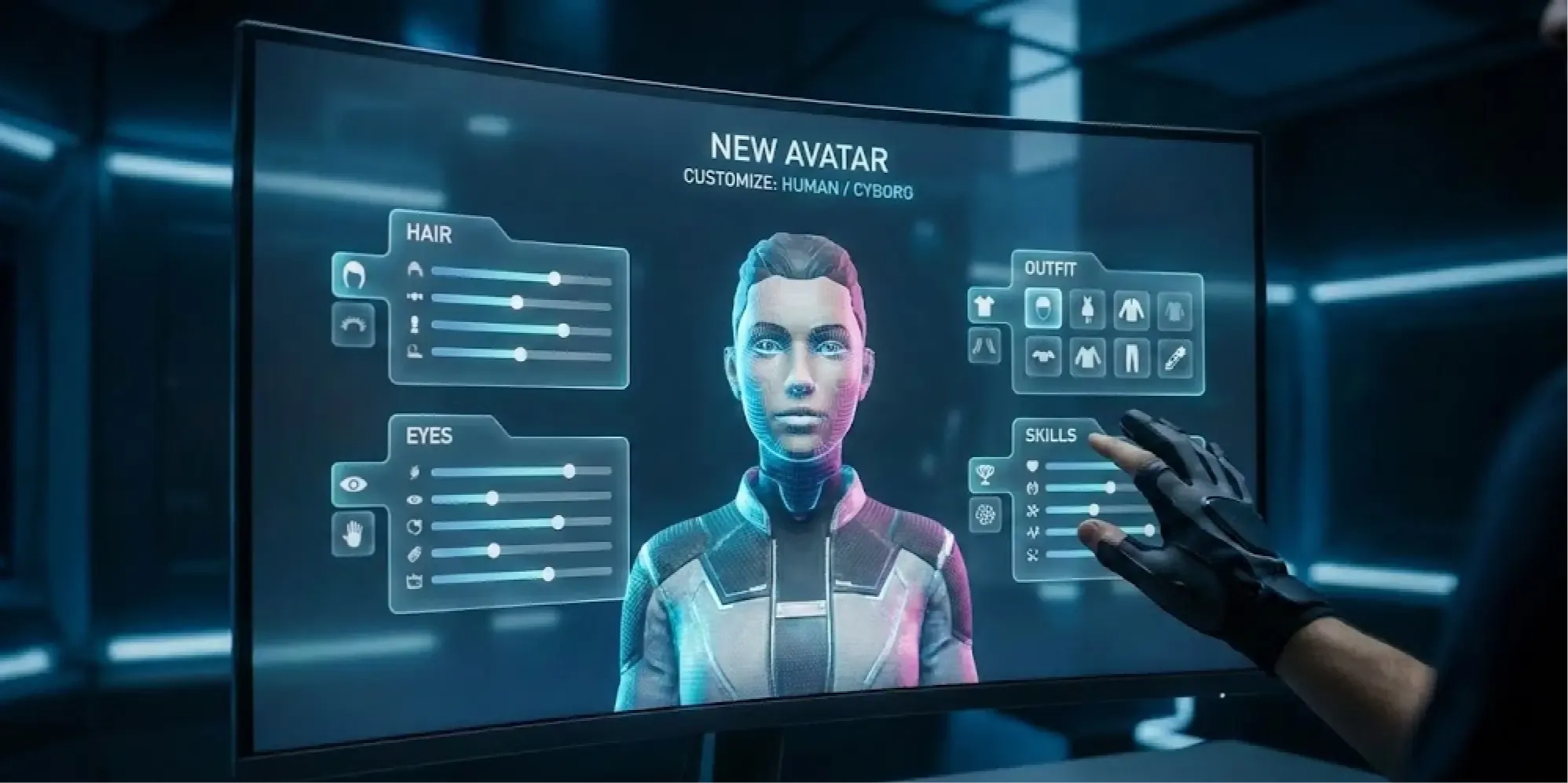
3D character avatars
Build a character as a posable 3D avatar rather than a flat portrait, so the same face holds up from any angle and across every scene you place them in.
- Planned
Cloud sync
Keep a project in step across your desktop and your phone, encrypted on the way. Your work still lives on your own machine and still opens with no connection; sync is there when you want it.
Under consideration
10- Considering
Continuity check
Checks the draft against your cast, lore and timeline and flags where they disagree: an eye colour that changes in chapter 29, a scene set in a shop on the day it is closed. Each flag links to the passage and to the entry it contradicts.
- Considering
Beta reader packets
Send each beta reader their own copy and collect their notes and their answers to your chapter questions. Feedback is merged by location, so you can see where several readers stopped at the same line and how far each of them read.
- Considering
AI controls
See which cast and lore entries are included in an AI request before it is sent. Turn AI off for a whole project and every AI button in it disappears.
- Considering
Named drafts and draft comparison
Mark the whole book as Draft Two, keep one current version, and compare any two drafts scene by scene to see what changed across the book.
- Considering
Series shelf
Several books sharing one cast, world and timeline, with each book keeping its own state: who is alive, who knows what, how old each character is by book three.
- Considering
Pacing and POV balance
Charts of chapter length, how the word count divides between viewpoint characters, and how long it has been since each character last appeared, drawn from the scenes already in the project.
- Considering
Read-through notes import
Read your draft on a Kindle or Kobo, highlight and annotate as you go, then import the notes file. Each highlight lands on its passage in Margin notes, ready to work through at your desk.
- Considering
Revision passes
Start a second or third pass through the book and tick scenes off as you revise them. A progress bar and a daily target count scenes and words revised, the way writing goals count new words.
- Considering
Writing record
Export a dated history of how the book was written, built from your writing sessions, snapshots and word counts, as a document you can hand to an agent, a publisher or a competition.
- Considering
Character dialogue view
Read every line one character speaks, in order, without the prose around it, to check that their voice stays consistent from the first chapter to the last.
Built with the people using it
Lifetime licence holders get the private discussion board, where you can vote on what gets built next and say what is missing.
Finish your story. Keep your tools.
One payment and it is yours. No subscription, no account, no telemetry. Watch the full walkthrough before you buy.