Finally, a Studio Built to Finish Your Masterpiece.
The Operating System for Storytellers.
The complete writing studio for serious novelists.
Pay once, keep it forever. No subscriptions.
Local, private, and built for your life's work.
 Windows
 macOS
macOS
 Mobile

Can’t play it here? Watch it on YouTube
Check it yourself
NovelOS costs $45 once. It saves your manuscript as ordinary files on your own disk, and runs without an account. Check any of it on the pages linked below.
Offline-first app
Your work is stored locally on your own machine. No account, no cloud sync, no usage tracking. Pull the network cable and NovelOS keeps working.
Read the privacy policyAI on your own key
Optional AI drafts characters, places and maps, and rewrites the sentence you select with the reason for each change. It runs on your own Gemini or OpenAI key, with no AI subscription.
See the AI toolsAll-in-one studio
Plot board and timeline, characters, world and maps, writing by keyboard or voice. Margin notes, snapshots, Smart Import, Book Preview, read aloud, seven export formats and the phone app all come with the same $45.
See all featuresThe Complete Studio. No Subscriptions Required.
Six modules, one file on your disk. Plan, draft, revise and export without moving your book between apps.

The Writer's Studio
Write in chapters and sub-chapters with a table of contents you can search. Bionic Reading speeds up revision passes. Vanishing Mode hides the line you just typed so you stop editing mid-draft and actually finish the scene. Write by voice when typing gets in the way, leave notes on the exact words you want to fix, and bring in the draft you started somewhere else. Book Preview shows it as printed pages before you export.
Write in chapters
The Manuscript is where the book is written. Chapters are listed on the left, and the characters and places you mention are highlighted in the text.

The Oracle AI Character Architecture
Keep a series bible your cast cannot drift from. Characters get a dossier, role, age, era, pronouns, and a family tree you build by dragging relations. Portraits follow one art direction, so the same face shows up in book three.
Inside The Oracle →Character dossier
The dossier holds a character's role, age, era and pronouns, and a set of pictures: face, body and details.

The Architect AI World Mastery
Your world in one place instead of six documents. Draw a map from a written description, name every location, and search them later. Lore, geography and chronology stay attached to the scenes that use them.
Inside The Architect →Places
The World list holds every setting and item in your book, each with its type. Open one to write its description.

The Blueprint
Plot on a canvas, then read it back as a timeline. Each scene card carries its synopsis, cast and setting. Move a scene and the sequence updates, so you catch a broken chronology before your editor does.
Inside The Blueprint →Blueprint
Blueprint is where you plan. Characters, plot points and scenes sit on a board and links show how they connect.

The Alchemist AI
AI revision that shows the original, the rewrite and the reason it changed. Select the sentence that is not working, then apply the version you like or keep your own. It runs on your own API key, so you pay the AI provider directly and never us.
Inside The Alchemist →Start from the margin
Rest on a paragraph and The Alchemist button appears beside it. Press it when a line reads flat.

Manuscript Zen
Distraction-free writing, with nothing on screen but the page you are writing. Typewriter Mode keeps the line you are typing in the middle of the screen, and Bionic Reading speeds up the read-through. Text size and line spacing change from the status bar.
Inside Manuscript Zen →Zen mode
The chapter list and the menus go away and only the page is left. Press Esc to come back.

The Spark
A research board for notes, images, drawings, audio, video and links. Move and resize the cards freely, and let Tidy Up lay the board out again. Open a link in the built-in mini browser without leaving the app.
Inside The Spark →The whole board
One board holds the notes, pictures, drawings, links, audio and video for an idea. Drag the cards wherever they make sense to you.

Global Localization
The full interface in 23 languages, including Arabic, Chinese, Japanese and Vietnamese, so you can write in the language you think in. Dress it in one of 23 themes, light or dark, or build your own colour by colour.
Inside Global Localization →Pick your language
Choose the interface language in Settings. The whole app switches at once.
That is the whole studio, for one payment.
$45 once. Cheaper than all four.
How NovelOS compares with Scrivener, Ulysses, Dabble and Atticus.
| Feature |  NovelOS Studio
See features NovelOS Studio
See features
|  Scrivener Scrivener |  Ulysses Ulysses |  Dabble Dabble |  Atticus Atticus |
|---|---|---|---|---|---|
| Pricing Model | $45 Lifetime Pay once, own it forever | $60 per Platform | Subscription | Subscription | $147 One-time |
| Visual Plotting | 2D Blueprint Canvas Drag scene cards around a canvas | Binder Folders | Basic List | Plot Grid | Outline View |
| Global Localization | 23 Languages The whole interface, not just the docs | Limited (5-7) | Limited (7-10) | English Only | English Only |
| World Building | The Architect Engine Maps, lore, locations and eras in one place | Folder Based | None | Profile Sheets | None |
| Map Making | Cartography Editor Describe a map and it draws it | Image Uploads | None | None | None |
| Characters | Oracle Engine Dossier, psychology, relationships and AI portraits | Simple Templates | None | Character Cards | Notes |
| Family Trees | Genealogy Editor Drag relations to build the tree | Manual Notes | None | Basic Linking | None |
| Voice Check | Prose Polisher Catches style and tone drift as you revise | Third-Party Apps | Basic Check | None | Basic Check |
| AI Assistant | Muse Studio Your own API key, so you pay the provider directly | External Only | None | External Sync | Standard AI |
| Scene Management | Scene cards Synopsis, cast and setting, linked to the chapter each scene is in | Folder Based | Sheet Groups | Scene Cards | Simple List |
| Linear Timeline | Timeline by chapter Every scene in order, drag one to another chapter to move it | Manual Notes | None | Basic Timeline | None |
| Research & Notes | Spark Boards Notes, images, audio, video and links, plus a built-in browser | Research Folder | Sheet Attachments | Story Notes | None |
| Focus Tools | Four focus modes Zen, typewriter, vanishing text and Bionic Reading | Composition Mode | Typewriter Mode | Focus Mode | Focus Mode |
| Progress Tracking | Goals and streaks Daily targets, streaks and a year-long consistency map | Project Targets | Writing Goals | Goal Tracking | Goal Tracking |
| Export Formats | Seven formats DOCX, RTF, TXT, Markdown, EPUB, HTML and PDF | Compile Presets | DOCX, EPUB, PDF | DOCX, PDF | EPUB, PDF, DOCX |
| Write by Voice | Built-in dictation Runs on your own device. English projects for now | System dictation | Apple system dictation | Not listed | Not listed |
| Notes on the Text | Margin notes Comments on the words you select, bookmarks and one Notes list | Comments, annotations | Comments, annotations | Comments, sticky notes | Comments, track changes |
| Book Preview | Book Preview Printed pages at your trim size, updated as you write | Page View, compile | Live export preview | Not listed | Live print preview |
| Import a Draft | Smart Import Word, EPUB, Markdown, plain text and PDF, with the chapters found for you | DOCX, RTF, ODT, split | DOCX, Scrivener files | DOCX, MD, HTML, split | DOCX only, split |
| Version History | Snapshots per chapter Compare with the current text and restore, formatting kept | Snapshots per document | Scheduled backups | Project-wide versions | Account backup file |
| Listening & Audiobook | Read aloud + audio export Narrated on your own machine, then MP3 or WAV per chapter. English projects | System read-aloud | System read-aloud | Read to Me (Premium) | None |
| Print Layout | Trim size and margins Set the layout, check it in Book Preview, export one PDF with fonts embedded | Compile Settings | Style Sheets | None | Full Formatting Suite |
| Project Backup | .novelos archive One file holding the manuscript, media, boards and checksums | .scriv Folder | iCloud Library | Cloud Backup | Cloud Only |
| Mobile App | iOS and Android Installs from the browser on the same licence key. A project moves as one file | iOS, sold separately | iOS, in the subscription | iPhone, iPad, Android | Browser only |
| Data Privacy | 100% Local-First Keeps working with the network unplugged | Local Files | iCloud Locked | SaaS Cloud | SaaS Cloud |
| Learning Curve | Zero (Intuitive) Open it and start writing | Extremely High | Low | Medium | Low |
Finish your story. Keep your tools.
One payment and it is yours. No subscription, no account, no telemetry. Watch the full walkthrough before you buy.
Craft guides for novelists
Practical guides for planning, drafting, and revising fiction, written for authors who want their stories to hold together.
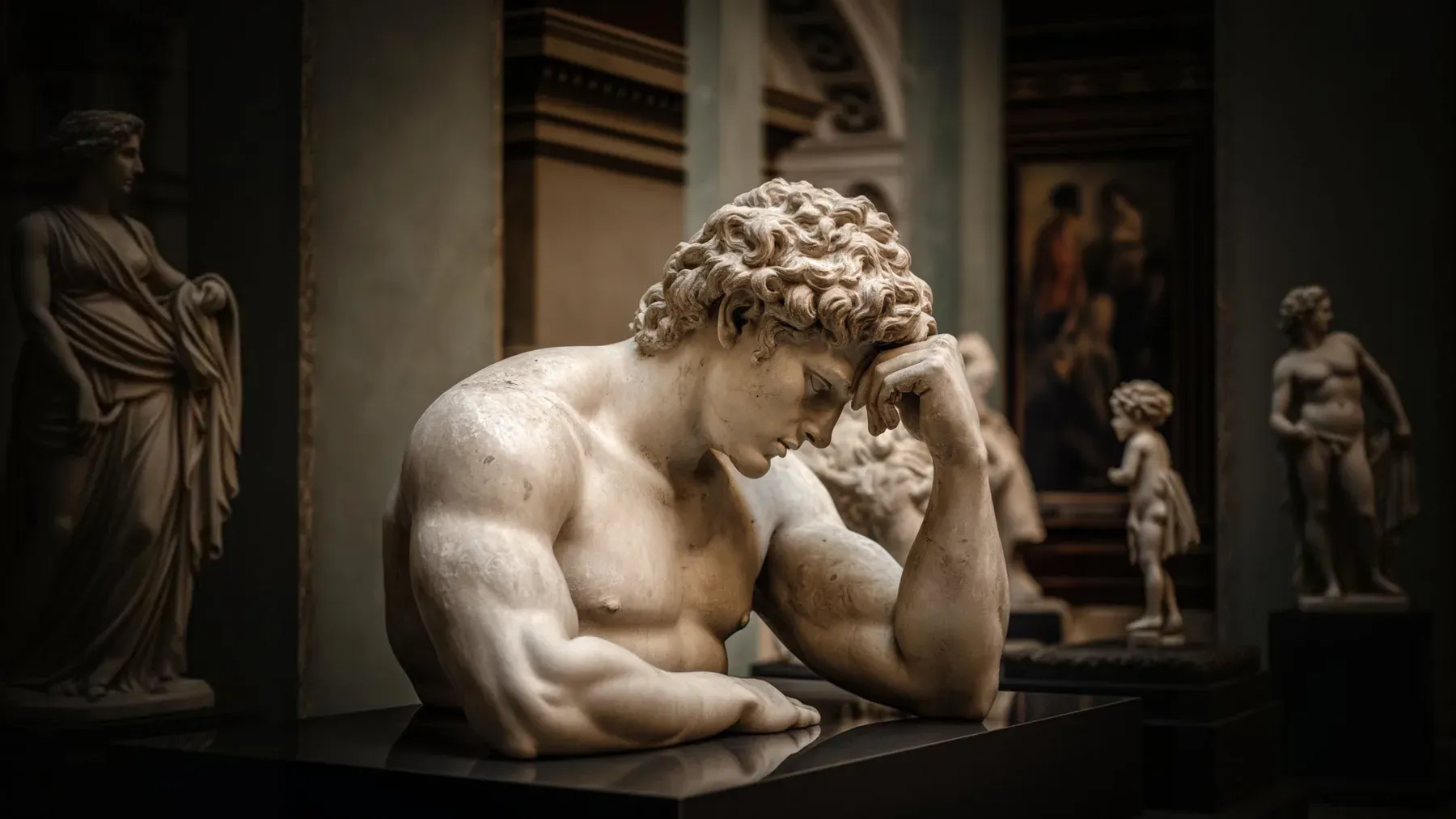
A Myth Retelling Changes the Story's Central Question
Learn how to write a myth retelling by mapping source variants, preserving dramatic functions, and rebuilding the story around a new central question.
Read article
Romantic Suspense Works When Love Changes the Case
Write romantic suspense with a dual-contract method that makes trust alter the investigation, danger test the relationship, and both endings feel earned.
Read article
Cosmic Horror Breaks the Assumption That Made Reality Feel Human
Write cosmic horror through testable evidence, collapsing assumptions, inhuman scales, partial models, and meaningful choices that cannot defeat the truth.
Read articleExplore every guide for serious storytellers.
Writing Tips & First Edition Access.
Craft guides and product updates in your inbox.