 Write by Voice
Dictate your chapters, on your own device
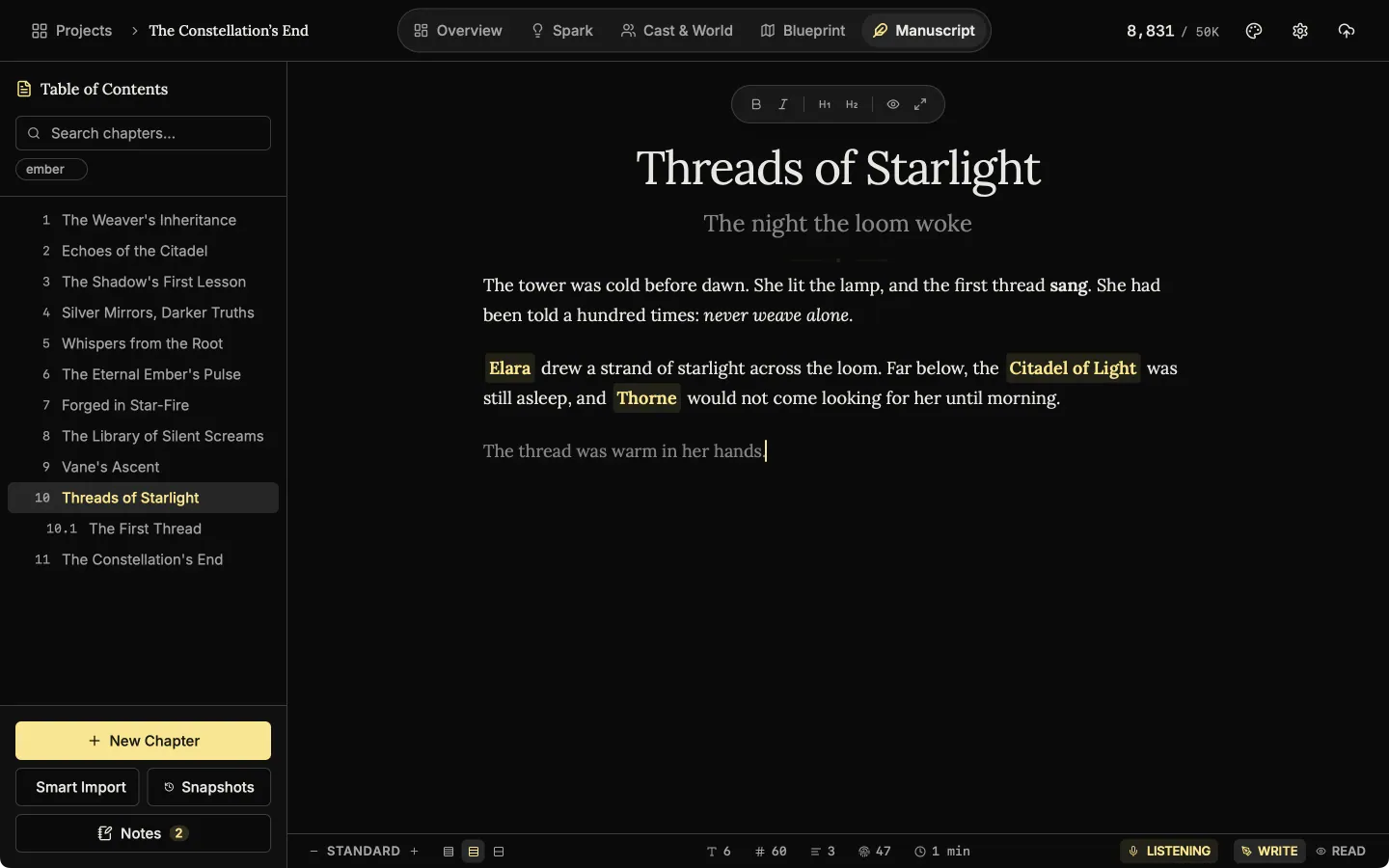
Write by Voice is dictation for novelists who think faster than they type. Press Dictate and your words appear in the chapter with punctuation. It runs on your own device, so nothing you say is uploaded. New in 1.4, for English projects.
- $45 once, no subscription
- Windows and macOS
- Phone app included
- Works offline
 Windows
 macOS
macOS
 Mobile
Part of the 25 minute walkthrough. Watch the full tour from the start Watch on YouTube
Dictation: speak and your words appear in the chapter
Click Dictate under the page and talk. Your words appear at the cursor with punctuation. Click again to stop and go back to typing.
Write by voice
Press Dictate and speak. Your words appear in the chapter with punctuation. It runs on your own computer, in English projects.
Good to know
- Your voice stays on your device. The speech model downloads once, then runs on your own computer or phone with no internet. Nothing you say is uploaded.
- English projects only, for now. Dictation works when the book's language is set to English. The app's own menus can be in any language.
- On the phone. Tap the microphone in the editor toolbar. It runs on the phone itself, on iOS and Android.
- No AI key and no fee. Write by voice is not one of the optional AI features, and it costs nothing to use.
- The manuscript editor
Write the book in chapters and sub-chapters, with Zen, Typewriter and Vanishing modes and search that forgives typos.
- Snapshots
Each chapter keeps old copies of itself. Compare one with the current text and restore it if the rewrite did not work.
- Margin notes
Comment on exactly the words you select, bookmark a paragraph, and work through every note from one list.
- Read aloud and audiobook
Hear a chapter read back with each word lit as it is spoken, and export the book as audio, one track per chapter.
- The phone app
The same studio on iOS and Android with the same licence, and one file that moves a project between devices.
Common questions
Is my voice sent to a server?
No. The speech model runs on your own device, so nothing you say is uploaded.
Which languages does dictation understand?
English only, for now. It works in projects whose book language is English.
Do I need an AI key or a subscription?
No. It needs no Gemini or OpenAI key and has no usage fee.
Does it work on my phone?
Yes. In the phone app, tap the microphone in the editor toolbar.
Is it included in the $45?
Yes, on Windows, macOS and the phone app.
Guides for drafting

Exposition in Motion: Give Readers the Right Fact at the Right Moment
Place exposition where readers need it by testing what each fact helps them follow, judge, or reinterpret in the current scene.
Read article
Book Blurb vs Synopsis: Build Promise and Proof
Compare a book blurb with a synopsis, then use a promise-to-payoff ledger to write reader-facing copy and a spoiler-complete submission document.
Read article
A Clarity Test for Every Dialogue Tag
Test dialogue tags by speaker clarity, reset points, placement, action, and rhythm so readers never need to reconstruct who spoke.
Read articleWriting Tips & First Edition Access.
Craft guides and product updates in your inbox.
Finish your story. Keep your tools.
One payment and it is yours. No subscription, no account, no telemetry. Watch the full walkthrough before you buy.