 The Spark
Research board for notes, images and links
The Spark is a research board for novelists. Put notes, images, audio, video, links and drawings on a board, open any link in the built-in browser, and drop a whole board into a character's biography.
- $45 once, no subscription
- Windows and macOS
- Phone app included
- Works offline
 Windows
 macOS
macOS
 Mobile
Part of the 25 minute walkthrough. Watch the full tour from the start Watch on YouTube
A board for every idea
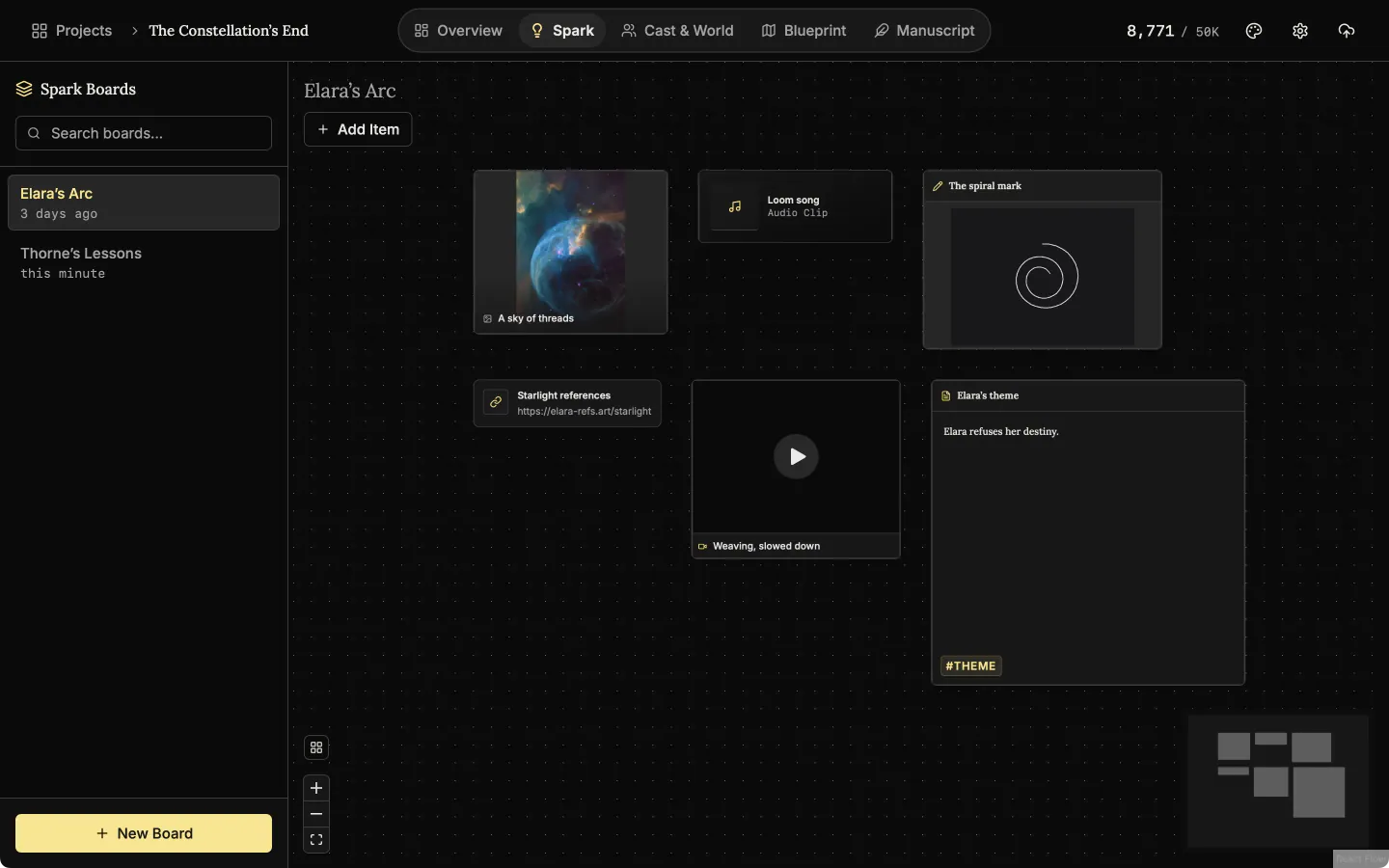
Keep one board for each idea. Put notes, pictures, drawings, links, audio and video on it, and drag each card where you want it.
Spark board
A Spark board is a free canvas for ideas. Notes, pictures, sketches, links, audio and video sit side by side and can be moved and resized.
Write notes, open web pages and play clips inside the app
A note opens in a full editor. A link opens in the built-in mini browser, so you can check a source without leaving the app. Audio and video play on the board.
Note editor
A note on a Spark board opens in a full editor with headings, lists and bold text, so an idea can grow past a sticky note.
Draw on the board
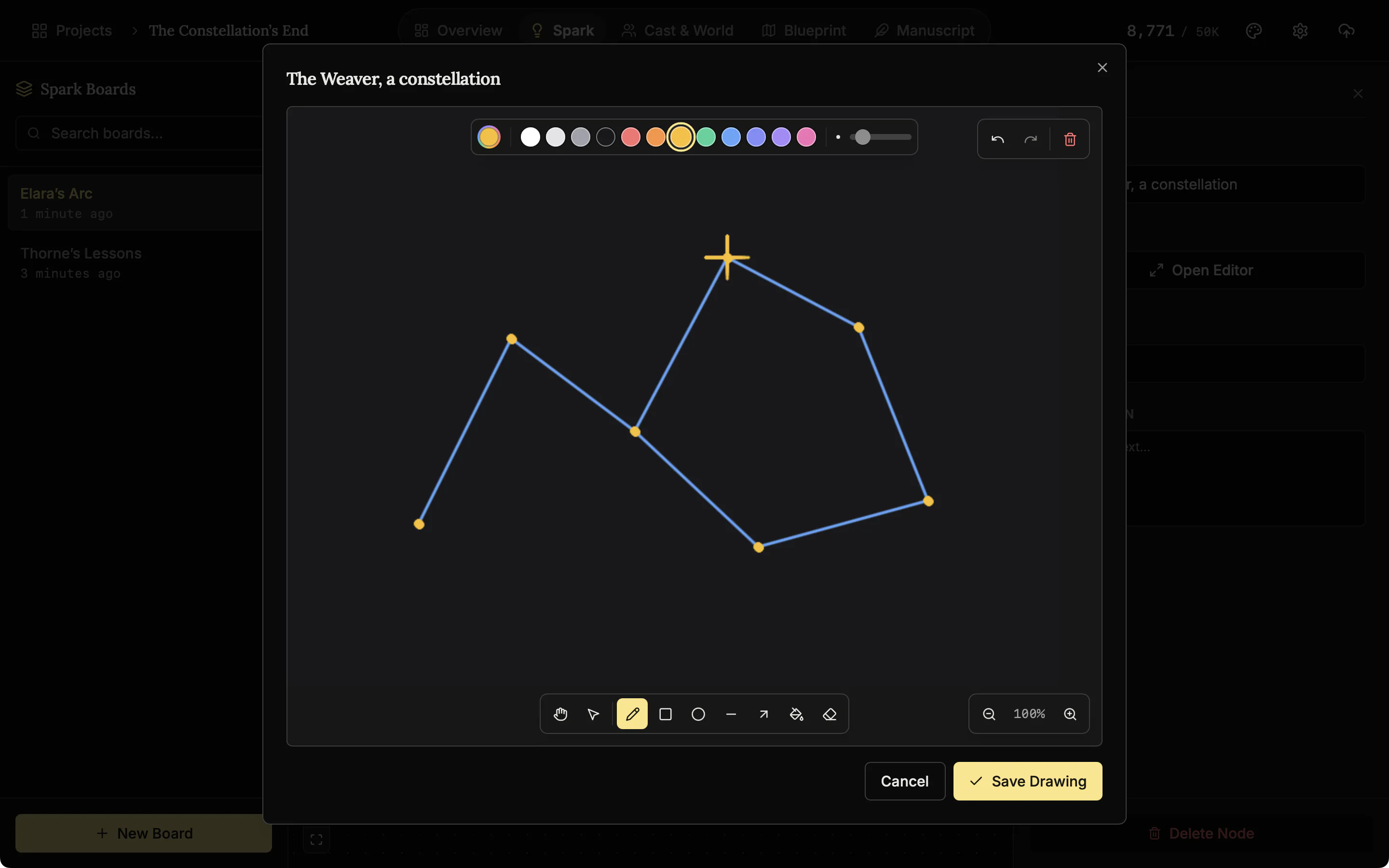
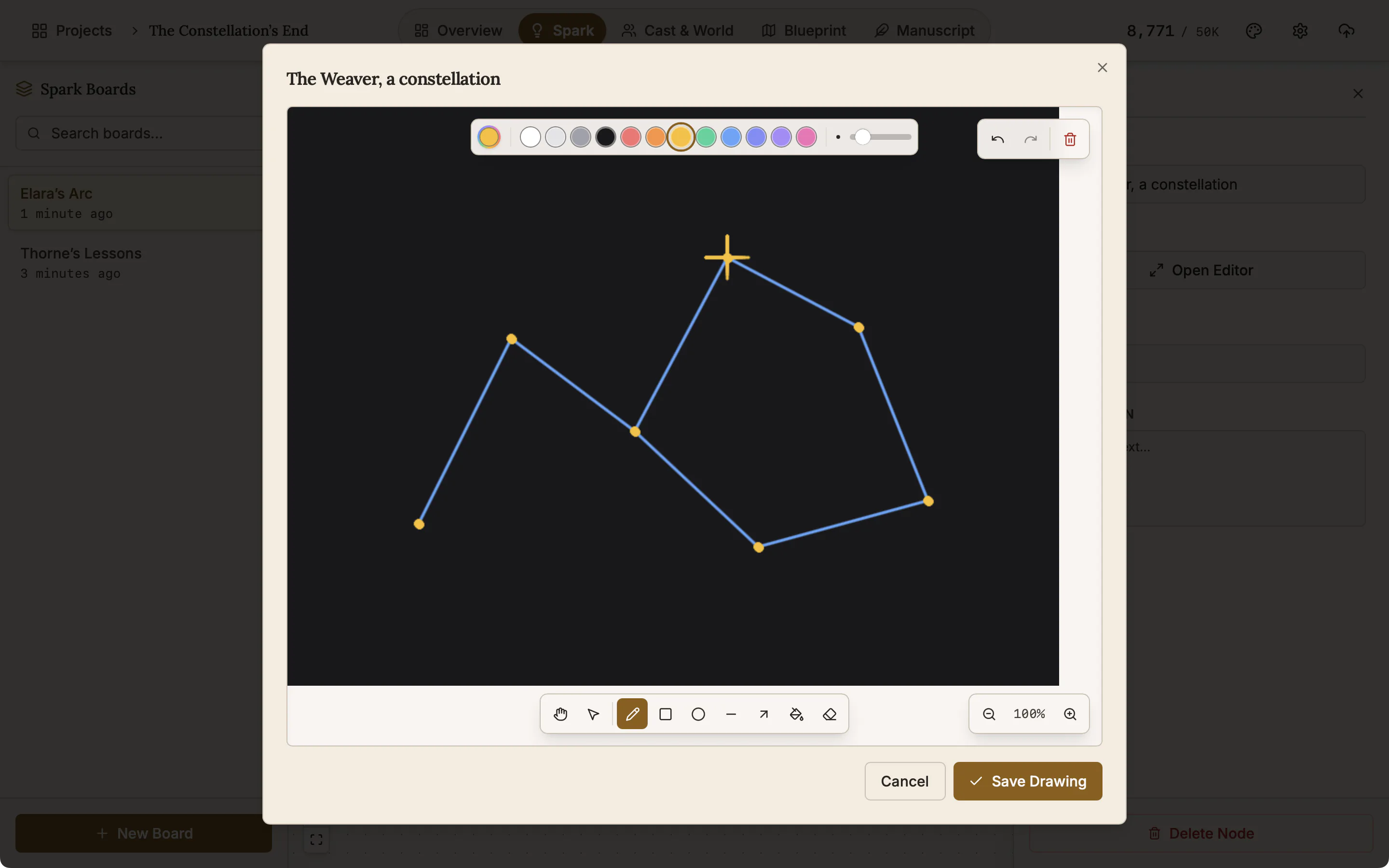
Sketch a face, a floor plan or a symbol next to the notes it belongs with. You get a pen, shapes, an eraser, fill and your own colours.
Label, tag and describe any card
Click a card to give it a label, tags and a description. Pictures, audio and video are stored in the project, so a backup includes them.
Card details
Give any card a label, tags and a description so you can find it again later.
Show a board inside a chapter or a character's biography
Keep research next to the writing it belongs to. Type / in any editor and choose Spark Board, and the whole board appears in the text. A character's biography can then show the pictures and links the character came from.
Pick a board to place
Type a slash in a biography or an entry and choose which board to place in the text.
Also here
- Tidy Up. Lines the cards up in rows when a board gets crowded.
- Fit view and the small map. Bring the whole board back on screen, or see where every card is.
- Resize any card. Drag an edge or a corner.
- Search boards. Find a board by name.
Related features
When an idea has a shape, move on to the plot board and the manuscript.
- Blueprint, the plot board
Lay the plot out as cards for scenes, plot points, characters and places, and link them with labelled lines.
- Characters and family trees
A page for every character, family trees built from your cast, and optional AI concepts from The Oracle.
- Places and lore
Every setting, item and rule of your world as a record you can search, illustrate and link to its scenes.
- The manuscript editor
Write the book in chapters and sub-chapters, with Zen, Typewriter and Vanishing modes and search that forgives typos.
Common questions
What can go on a Spark board?
Notes, images, audio, video, web links and drawings, placed anywhere on the board. Each card takes a label, a description and tags.
Can I check a source without leaving my draft?
Yes. A link card opens in a mini browser inside the app.
Can research sit next to the writing it belongs to?
Yes. Type / in any editor and choose Spark Board to place a whole board in the text, for example in a character's biography.
Can I draw on a board?
Yes. There is a pen, eraser, fill, shapes, brush sizes, your own colours and undo.
Is Spark just a notes app?
No. It is a board, not a document. Cards sit where you put them, which suits ideas that have no order yet.
Does any of it leave my machine?
No. Boards and their pictures, audio and video are stored in the project on your own device. The mini browser loads only the pages you open.
Is it included in the $45?
Yes, on Windows, macOS and the phone app.
Guides for research
Exposition in Motion: Give Readers the Right Fact at the Right Moment
Place exposition where readers need it by testing what each fact helps them follow, judge, or reinterpret in the current scene.
Read article
Book Blurb vs Synopsis: Build Promise and Proof
Compare a book blurb with a synopsis, then use a promise-to-payoff ledger to write reader-facing copy and a spoiler-complete submission document.
Read article
A Clarity Test for Every Dialogue Tag
Test dialogue tags by speaker clarity, reset points, placement, action, and rhythm so readers never need to reconstruct who spoke.
Read articleWriting Tips & First Edition Access.
Craft guides and product updates in your inbox.
Finish your story. Keep your tools.
One payment and it is yours. No subscription, no account, no telemetry. Watch the full walkthrough before you buy.