 Book Preview
See the printed pages while you write
Book Preview shows a novelist the book as printed pages, at the chosen trim size, while it is still being written. It updates as you type or change the layout. New in 1.4.
- $45 once, no subscription
- Windows and macOS
- Phone app included
- Works offline
 Windows
 macOS
macOS
 Mobile
Part of the 25 minute walkthrough. Watch the full tour from the start Watch on YouTube
Your book as printed pages
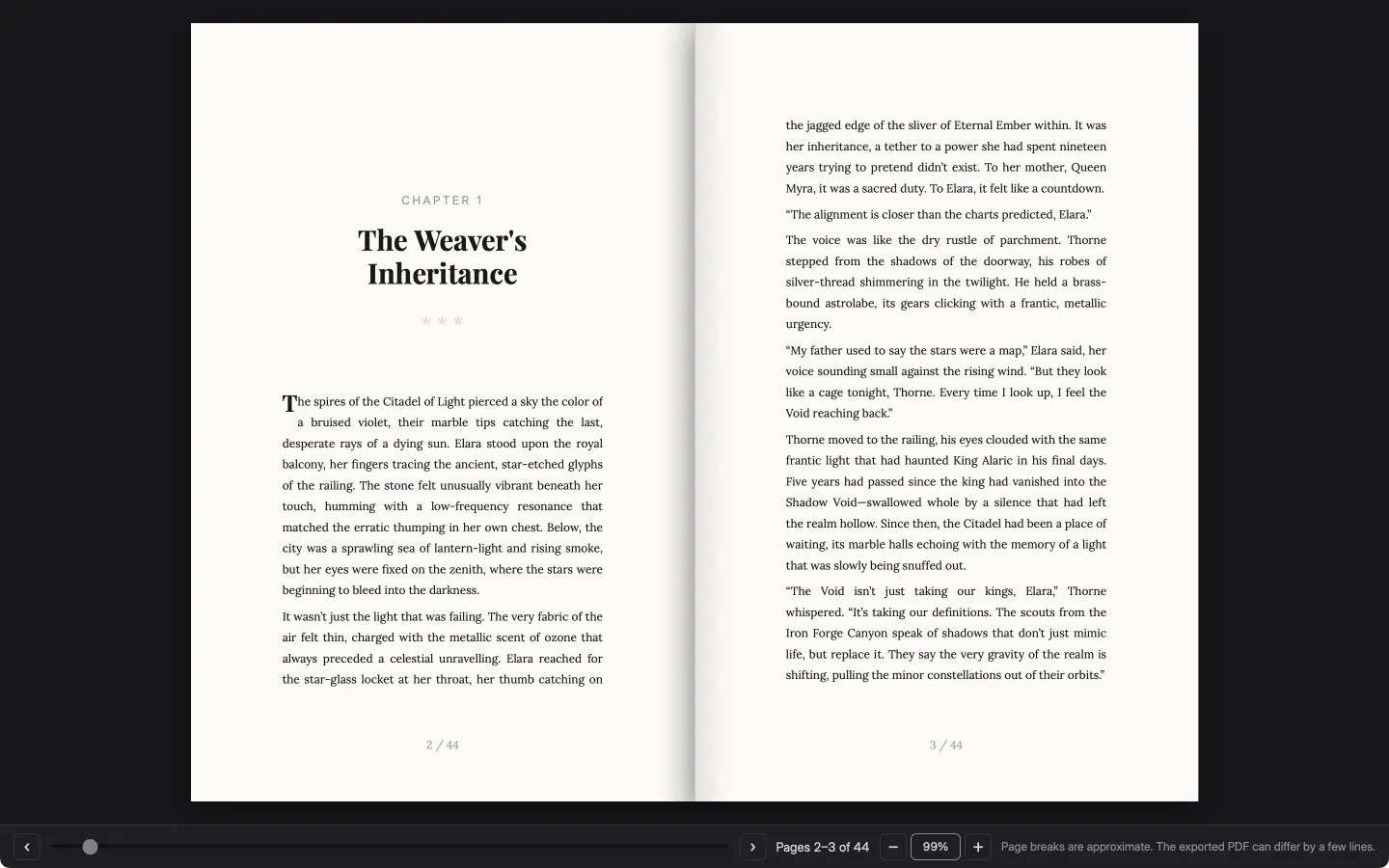
Book Preview shows your book as pages at your trim size, starting with the title page. Leave it open while you write and the new words appear a moment later.
Two-page spread
Turn the page and the preview shows your chapters as facing pages, with the chapter heading, a drop capital and page numbers, the way the printed book will open.
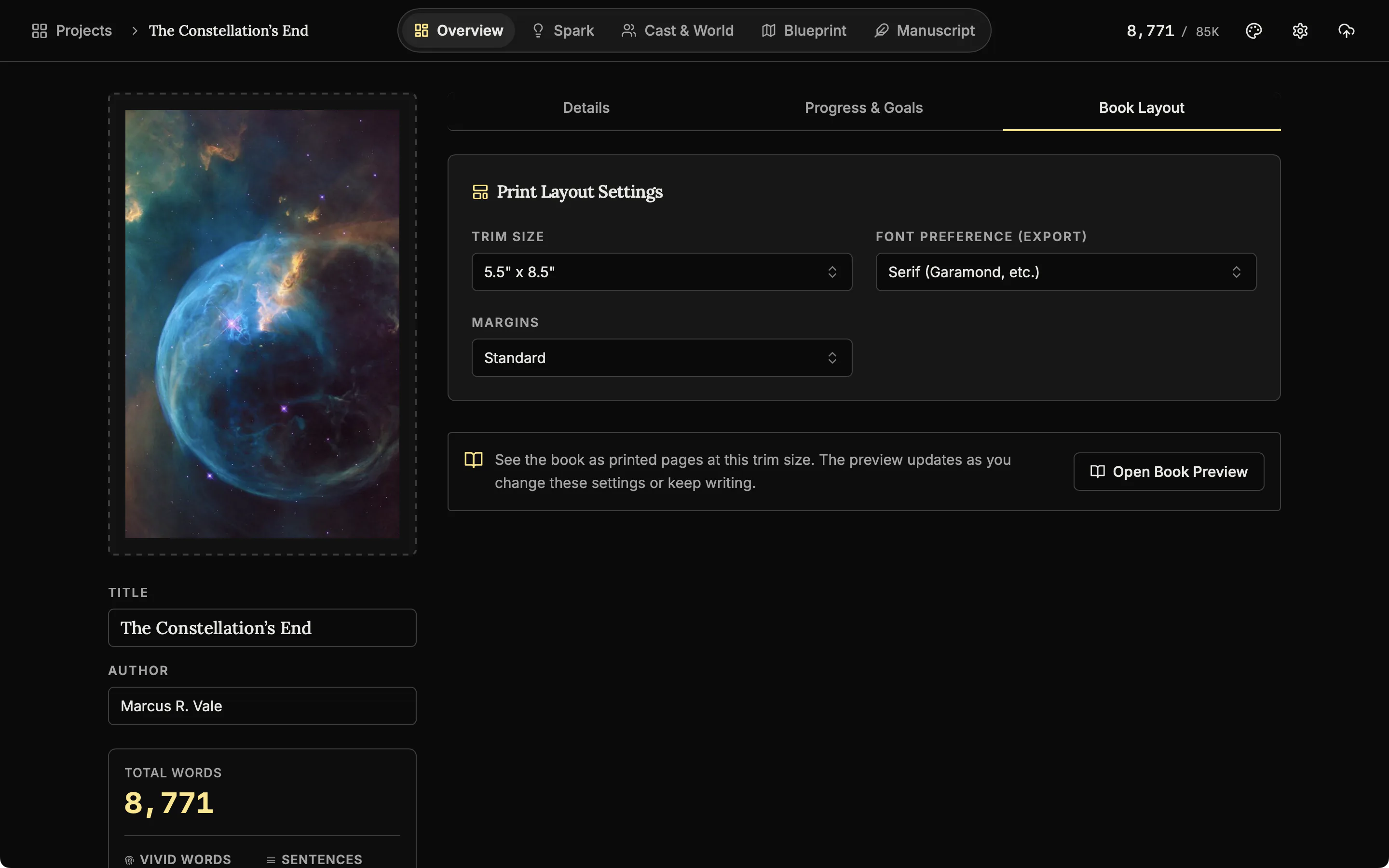
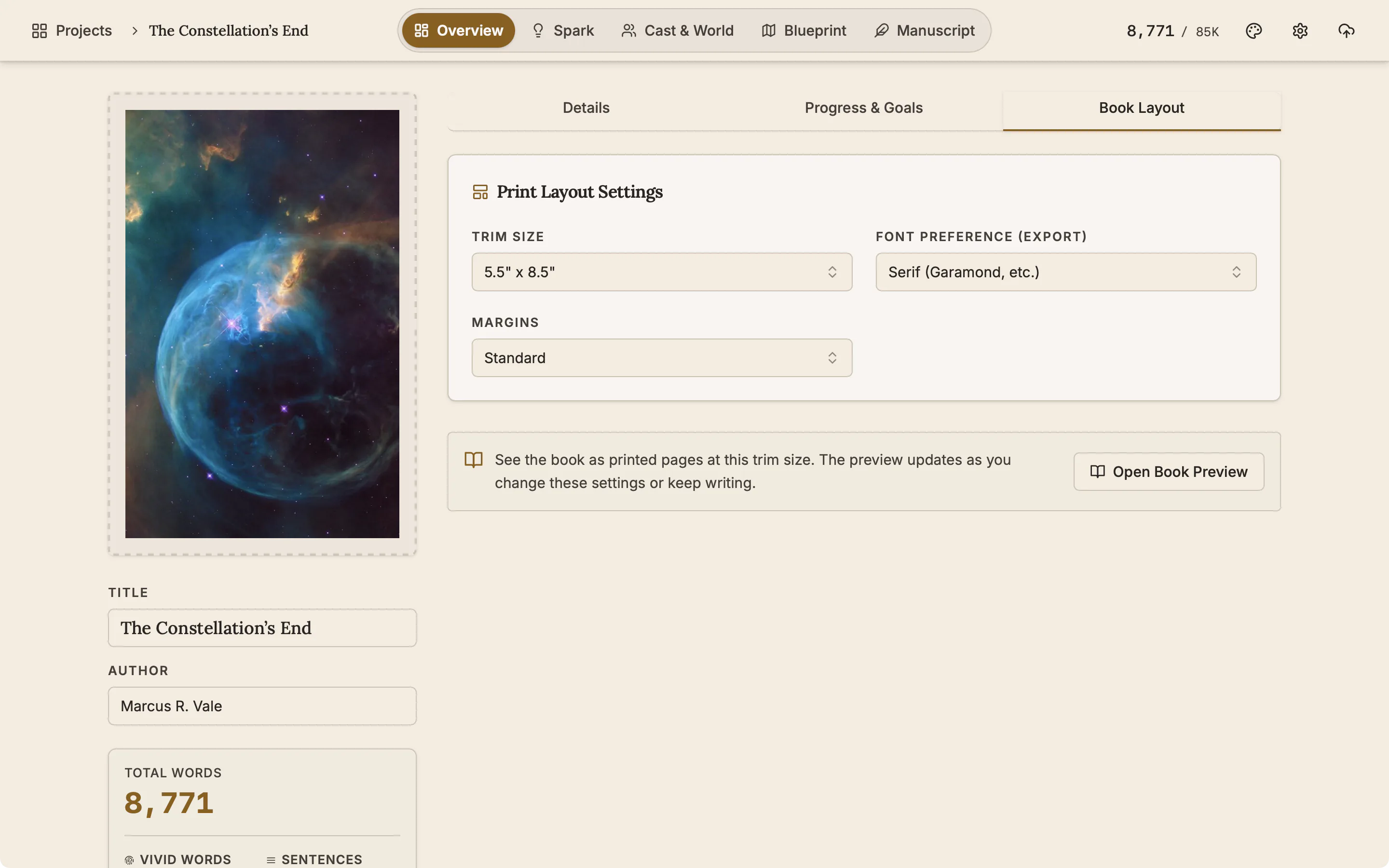
Book Layout: set the trim size, margins and font once
Choose the trim size, which is the page size of the printed book, the margins and the font. Book Preview and the PDF export both follow them.
Good to know
- A preview, not a proof. Page breaks are approximate. The exported PDF can differ by a few lines, so check the PDF itself before you print.
- A separate window. On desktop the preview can sit beside the manuscript or on a second screen.
- On the phone. Turn pages and zoom, at the same trim sizes as desktop.
Related features
- Publish and export
Export to Word, EPUB, PDF, HTML, Markdown, RTF and plain text. The PDF follows your trim size, margins and font.
- The manuscript editor
Write the book in chapters and sub-chapters, with Zen, Typewriter and Vanishing modes and search that forgives typos.
- Goals and progress
Set a word target and a deadline, see the daily pace that gets you there, and keep a record of every writing day.
- The phone app
The same studio on iOS and Android with the same licence, and one file that moves a project between devices.
Common questions
Does the preview update while I write?
Yes. Type in a chapter and the new words appear on the page a moment later.
Which trim sizes can I preview?
5 x 8, 5.25 x 8, 5.5 x 8.5 and 6 x 9 inches, A5 and A4, with Standard, Narrow, Wide or Mirrored margins and a serif, sans-serif or monospace font.
Will the PDF match the preview exactly?
Closely, not exactly. The trim size, margins and font are the same, but page breaks can differ by a few lines.
Is this a print-ready proof?
No. The PDF export has fonts embedded and follows your trim size, but it does not convert to CMYK or add bleed or crop marks.
Is it included in the $45?
Yes, on Windows, macOS and the phone app.
Guides for publishing
Exposition in Motion: Give Readers the Right Fact at the Right Moment
Place exposition where readers need it by testing what each fact helps them follow, judge, or reinterpret in the current scene.
Read article
Book Blurb vs Synopsis: Build Promise and Proof
Compare a book blurb with a synopsis, then use a promise-to-payoff ledger to write reader-facing copy and a spoiler-complete submission document.
Read article
A Clarity Test for Every Dialogue Tag
Test dialogue tags by speaker clarity, reset points, placement, action, and rhythm so readers never need to reconstruct who spoke.
Read articleWriting Tips & First Edition Access.
Craft guides and product updates in your inbox.
Finish your story. Keep your tools.
One payment and it is yours. No subscription, no account, no telemetry. Watch the full walkthrough before you buy.