 Sync
The same books on your computer and your phone
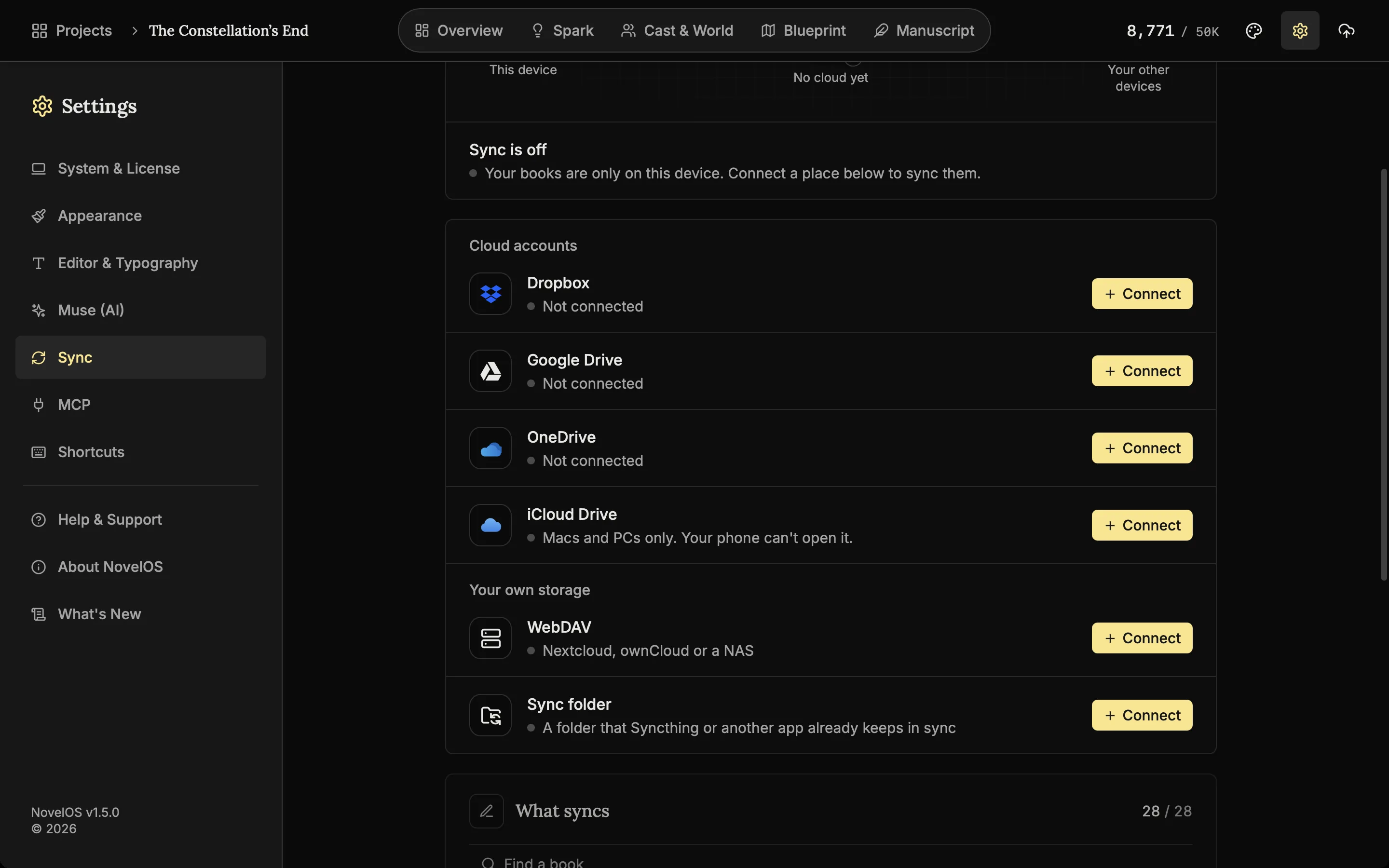
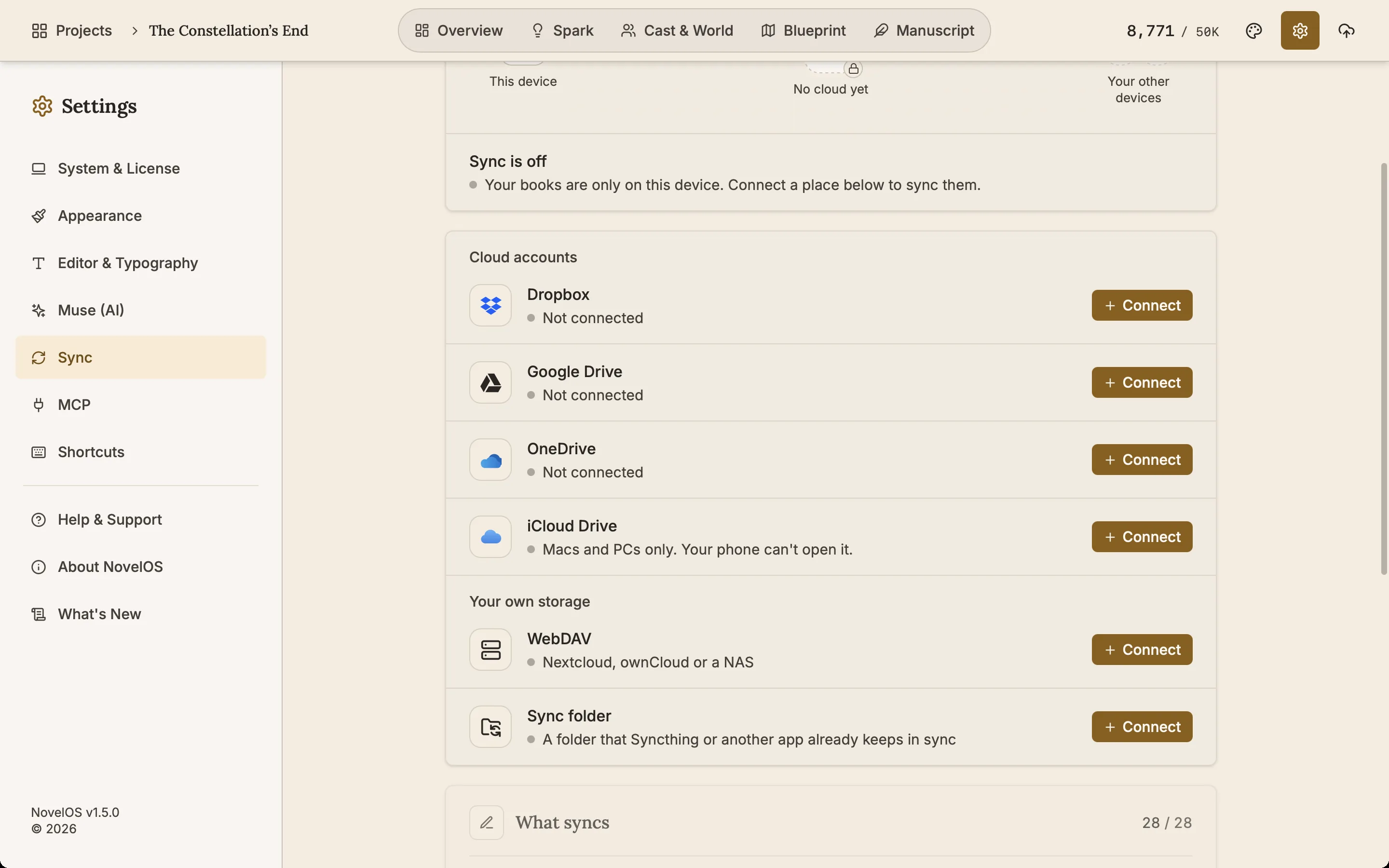
Sync keeps the same books on your computer and your phone through storage you already have: Dropbox, Google Drive, OneDrive, iCloud Drive or a WebDAV server. Every file is encrypted on your device with your passphrase before it uploads, so neither NovelOS nor the storage provider can read your book. New in NovelOS 1.5.0.
- $45 once, no subscription
- Windows and macOS
- Phone app included
- Works offline
 Windows
 macOS
 Mobile
Use the cloud storage you already pay for
Connect Dropbox, Google Drive, OneDrive or a WebDAV server such as Nextcloud or a NAS. On a Mac or PC, iCloud Drive and a folder Syncthing keeps in step work too. NovelOS has no server of its own for your books.
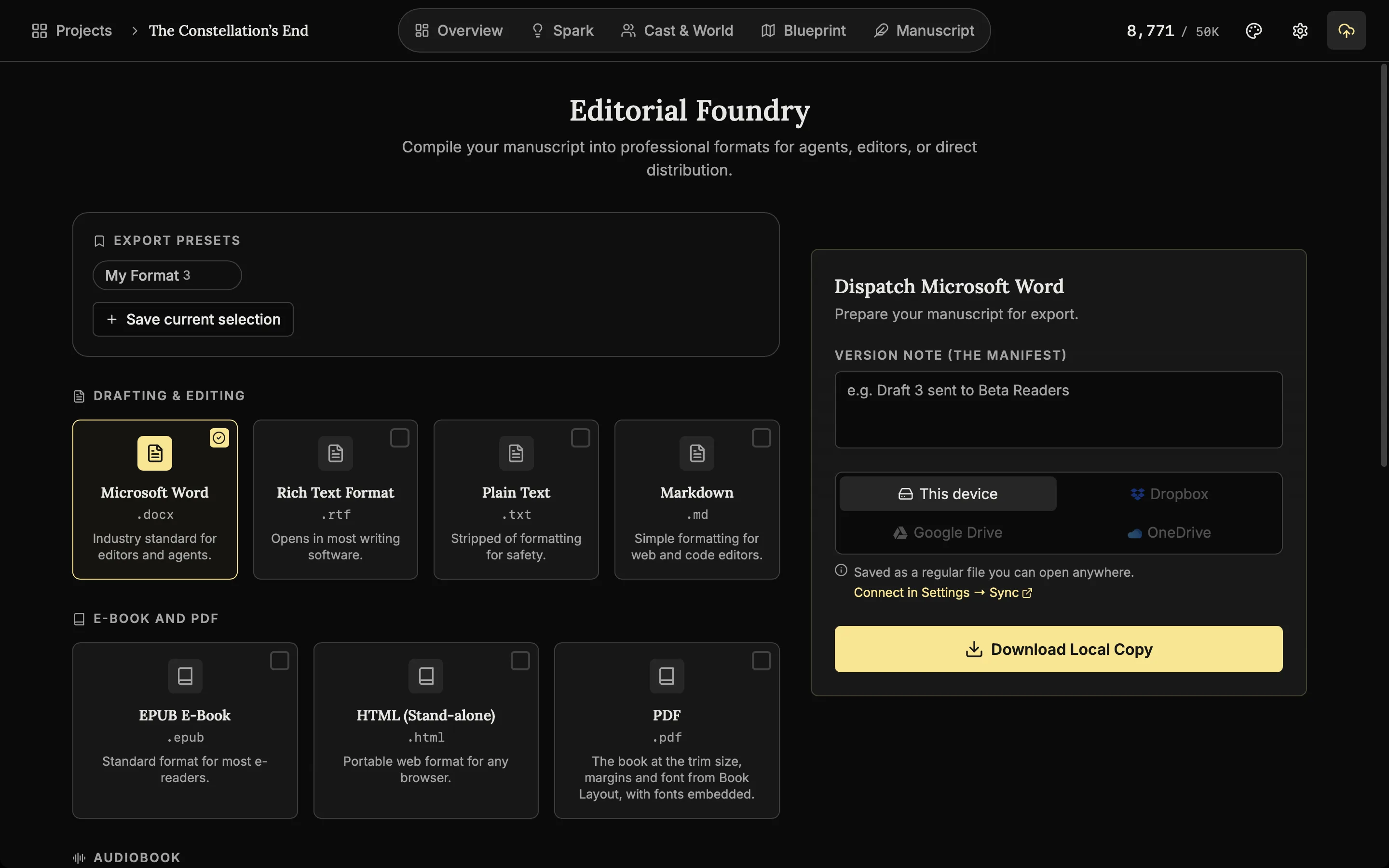
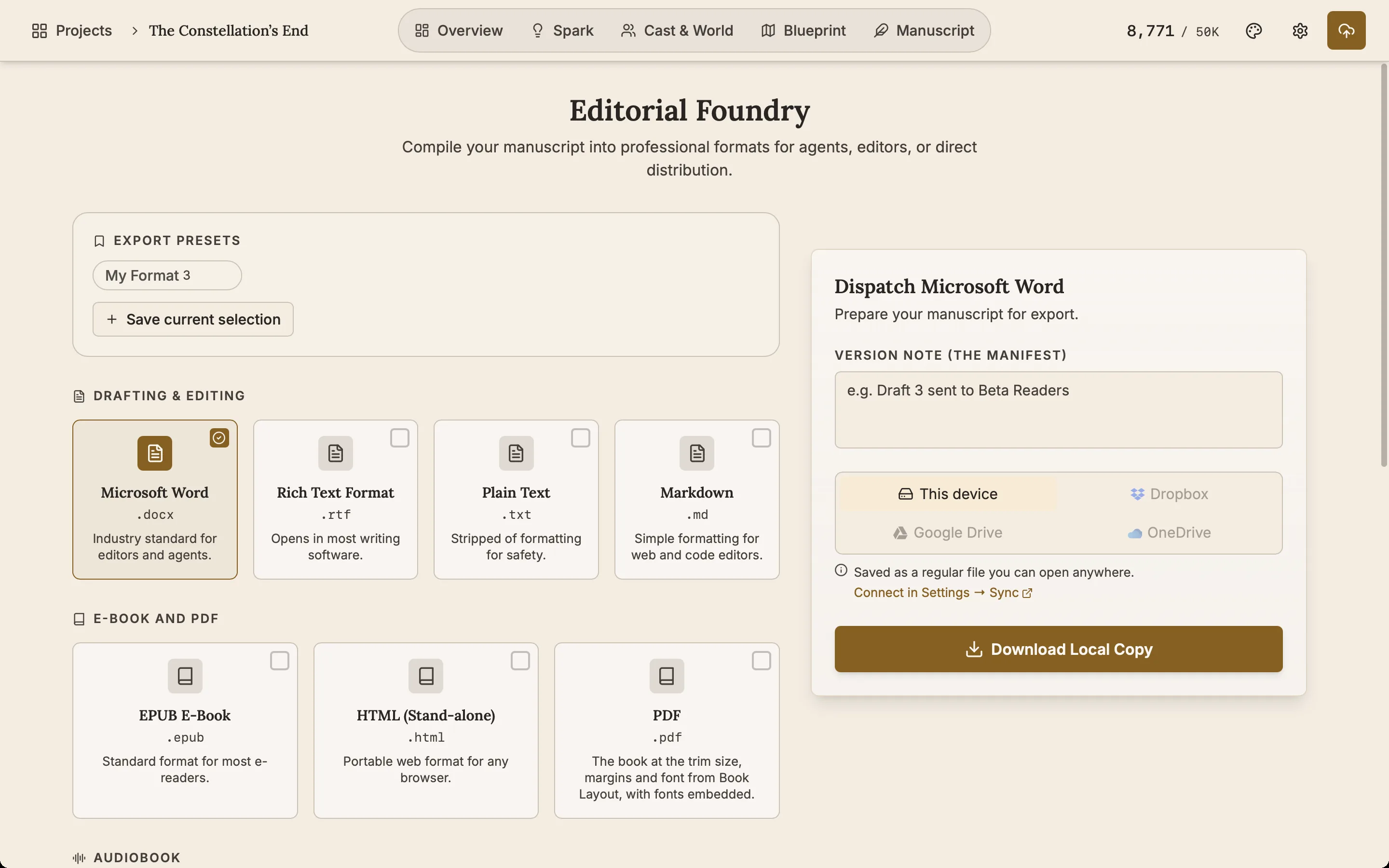
Send an export straight to the cloud
Once an account is connected, an exported Word file, EPUB, PDF or audiobook can go straight to Dropbox, Google Drive or OneDrive.
Good to know
- Encrypted before it leaves the device. Every file is encrypted with AES-256-GCM on your computer or phone, with a key protected by your passphrase. Your storage provider holds encrypted files it cannot open. A recovery key gets you back in if you forget the passphrase.
- See how far a sync has got. A percent shows while a sync runs, and files transfer four at a time, so a first upload with hundreds of pictures finishes sooner.
- Two devices, one chapter, nothing lost. When the same chapter changed on two devices before they synced, both versions are kept, so neither one is lost.
- Choose what syncs. Pick which books sync, and whether writing settings and appearance sync with them.
- Keys stay home. AI keys and the licence never sync.
- Your copy comes first. You always write on the copy on your own device. Sync keeps the other devices up to date with it.
Related features
- The phone app
The same studio on iOS and Android with the same licence, with Sync to keep the same books on your phone and computer.
- Snapshots
Each chapter keeps old copies of itself. Compare one with the current text and restore it if the rewrite did not work.
- Publish and export
Export to Word, EPUB, PDF, HTML, Markdown, RTF and plain text. The PDF follows your trim size, margins and font.
- AI tools (MCP server)
Let Claude Code, Codex, Cursor or Claude Desktop read and edit your book on your computer, with every change undoable.
Common questions
Which cloud services does NovelOS sync with?
Dropbox, Google Drive, OneDrive and any WebDAV server (Nextcloud, ownCloud, a NAS) on desktop and phone. On Windows and macOS, iCloud Drive and a local Sync folder kept in step by Syncthing or a similar app work too.
Can NovelOS or the cloud provider read my book?
No. Books are encrypted on your device with AES-256-GCM before they upload, using a key that only your passphrase or recovery key can unlock. NovelOS has no copy of either.
Does it sync between my computer and my phone?
Yes. Connect the same account on each device and they keep the same books. iCloud Drive is the exception: the phone app cannot open it, so use Dropbox, Google Drive, OneDrive or WebDAV to include the phone.
What happens if I edit the same chapter on two devices?
Both versions are kept, so an edit made on one device never silently replaces the other.
Do my API keys or licence sync?
No. AI keys and the licence stay on the device where you entered them. You choose which books sync, and whether writing settings and appearance go with them.
Is Sync included in the $45?
Yes, with no subscription. The books live in storage you already have, and NovelOS charges nothing for sync.
Writing Tips & First Edition Access.
Craft guides and product updates in your inbox.
Finish your story. Keep your tools.
One payment and it is yours. No subscription, no account, no telemetry. Or try it free for 7 days on Windows or macOS.