Scene Goal and Conflict Planner
Test whether a proposed scene can change the story before drafting it. The planner turns a premise into a compact scene contract and identifies missing sources of pressure.
Enter the viewpoint character and immediate goal to begin the pressure diagnostic.
Turn planned scenes into chapters
NovelOS keeps each scene's viewpoint, status, synopsis and cast on a Blueprint board, one click from the manuscript.
Your work on this page stays saved in this browser.
A scene earns its pages by changing available choices
A strong scene goal can be observed. The character wants the signature, the confession, the key, the promotion, or ten uninterrupted minutes with a witness. Abstract desires such as happiness or respect can motivate the scene, but they do not tell the writer what success looks like before the scene ends.
Opposition becomes dramatic when it has a reason to resist. The antagonist in a scene may be a loved one, an institution, the weather, a deadline, or the viewpoint character's own concealment. Escalation should force a new tactic, and the turning point should change the next available decision.
NovelOS Studio lets writers attach goals, statuses, characters, places, plotlines, timeline position, and manuscript text to scene-level planning in Blueprint and Manuscript. This planner tests one scene; NovelOS preserves its role in the larger architecture.
How to use this tool
- State what the viewpoint character wants before the scene ends.
- Name the opposing force, its motive, and the immediate cost of failure.
- Describe the tactic, escalation, turning point, and resulting choice.
- Use the pressure diagnostic to strengthen weak or passive elements.
What the workspace includes
- Scores specificity, opposition, escalation, change, and consequence
- Generates a concise scene contract for an outline
- Prompts a tactical shift when the first approach fails
- Exports a reusable Markdown scene card
Other free writing tools
- Deadline Calculator Turn a manuscript target and deadline into a practical writing schedule. The calculator accounts for days off, an optional revision buffer, and the words already written.
- Relationship Mapper Map alliances, rivalries, family ties, secrets, debts, and asymmetric feelings. The diagram updates immediately and highlights isolated characters and heavily connected story hubs.
- Structure Selector Find a structure that serves the story's genre, central movement, and desired planning detail. The selector ranks compatible frameworks and turns your choice into manuscript milestones.
- Arc Planner Translate internal change into decisions the reader can witness. The planner diagnoses the relationship between the character's want, need, governing belief, escalating tests, and final proof.
- Timeline Checker Audit chronological logic before a continuity reader finds the problem. The checker sorts events, identifies character collisions, and preserves the timeline as CSV or JSON.
- EPUB Checker Run a weighted preflight before upload to catch missing metadata, broken navigation, and production gaps. The report separates blockers, important fixes, and optional polish.
Keep the plan. Build the whole book.
Bring this work into Blueprint scene architecture in NovelOS Studio, where your characters, world, scenes, timeline, goals, manuscript, and publishing exports stay connected in one private project.
- One-time purchase
- Windows and macOS
- Local-first privacy

Can’t play it here? Watch it on YouTube
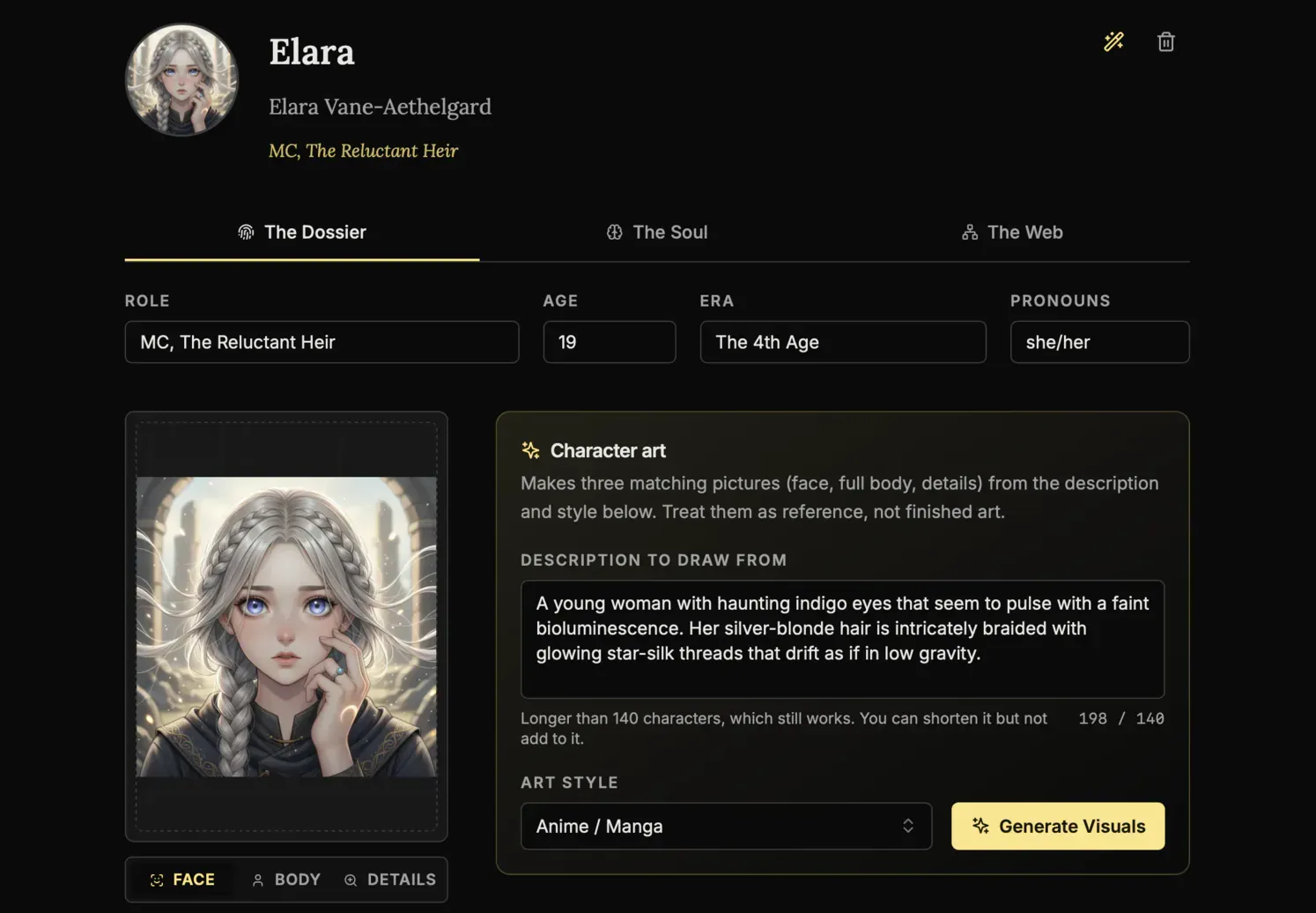
Character Creation
The Oracle
Use AI to instantly brainstorm names, backstories, and personality traits for new characters whenever you are stuck.
AI Portraits
Generate visual references for your cast inside the app so every character stays recognizable across the whole book.
Genealogy Editor
Map bloodlines, rivalries, and family connections on a drag-and-drop board built for complex character webs.
Worldbuilding
The Architect
Generate the foundations for magic systems, religions, and political factions when you need a strong starting point.
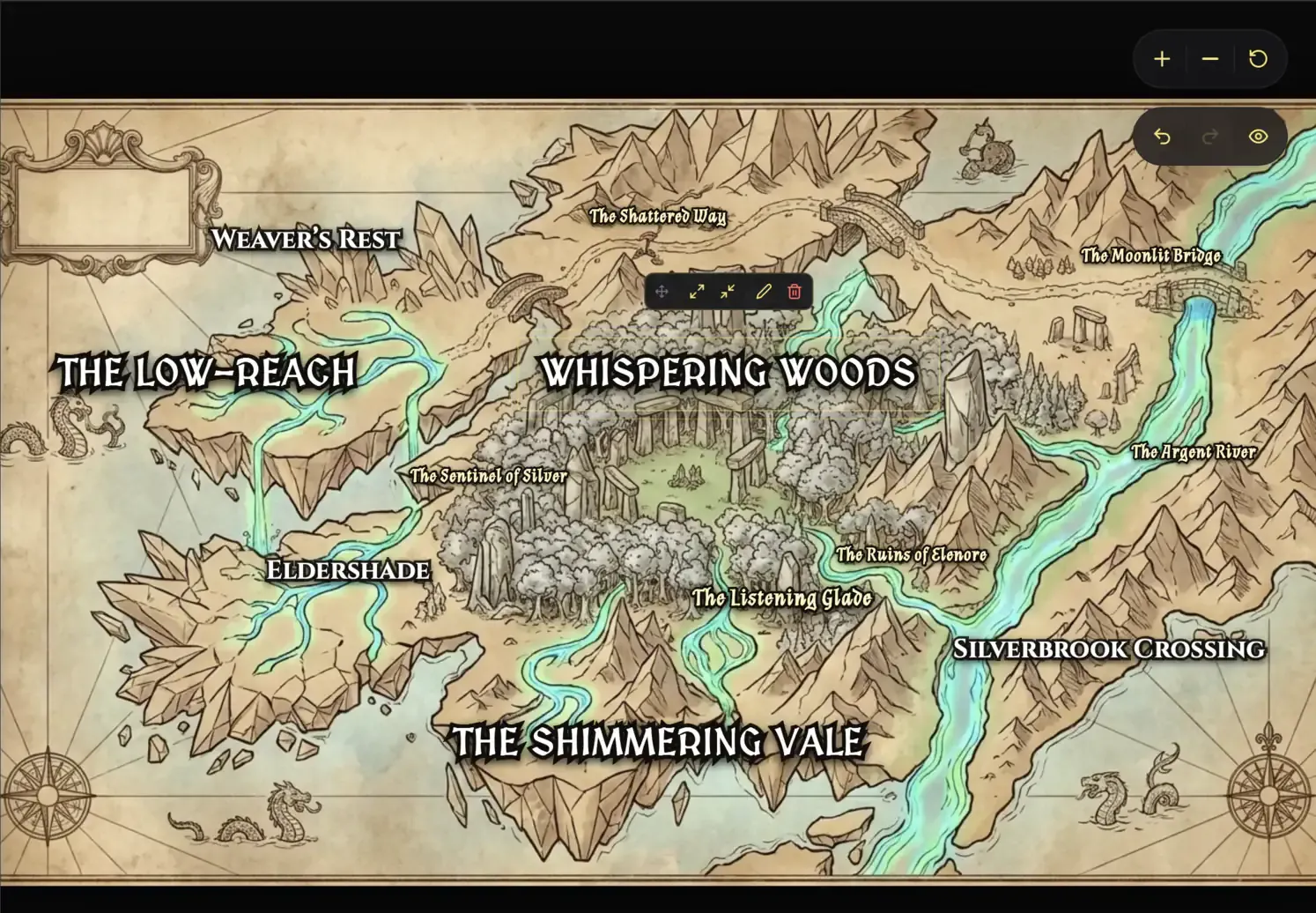
Cartography Editor
Auto-generate regional and topographic maps that give your fictional world a real sense of scale.
Lore Mechanics
Define hard rules for your setting so your history, technology, and magic stay consistent from draft to draft.
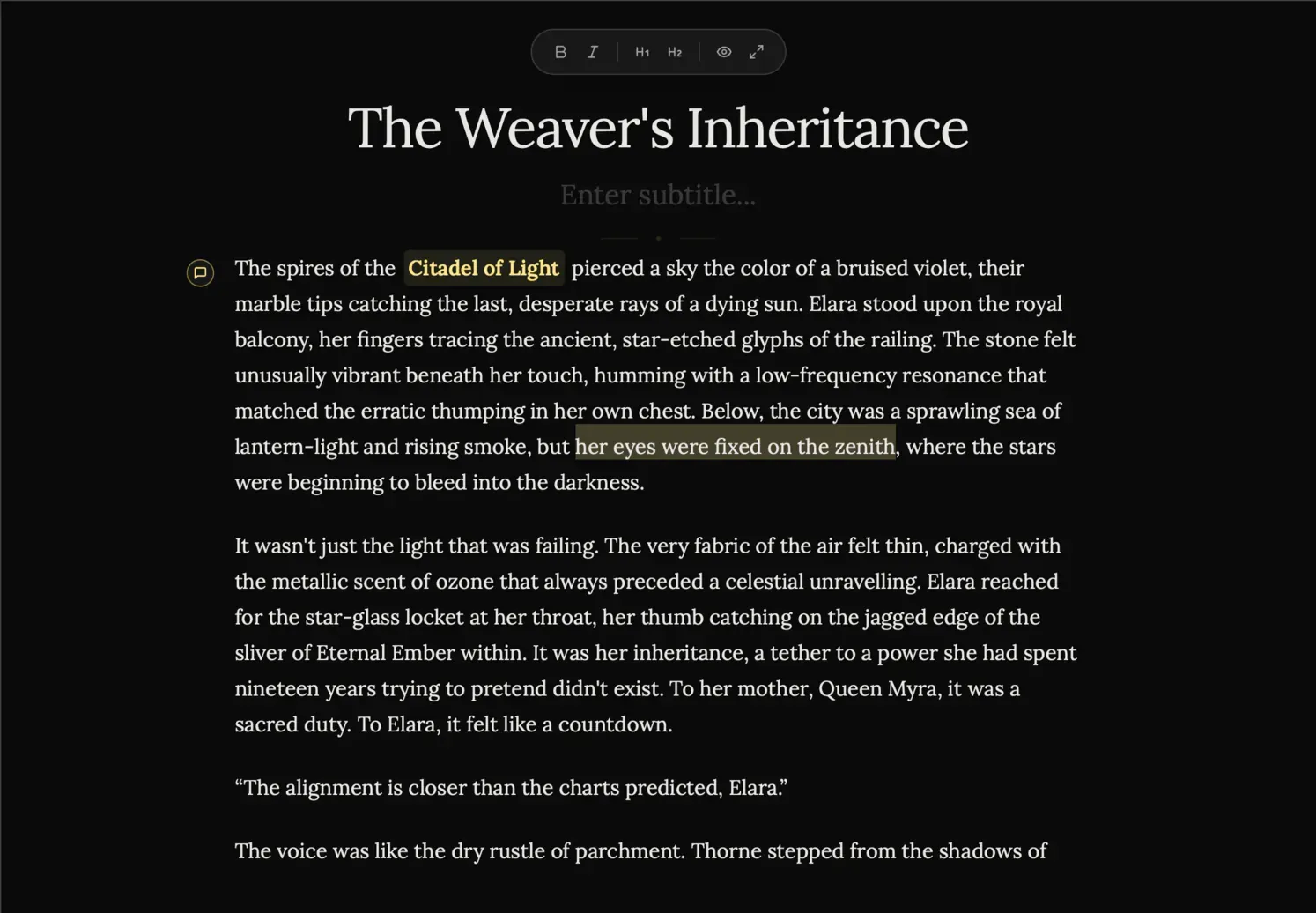
Focus Editor (Manuscript)
Zen Mode
Hide every sidebar, menu, and visual distraction so it is just you and the page.
Vanishing Mode
Disable backtracking and force forward momentum when you need to finish the first draft without self-editing.
Smart Mentions
Type @ to reference characters, places, and lore without leaving the manuscript flow.
The Blueprint
Plots Canvas
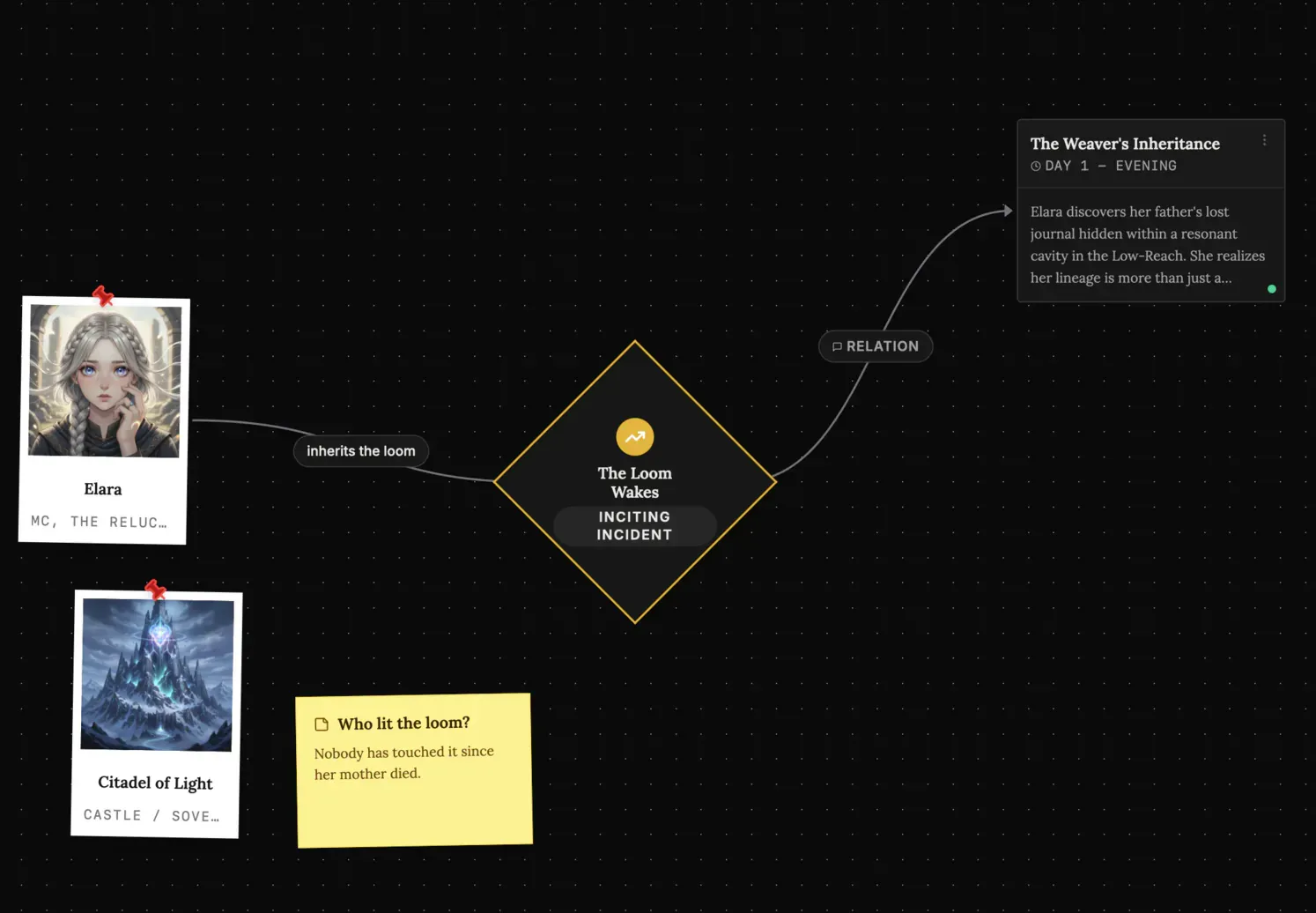
Map story arcs visually, connect major beats, and spot structural gaps before they reach the manuscript.
Scene Cards
Plan each chapter with detailed scene blocks so the prose has a stronger narrative foundation.
Timeline View
Track pacing across characters and locations with a timeline built for multi-threaded stories.
Ideas Bank (Spark)
Infinite Canvas
Dump notes, connect fragments, and cluster ideas on a giant digital board that feels freeform instead of rigid.
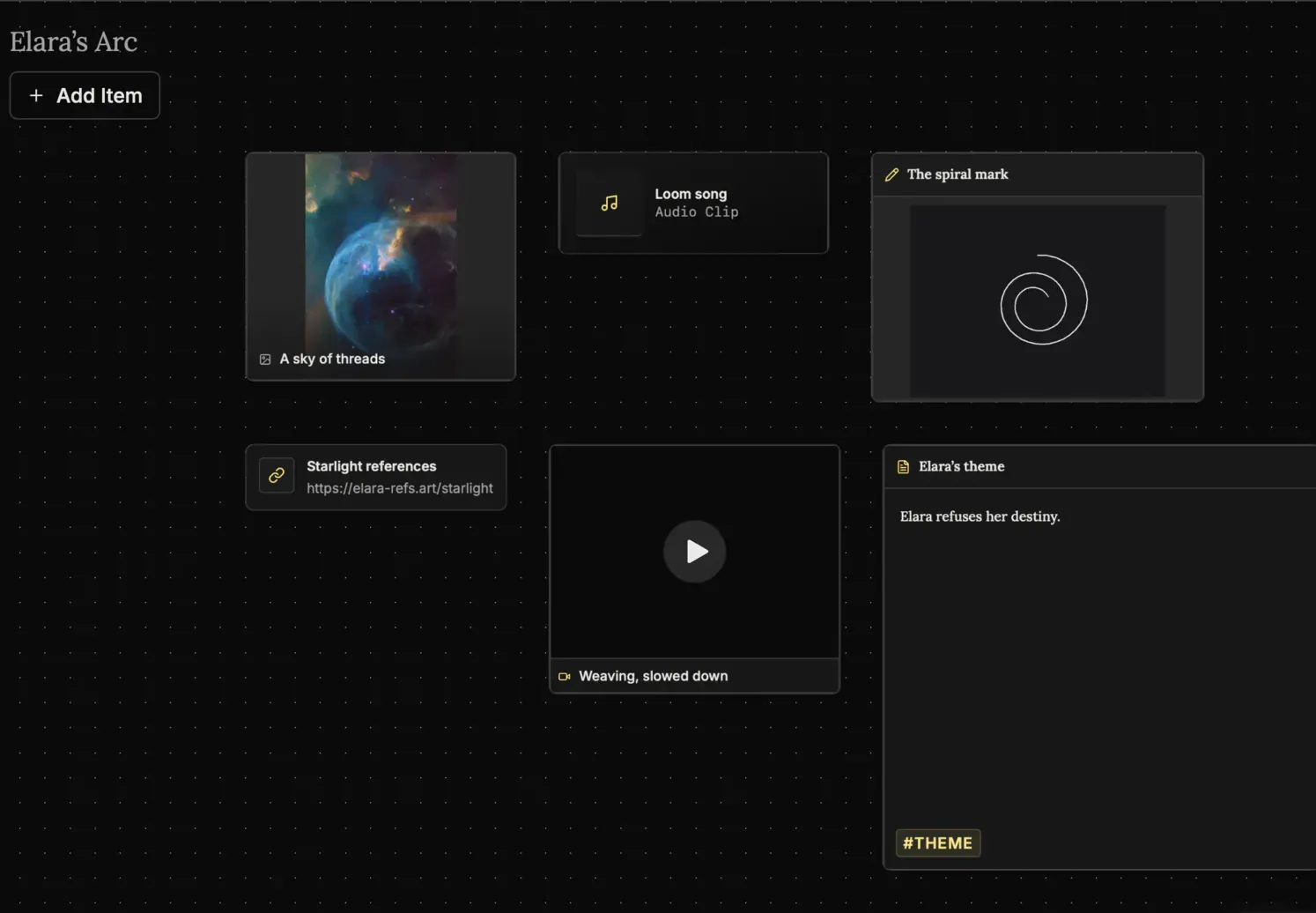
Multimedia Notes
Drop text, images, links, audio, and video onto the same board to keep all research in one place.
Mini-Browser
Research references inside the app without disappearing into a maze of external tabs.
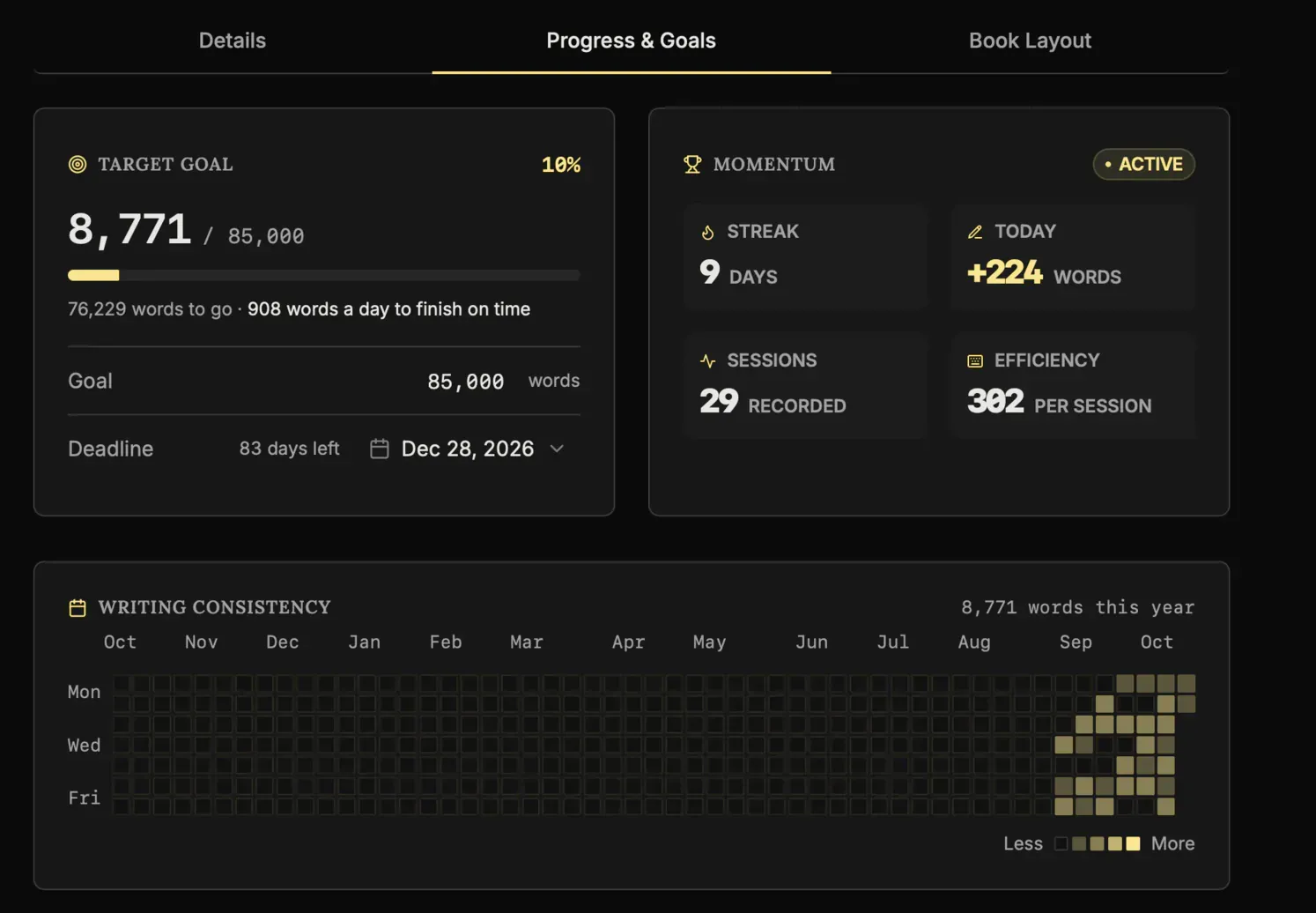
Goals Tracking
Daily Targets
See exactly how many words you need today to reach your deadline with less guesswork.
Heatmap Grid
Use a visual consistency tracker to protect your streak and keep the writing habit alive.
Pulse Analytics
Monitor momentum, output, and prose sharpness in real time so your progress stays measurable.
Writing Presets
Start with proven word-count goals like a 50k sprint or Epic Novel targets in one click.