Character Arc Planner
Translate internal change into decisions the reader can witness. The planner diagnoses the relationship between the character's want, need, governing belief, escalating tests, and final proof.
Name the character or define the starting belief to generate the arc spine.
Readers believe transformation when choices change under pressure
A character arc traces how an interpretation of the world produces choices, how those choices meet consequences, and how the consequences test the original belief.
The final proof matters more than a speech explaining the lesson. A generous character may sacrifice status, a newly ruthless character may exploit trust, and a flat-arc protagonist may hold to a truth strongly enough to transform the surrounding community.
NovelOS Studio keeps character psychology, relationships, portraits, genealogy, scene appearances, plotlines, and manuscript mentions connected through Oracle, Cast & World, Blueprint, and Manuscript. This planner creates the arc spine; NovelOS helps maintain it across a full draft.
How to use this tool
- Choose the arc family and define the character's starting belief.
- Connect the wound, external desire, internal need, and possible truth.
- Plan escalating tests, a costly midpoint choice, crisis, and final proof.
- Review the continuity diagnostic and export the transformation beats.
What the workspace includes
- Supports positive, flat, disillusionment, fall, and corruption arcs
- Connects internal belief to external behavior
- Distinguishes a stated realization from visible proof
- Creates an eight-stage arc with manuscript positions
From worksheet to working novel
Keep the plan. Build the whole book.
Bring this work into Oracle character architecture in NovelOS Studio, where your characters, world, scenes, timeline, goals, manuscript, and publishing exports stay connected in one private project.
- One-time purchase
- Windows and macOS
- Local-first privacy
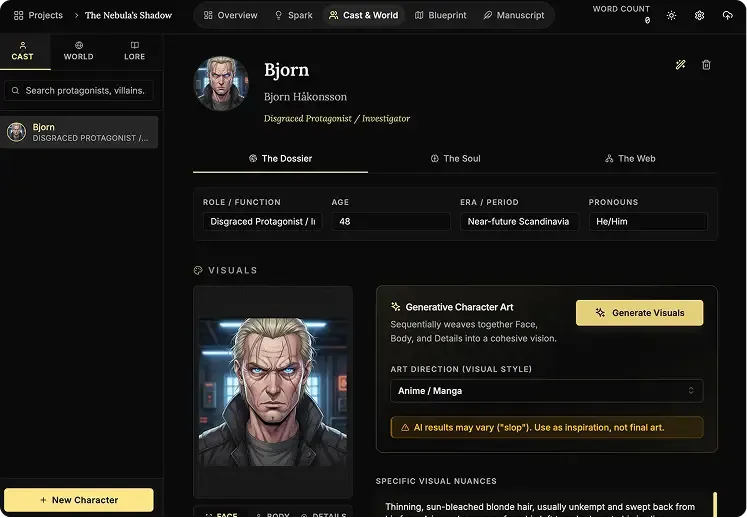
Character Creation
The Oracle
Use AI to instantly brainstorm names, backstories, and personality traits for new characters whenever you are stuck.
AI Portraits
Generate visual references for your cast inside the app so every character stays recognizable across the whole book.
Genealogy Editor
Map bloodlines, rivalries, and family connections on a drag-and-drop board built for complex character webs.
Worldbuilding
The Architect
Generate the foundations for magic systems, religions, and political factions when you need a strong starting point.
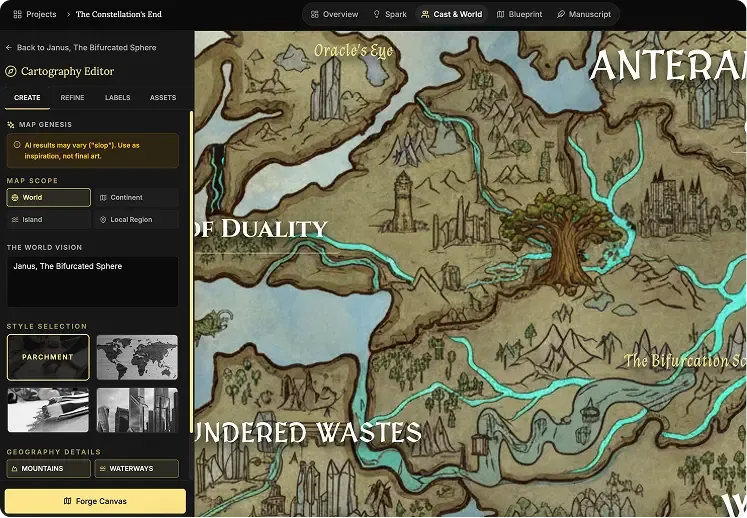
Cartography Editor
Auto-generate regional and topographic maps that give your fictional world a real sense of scale.
Lore Mechanics
Define hard rules for your setting so your history, technology, and magic stay consistent from draft to draft.
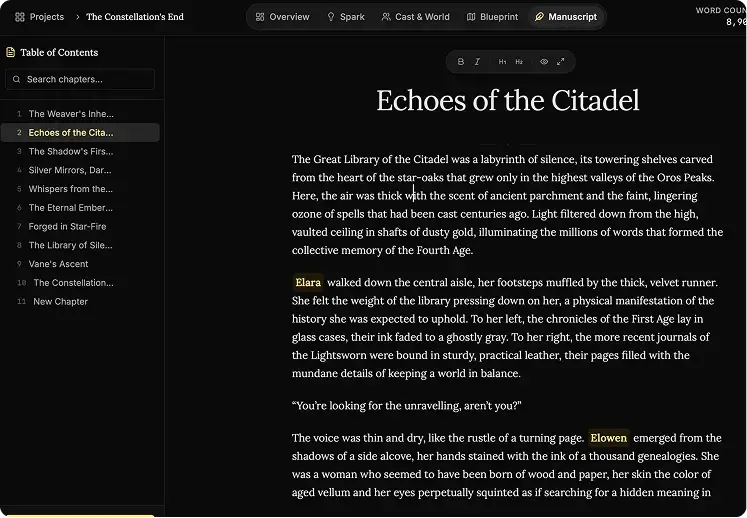
Focus Editor (Manuscript)
Zen Mode
Hide every sidebar, menu, and visual distraction so it is just you and the page.
Vanishing Mode
Disable backtracking and force forward momentum when you need to finish the first draft without self-editing.
Smart Mentions
Type @ to reference characters, places, and lore without leaving the manuscript flow.
The Blueprint
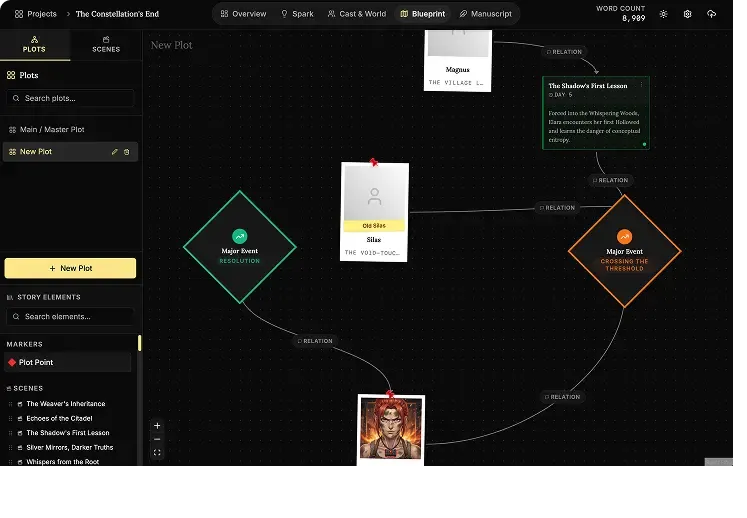
Plots Canvas
Map story arcs visually, connect major beats, and spot structural gaps before they reach the manuscript.
Scene Cards
Plan each chapter with detailed scene blocks so the prose has a stronger narrative foundation.
Timeline View
Track pacing across characters and locations with a timeline built for multi-threaded stories.
Ideas Bank (Spark)
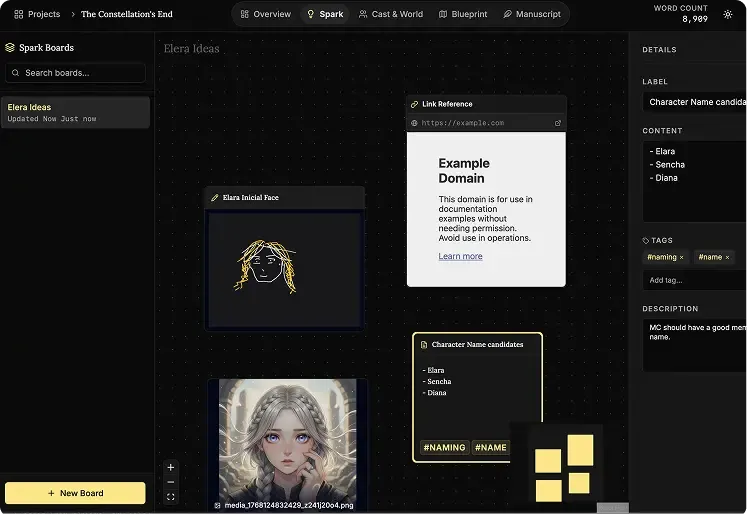
Infinite Canvas
Dump notes, connect fragments, and cluster ideas on a giant digital board that feels freeform instead of rigid.
Multimedia Notes
Drop text, images, links, audio, and video onto the same board to keep all research in one place.
Mini-Browser
Research references inside the app without disappearing into a maze of external tabs.
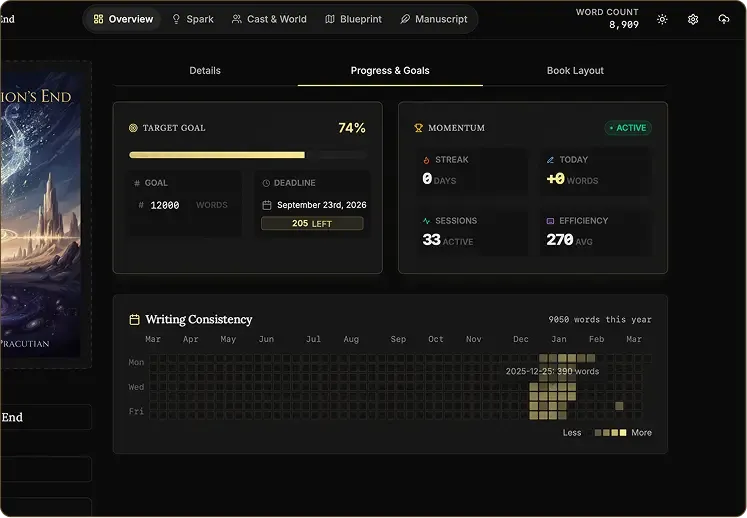
Goals Tracking
Daily Targets
See exactly how many words you need today to reach your deadline with less guesswork.
Heatmap Grid
Use a visual consistency tracker to protect your streak and keep the writing habit alive.
Pulse Analytics
Monitor momentum, output, and prose sharpness in real time so your progress stays measurable.
Writing Presets
Start with proven word-count goals like NaNoWriMo or Epic Novel targets in one click.